Current
The purpose of this section is view, understand, or change configurations you made in your Initial
Quick Configuration for your Current values. The configurations are made for the Portable
BLACKBOX after you have Connected your Current Probes.
ACCESS / CHANGE YOUR VOLTAGE & FREQUENCY CONFIGURATIONS:
Access your Portable Device via Elspec's Web Interface log on as the Administrator
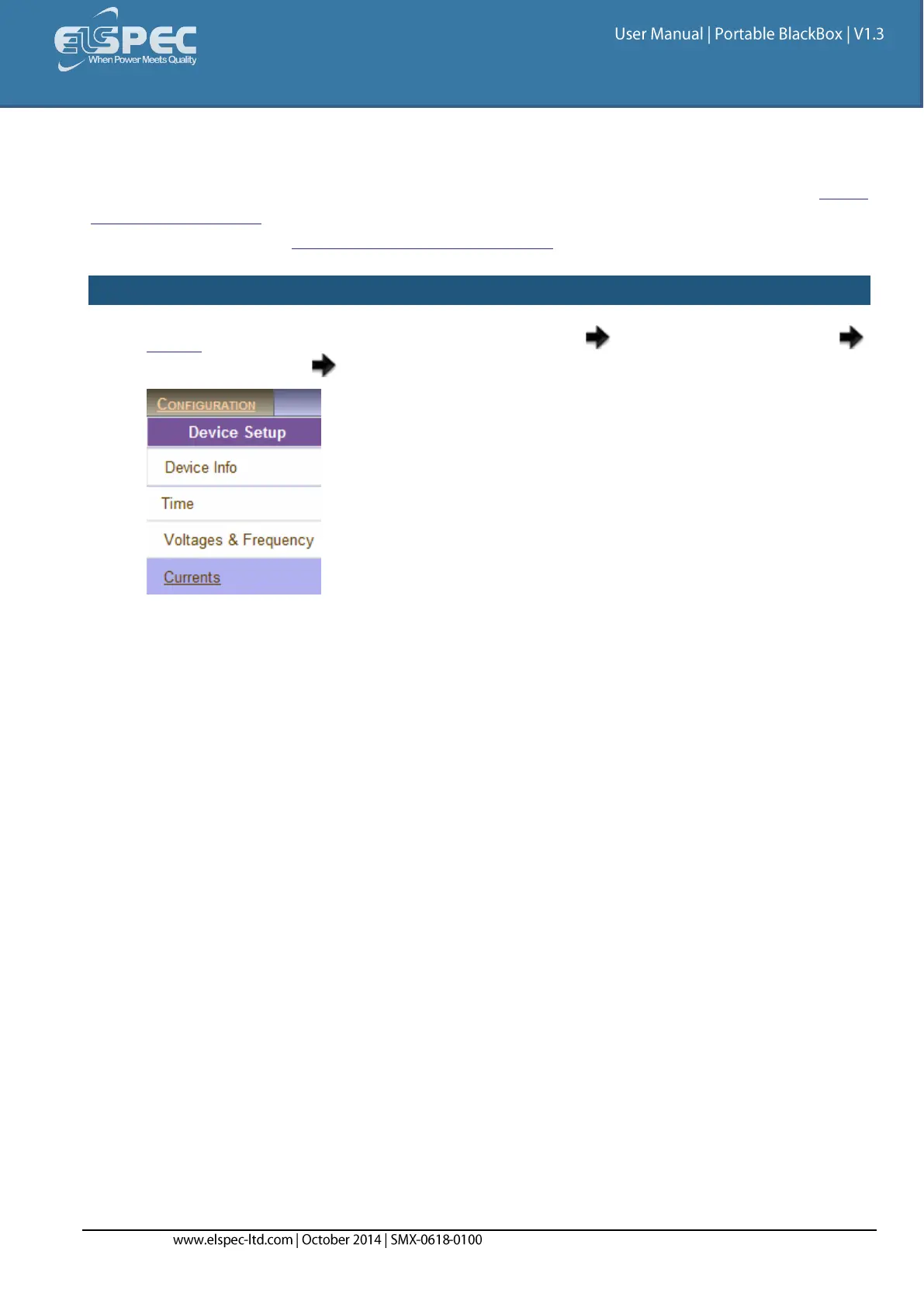
under Configuration Device Setup select the Currents Tab:
The Currents window will now open:


 To Next Page