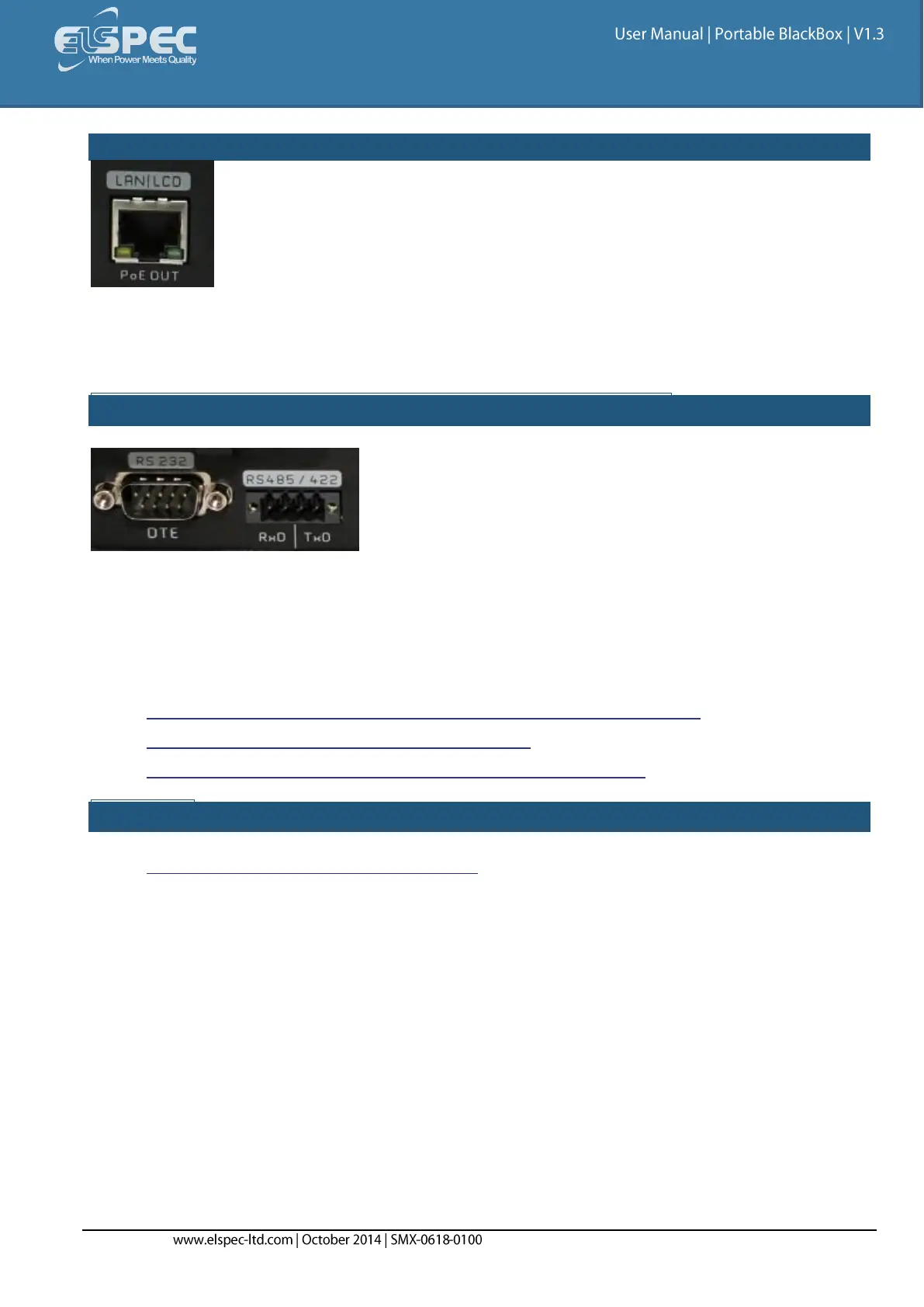
ABOUT THE COMMUNICATION PORTS OF THE G3500:
The G3500 is equipped only a LAN communication port. This port acts either as the main Ethernet
port with the DHCP server activated, or connecting the unit with a local LAN of computers, or the
G4150 Mobile Analysis Lab, or standalone PC, or a Laptop.
ABOUT THE SERIAL PORTS OF THE PORTABLE BLACKBOX:
The Portable BLACKBOX is equipped with 2 isolated Serial Communication interfaces, namely:
RS232: A standard DTE (Data Terminal Equipment) interface suitable for direct
communication with COM compatible interface, such as a standard PC serial COM port.
RS485/422: A standard RS485 (full duplex) or RS422 (half duplex) interface.
The procedure for establishing Communication with your Portable BLACKBOX includes:
Setting Web Entry Passwords & Providing Access to the FTP Server
Establish All Network Communication Settings
Configure RS485/RS422 interface parameters in Serial Ports
SEE ALSO:
About Connecting Communication Ports



 To Next Page