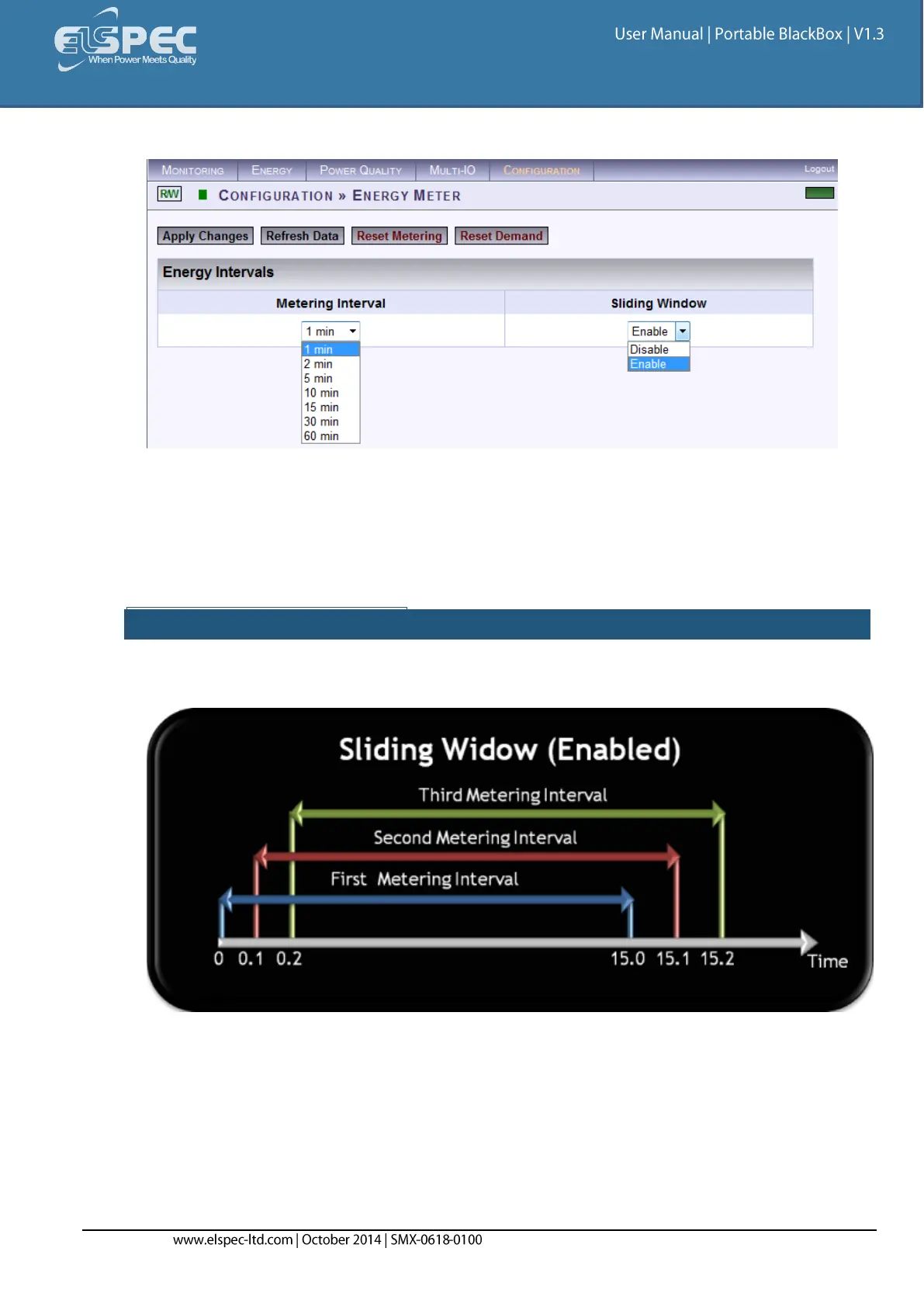
The Energy Intervals window for the Energy Meters will now open:
In the 2 Sections Select:
Metering Interval: This sets the meters to measure energy according to a preset interval
(1, 2, 5, 10, 15, 30 & 60 minutes)
Sliding Window (Applicable For The Demand Meter): The energy is calculated using
moving average time intervals (1 second). Options:
SLIDING WINDOW ENABLED:
Enable: The energy is calculated using a sliding window. The figure below illustrates the
time increment as 1 second:



 To Next Page