Displays Voltage Phase to Neutral Phasor (only present with WYE 4 Wire
configuration)
Displays the Phase to Neutral Voltages Phasor
Displays the Phase to Phase Current (only present with Delta 3 Wire
configuration)
Displays the all vector as part of the largest vector
The Amplitude of each Phasor
V1 /V12 is at 0
0
, all other vectors are in relation to V1 /V12
chart options:
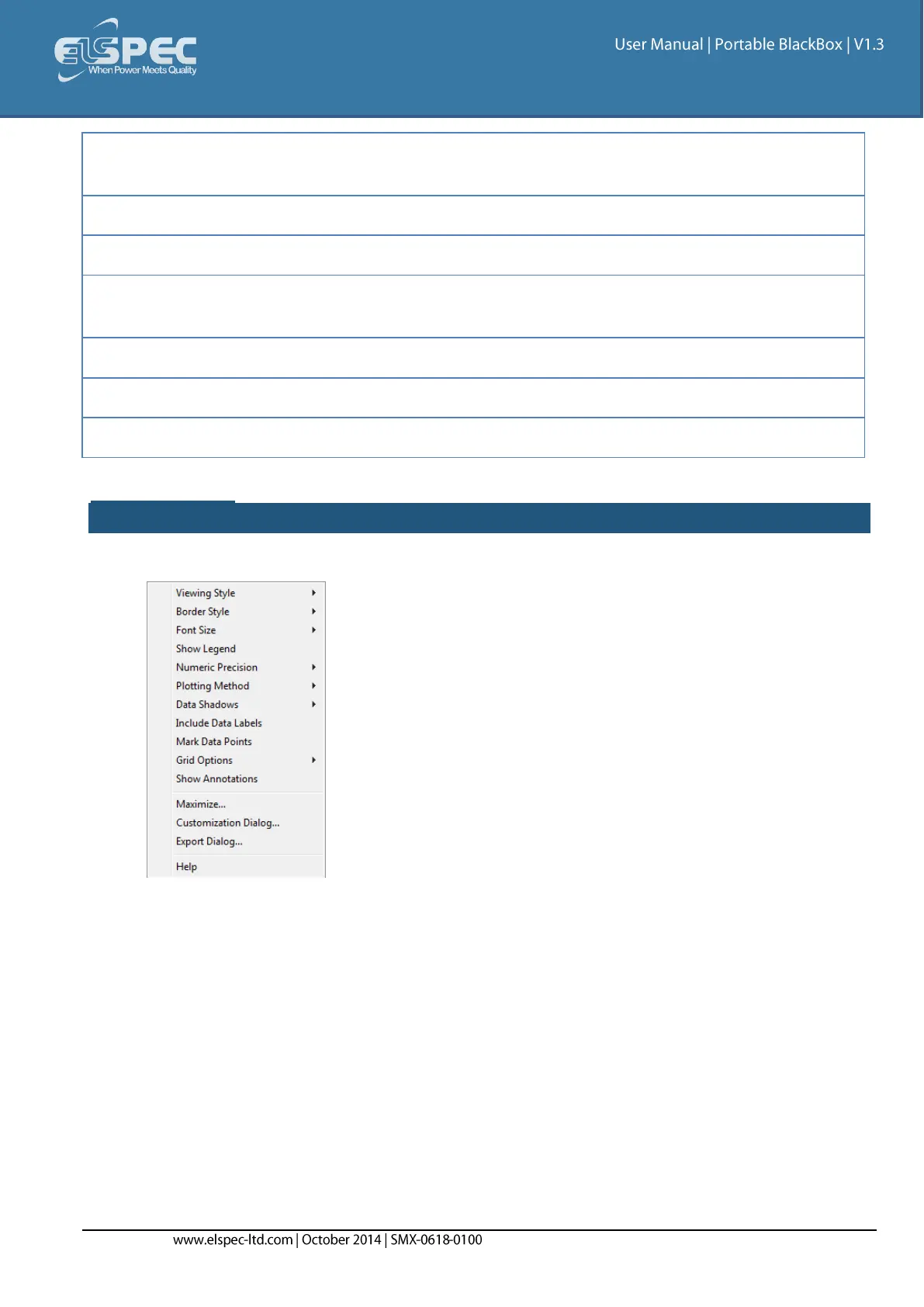
Right-click on the chart to access various options & capabilities for the chart:
You may use the following chart options & capabilities:
Viewing Style: Different styling options Color / Monochrome (B&W) with/without Symbols /
Bitmap etc. By selecting the option you can view on screen the different styles available to
you
Border Style: No Border, Thin Line, Shadow / Inset
Font Size: Large / Medium / Small
Show Legend: Display / Not display Legend
Plotting Method: From Line / Point / Point & Line
Data Shadows: Off / Shadow / 3D
Include Data Labels: Include / Exclude Numeric Data Labels
Mark Data Points: Mark/Unmark Data Points



 To Next Page