100-412-183 REV. 13 95
4
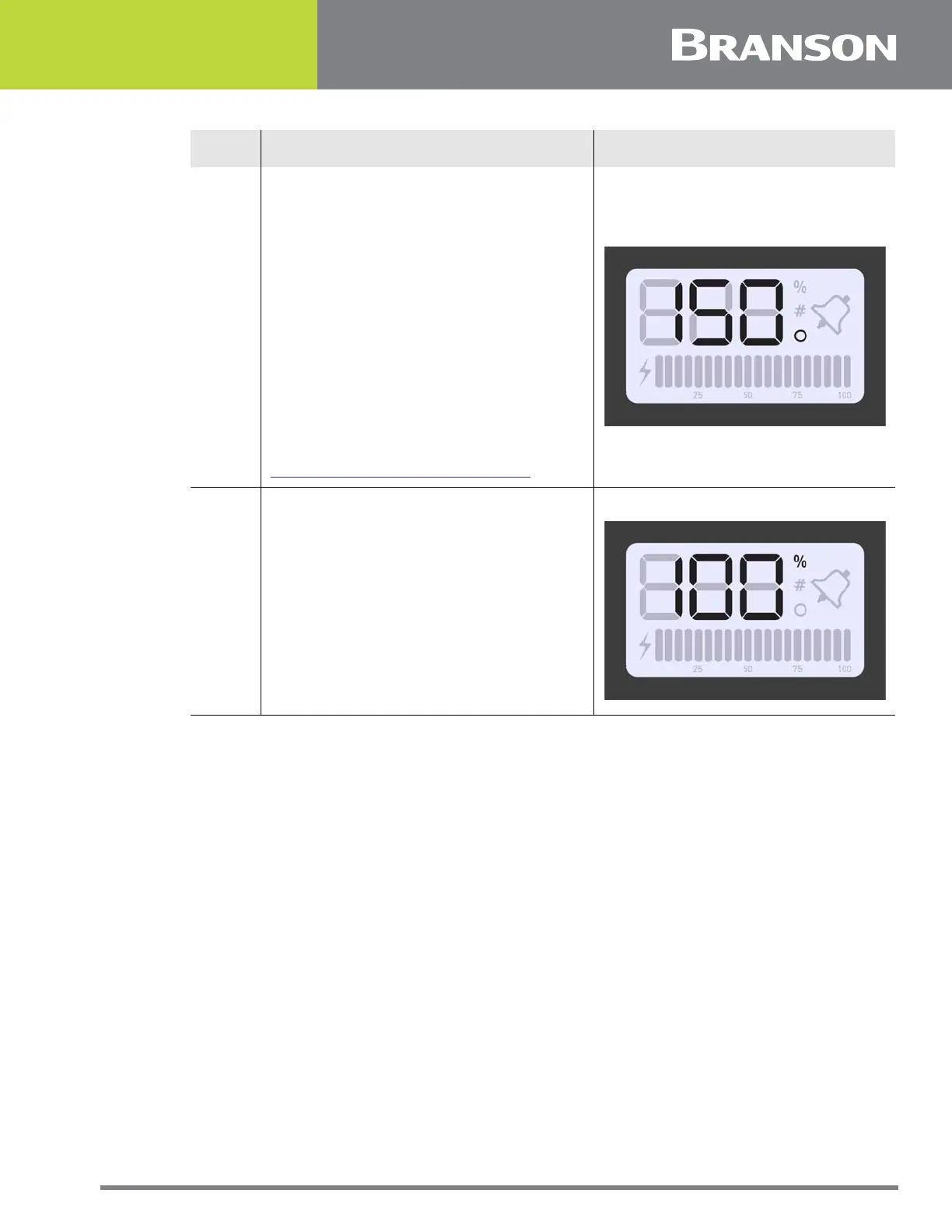
Press and release the Up or Down arrow
keys to enter the desired value at 1
increments.
Press and hold down the Up and Down
arrow keys and the value will auto
increment at 1 increments every
quarter of a second.
After holding down an arrow key for
four straight seconds, the value will
auto increment at 5 increments every
quarter of a second.
Or press the Reset key to enter the
default value. For detailed default
values of available registers refer to
Table 7.4 Power Supply Registers.
5
Press the Configuration key to save the
value. The current amplitude setting will
be displayed.
Table 7.3 Steps to configure the Power Supply Registers
Step Action Reference








 To Next Page