133
Reference Manual
00809-0100-4026, Rev KC
Configuration
October 2018
Configuration
5.6 Basic configuration using AMS Suite
The Rosemount 5400 can be configured using the AMS Suite software.
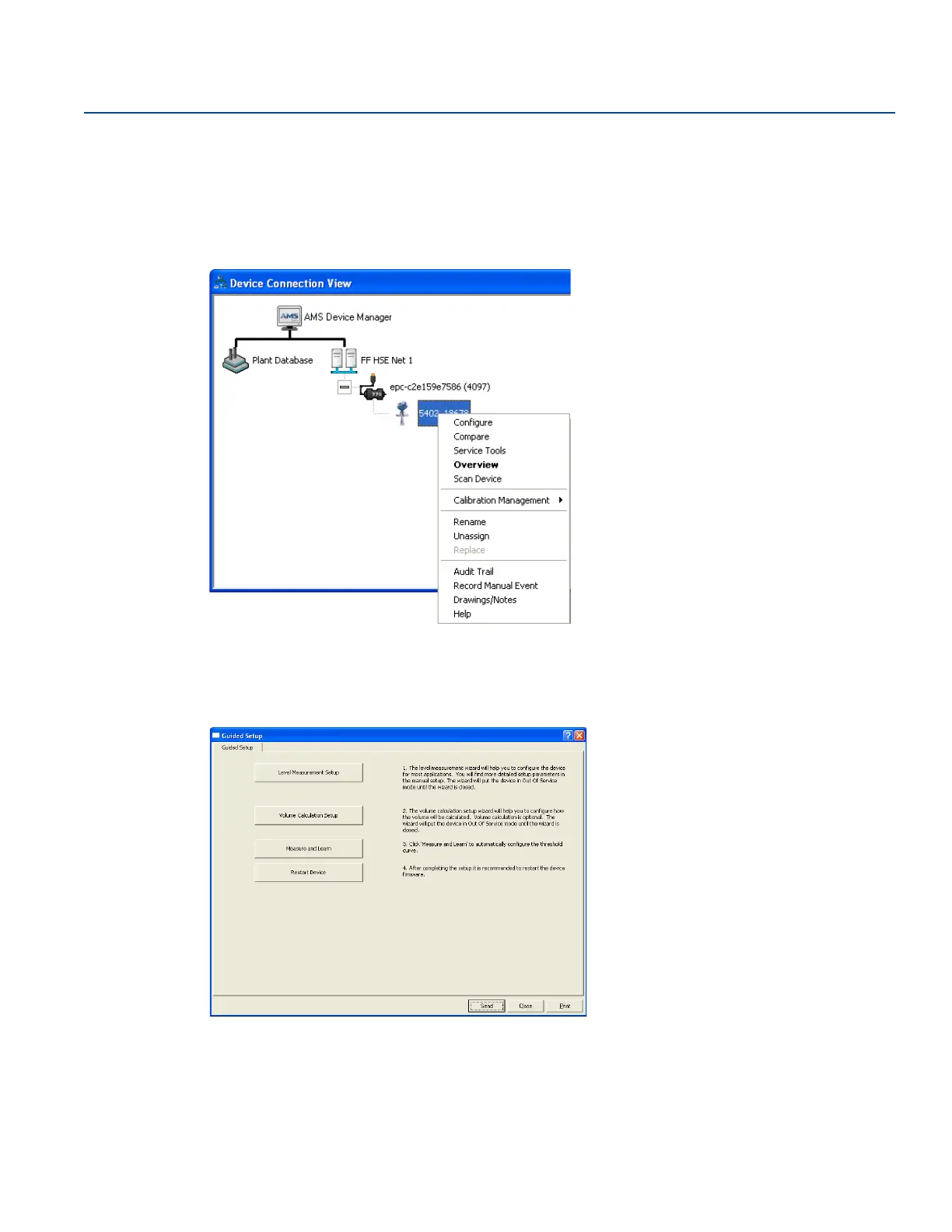
1. Start the AMS Device Manager making sure the transmitter is connected.
The transmitter is displayed in the Device Connection View window (pictures correspond to AMS Suite version
9.0).
2. In the Device Connection View, right select the transmitter icon.
3. Select the Configure option.
4. Select the Guided Setup option.
5. Configure the transmitter by selecting the appropriate buttons. For information on the various configuration
parameters, see “Basic configuration parameters” on page 101.













 To Next Page