193
Reference Manual
00809-0100-4026, Rev KC
Service and Troubleshooting
October 2018
Service and Troubleshooting
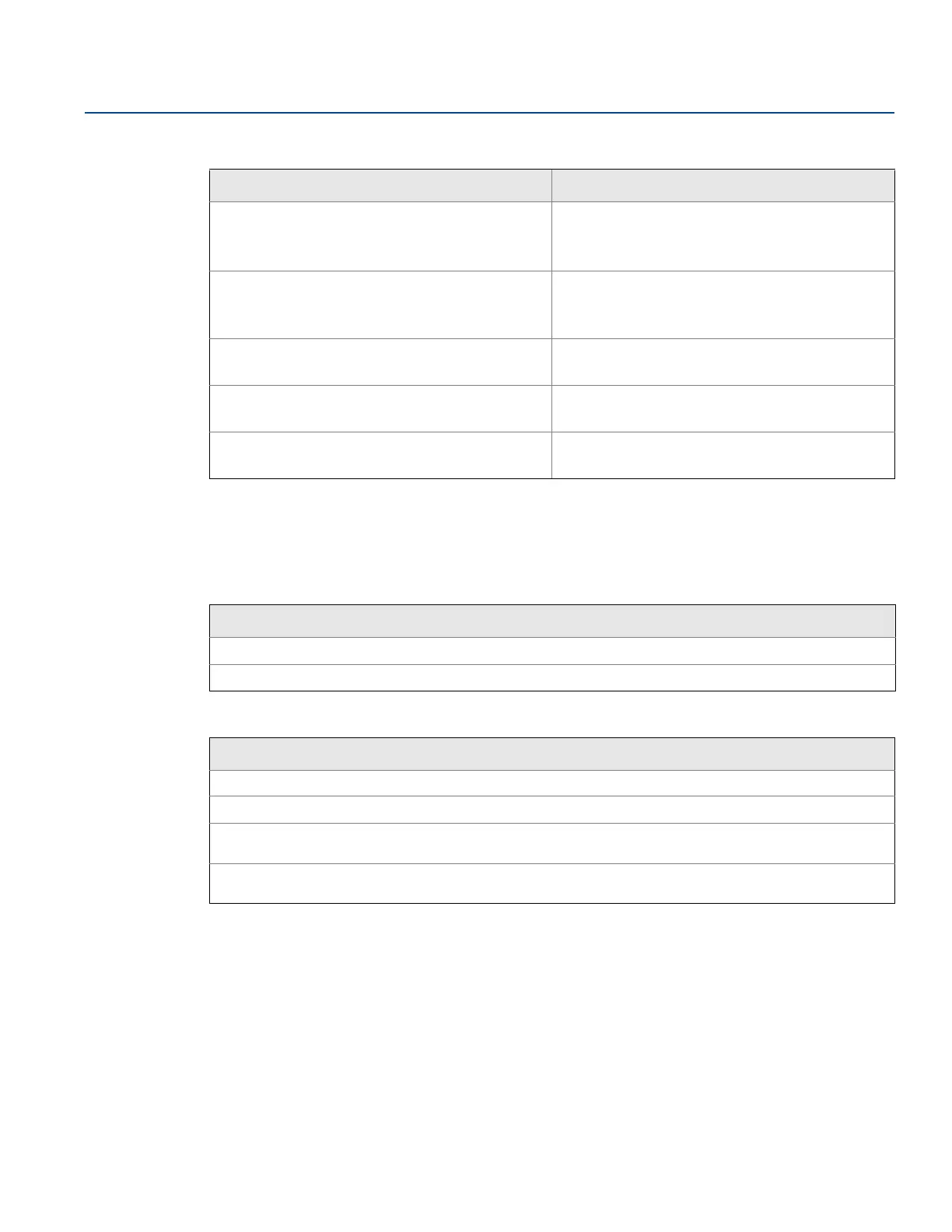
Table 7-11. Resource Block DETAILED_STATUS with Recommended Action Messages
7.15.2 Transducer block
This section describes error conditions found in the sensor transducer block.
Table 7-12. Transducer Block BLOCK_ERR Messages
Table 7-13. Transducer Block XD_ERR Messages
Condition name Recommended action
LOI transducer block error
1. Restart processor.
2. Check display connection.
3. Call service center.
Sensor transducer block error
1. Restart processor.
2. Check Rosemount 5400 cable.
3. Call service center.
Mfg. block integrity error
1. Restart processor.
2. Call service center.
Non-volatile memory integrity error
1. Restart processor.
2. Call service center.
ROM integrity error
1. Restart processor.
2. Call service center.
Condition name and description
Other
Out of Service: The actual mode is out of service.
Condition name and description
Electronics failure: An electrical component failed.
I/O failure: An I/O failure occurred.
Data integrity error: Data stored in the device is no longer valid due to a non-volatile memory checksum failure,
a data verify after write failure, etc.
Algorithm error: The algorithm used in the transducer block produced an error due to overflow, data
reasonableness failure, etc.






 To Next Page