75
Reference Manual
00809-0100-4026, Rev KC
Electrical Installation
October 2018
Electrical Installation
4.8 Connecting the transmitter
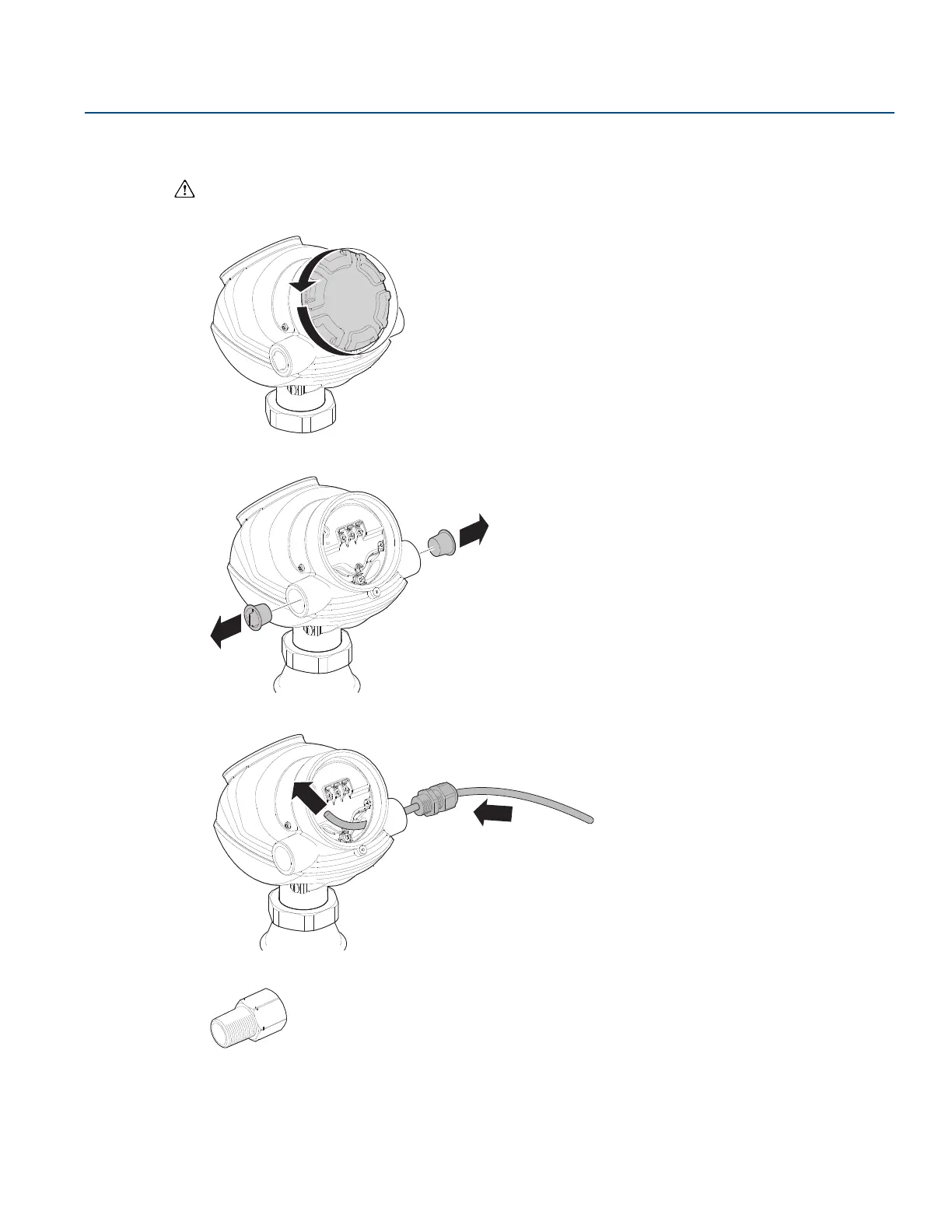
1. Make sure the power supply is switched off.
2. Remove the terminal block cover.
3. Remove the plastic plugs.
4. Pull the cable through cable gland/conduit.
5. To connect the wires, see the illustrations on the following pages.
Adapters are required if M20 glands are used.













 To Next Page