178
Reference Manual
00809-0100-4026, Rev KC
Service and Troubleshooting
October 2018
Service and Troubleshooting
7.11 Surface search
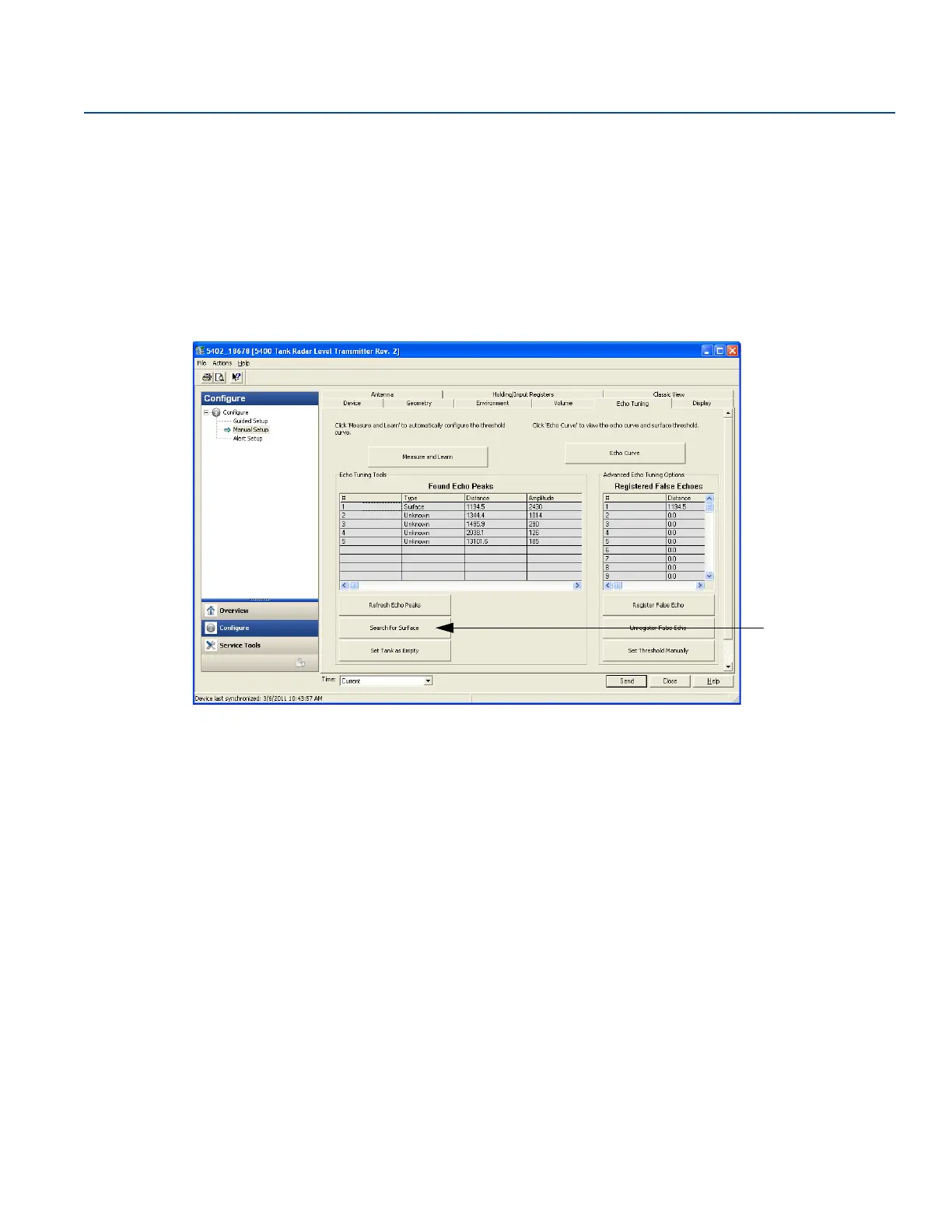
The Surface Search command triggers a search for the product surface and can be used, for example, if
the measured level is locked onto a disturbing object in the tank (see “Configuration report” on
page 175).
AMS Device Manager and DeltaV
1. In the AMS Device Manager and DeltaV explorer select Configure/Manual setup, select the Echo
Tuning tab, and select Search for Surface.
2. Select the Surface Search option.













 To Next Page