147
Reference Manual
00809-0100-4026, Rev KC
Configuration
October 2018
Configuration
To turn off the Burst Mode
To turn off the Burst Mode, use one of the following options:
The RRM program
The Rosemount Burst Mode Switch software
A Field Communicator
The AMS Device Manager software
5.11 HART multidrop configuration
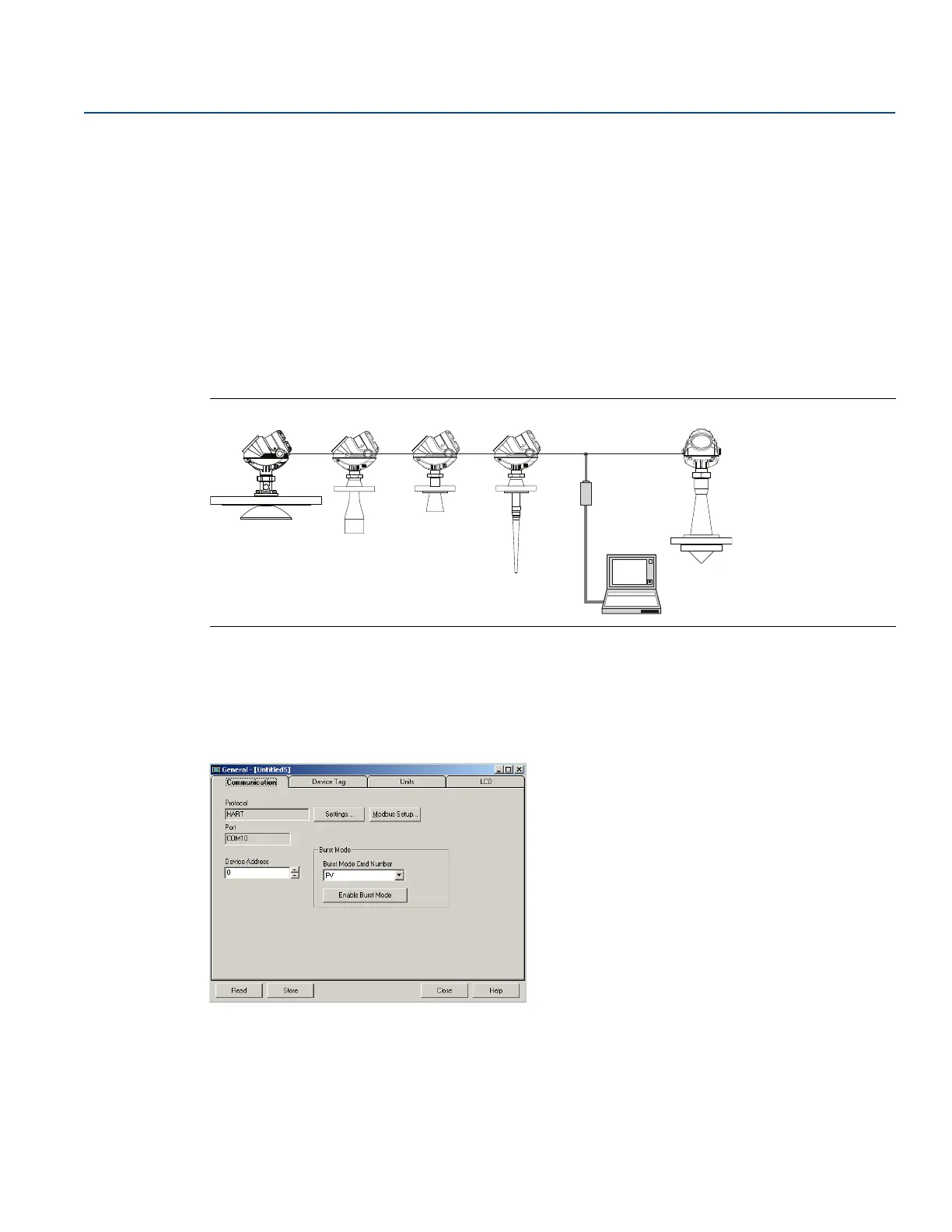
The Rosemount 5400 can be run in multidrop mode where each transmitter has a unique HART address.
Figure 5-23. Multidrop Connection
The poll address can be changed using a Field Communicator or using the RRM software.
To change the poll address using a Field Communicator, choose HART command [2, 2, 4, 1].
To change the poll address using the RRM software:
1. Select Setup > General option.
2. Select the Communication tab.
3. Set the desired address (between 1 and 15 for multidrop operation).
4. Select the Store button to save the new address.













 To Next Page