Emerson Process Management GmbH & Co. OHG6-18
X-STREAM XE
Instruction Manual
HASXEE-IM-HS
10/2012
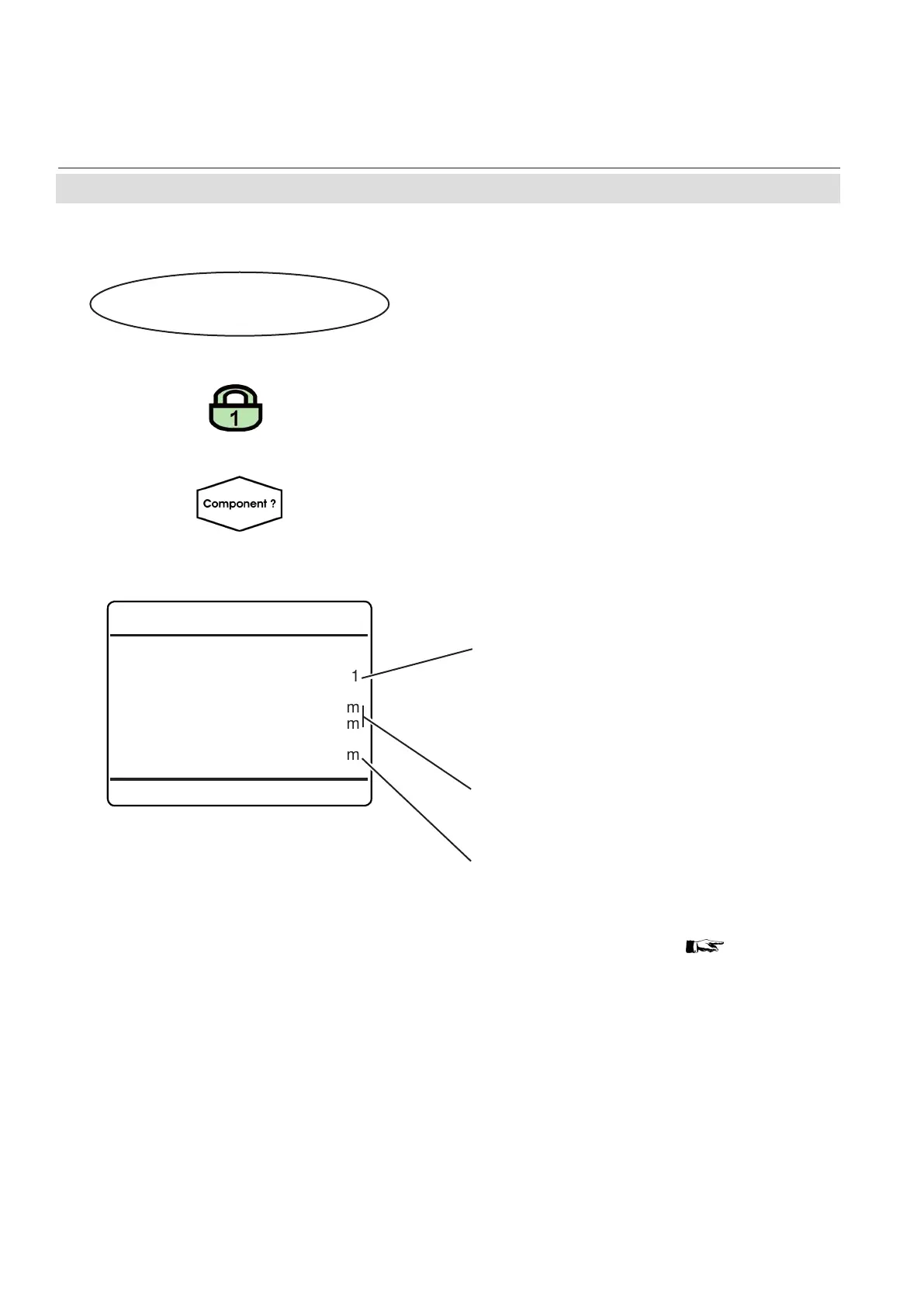
Ranges
Current Range
Range1
Range Start 0.000 ppm
Range End 100000.000 ppm
Concentration 25000.000 ppm
6.2.2.7 Ranges Menu
6.2.2 Control Menu
Multi-channel unit:
In SELECT COMPONENT, select the chan-
nel to be congured.
Multi-channel unit:
Press
lefT to enter SELECT COMPONENT,
to change the settings for another channel.
Select the measuring range to be used.
Available options:
Range1
Range2
Range3
Range4
Lines 2 & 3 show the corresponding range
limits.
Line 4 shows the currently measured value.
Note!
To change range limits
SETUP, page
6-45
Control..
Ranges..
If the system is setup accordingly, the access
code for level 1 must be entered to gain ac-
cess to this menu.














 To Next Page