Emerson Process Management GmbH & Co. OHG6-56
X-STREAM XE
Instruction Manual
HASXEE-IM-HS
10/2012
6.2.3.3.4.1 Setup Cross Interference Sourcen
6.2.3 Setup Menu
Setup..
Measurement..
Cross Interference..
IF Source1 ... 4
Ch1
IF Source1
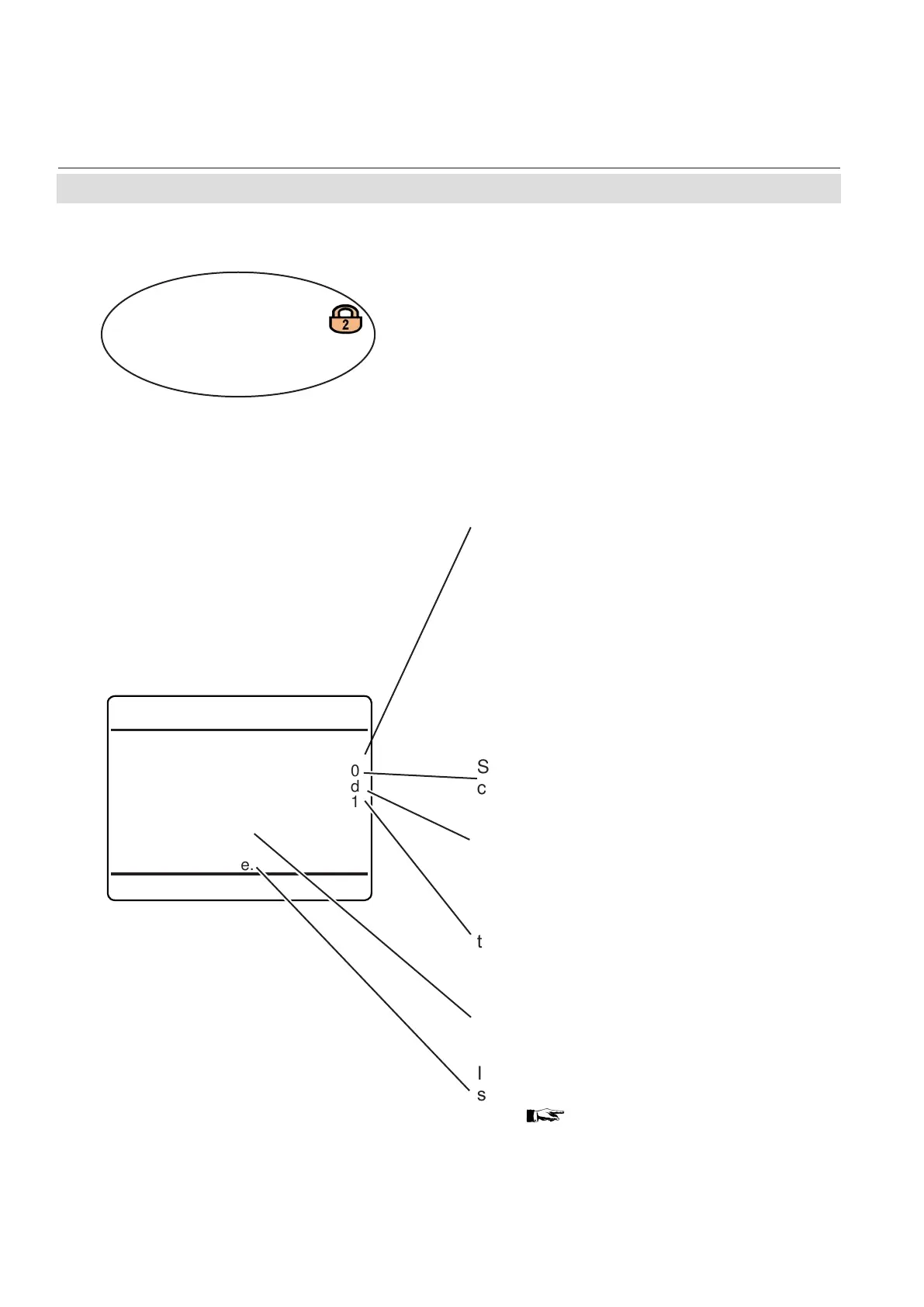
Source: None
Value 0
Status Good
Interference Factor
: 1
Apply IF Factor!
Linearization Curve..
Select the source of measuring values to be
used for cross compensating the selected
channel.
Available options:
None: source is disabled for cross compen-
sation
Conc1…Conc5: Measurement values of
internal channels 1…5
(Note!
The currently selected channel, here Ch1,
cannot be setup as a source!)
AIN1, AIN2: Analog input 1 or 2
Calc A ... Calc D: Result of Calc A to Calc D
Within this menu, congure the source and
effect of interference of the component, inter-
fering the currently selected channel.
Shows the interfering components value,
currently applied.
Apply the congured settings.
If the source signal is not linear, enter this
submenu .to congure a fourth-order polyno-
mial,
6-56.
Shows the interfering components status.
Available options: Absent, Good.
Specify the inuence of the selected source on
the selected channel to be compensated.
Accepted range: -1x10
9
... +1x10
9














 To Next Page