Emerson Process Management GmbH & Co. OHG 6-79
X-STREAM XE
Instruction Manual
HASXEE-IM-HS
10/2012
6
Software Menus
6.2.3 Setup Menu
6.2.3.5.2 Setup Communication Ethernetn
Setup..
Communication..
Ethernet1…2
Ethernet1
MAC 123456789
IP: 123.456.78.9
Subnet: 255.255.255.1
Gateway: 123.456.78.0
Use DHCP: Yes
IP Status Ready
Apply Conguration!
Ethernet1 Modbus
32Bit Mode: 16BitLow
Modb Timeout: 1000 ms
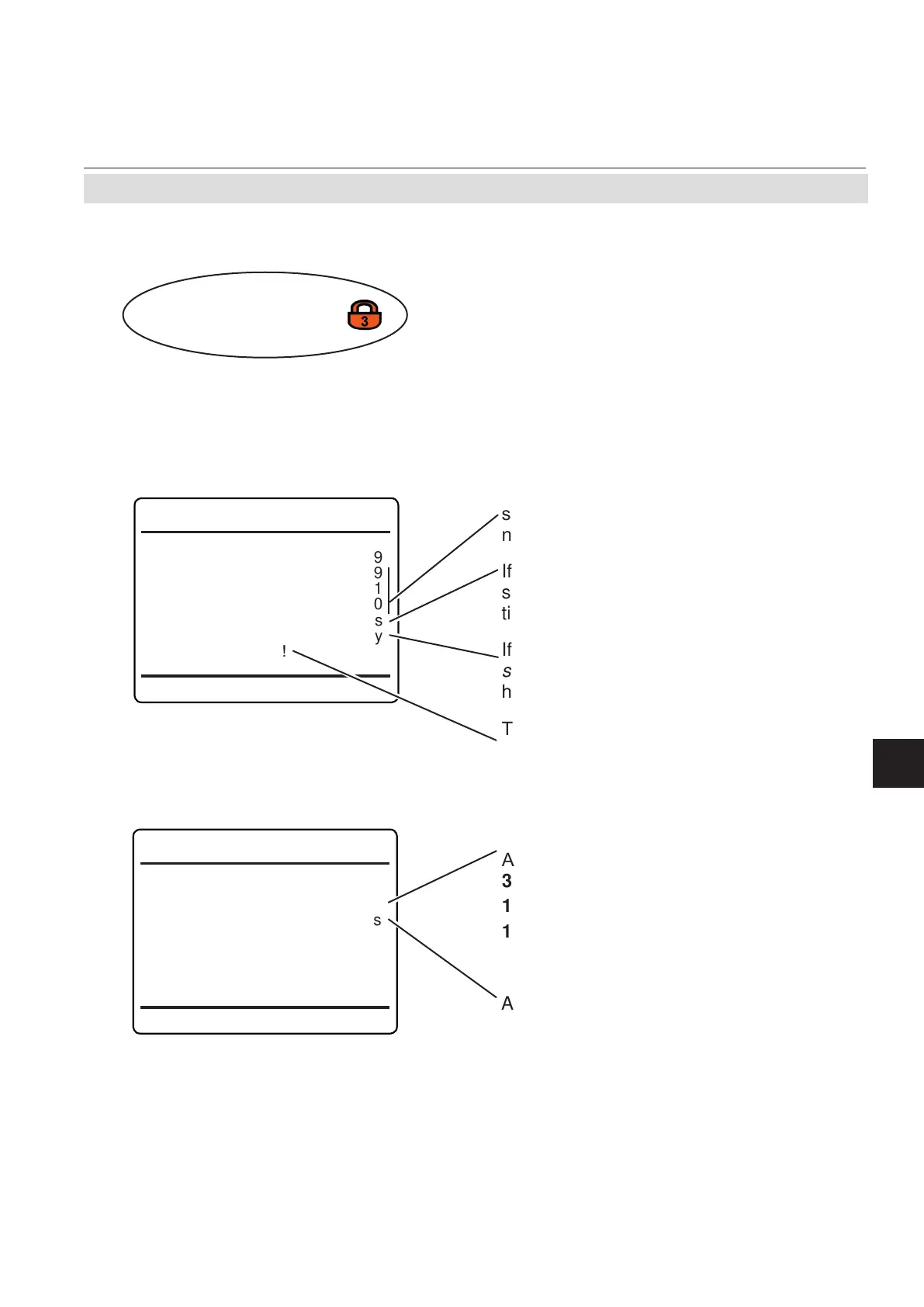
Modbus mode of operation.
Available options:
32Bit (=Daniel mode),
16BitLow (=Modicon mode, LOW word rst)
16BitHigh (=Modicon mode, HIGH word rst)
Modbus timeout.
Accepted values: 500 ... 10,000 ms
Note!
At maximum 2 hosts at a time can connect
to the analyzer. "MBus timeout" species the
time interval to elapse, before a host without
activity is disconnected.
If your network does not feature a DHCP
server, enter these lines to congure the
network settings manually.
If your network does not feature a DHCP
server, select No to enter the network set-
tings manually.
If your network features a DHCP server, "IP
status" turns to Ready, if a valid IP address
has been assigned.
To apply any changes made on this rst
menu page, press enter in this line.
Within these menus, congure the Ethernet
communication for connector 1 or 2.
Most entries are standard, to be setup to meet
your local network conguration.
Enter the second menu page to congure the
Modbus parameters.














 To Next Page