A
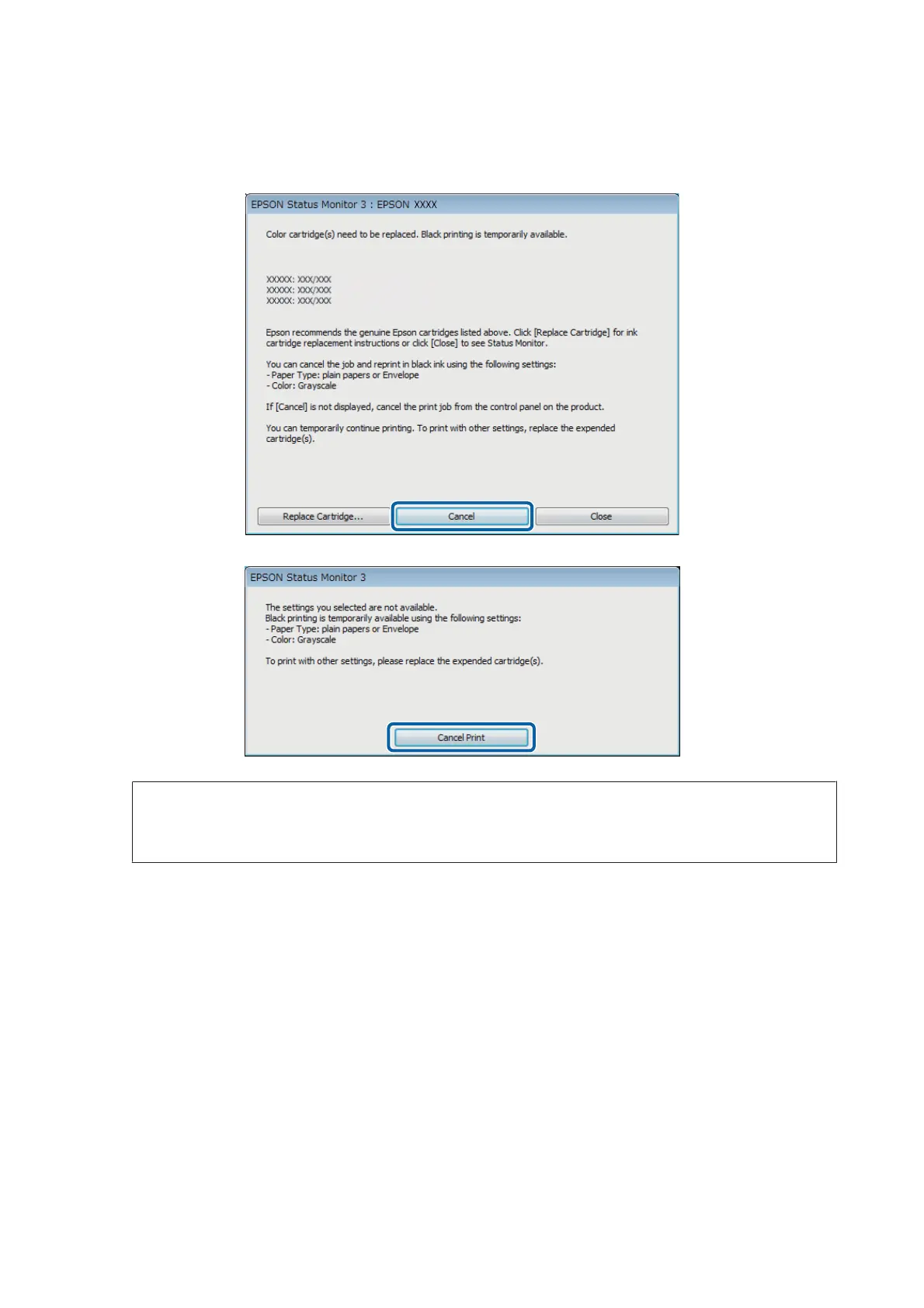
When EPSON Status Monitor 3 tells you to cancel your print job, click Cancel or Cancel Print to cancel your
print job.
Note:
If the error stating that a color ink cartridge is expended originates with another computer on the network, you may
need to cancel the print job at the product.
B
Load plain paper or envelope.
C
Access the printer settings.
& “Accessing the printer driver for Windows” on page 41
D
Click the Main tab, and make suitable settings.
E
Select plain papers or Envelope as the Paper Type setting.
F
Select the Grayscale as the Color setting.
G
Click OK to close the printer settings window.
User’s Guide
Replacing Ink Cartridges
119











 To Next Page