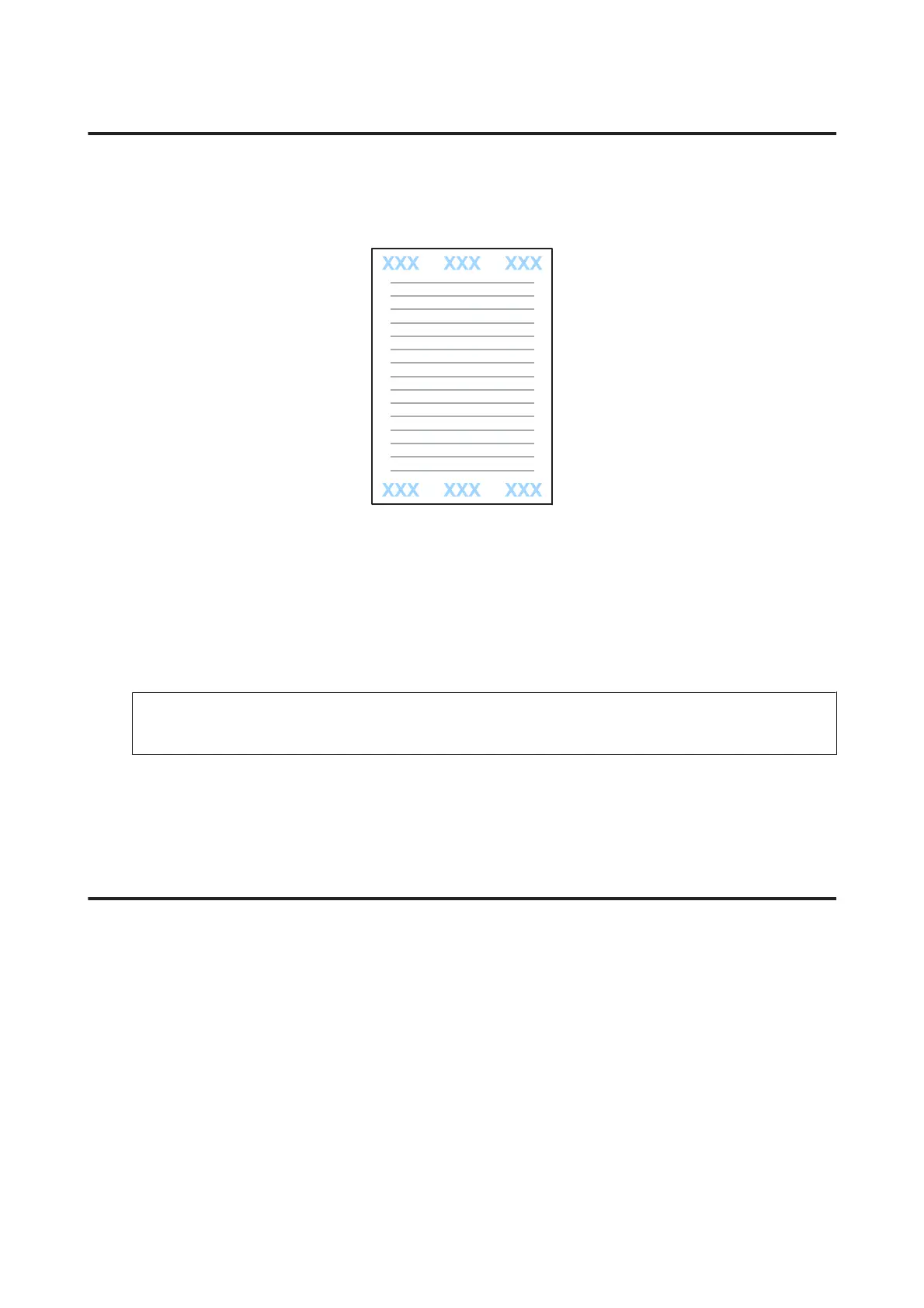
Header/Footer printing (For Windows Only)
This function allows you to print user name, computer name, date, time, or collate number, at the top or bottom of
each page in a document.
A
Access the printer settings.
& “Accessing the printer driver for Windows” on page 41
B
Click Watermark Features on the More Options tab, select Header/Footer, and then click Settings.
C
Select the necessary items from the drop-down list in the Header Footer Settings window.
Note:
If you select Collate Number, the number of copies is printed.
D
Click OK to return to the More Options window.
E
Click OK to close the printer settings window and print.
Printing Confidential Jobs
This function is only available for the WF-5620 Series and WF-5690 Series.
This function allows you to set a password when sending a job. When a password is set, the job cannot be printed until
the password is entered on the product's control panel.
A
Access the printer settings.
& “Accessing the printer driver for Windows” on page 41
B
Select Confidential Job on the More Options tab.
C
Make settings such as the password, user name, and job name on the Confidential Job Settings screen, and then
click OK.
User’s Guide
Printing
56











 To Next Page