-- 3 2 --
bi09d1e2
STORE IN DATA NO. 5
5
" DIP/SPRAY, Fe, CO2, 1.2 mm
QUIT ENTER
Return to the memory menu by pressing the QUIT key.
NOTE! Every MIG SUPERPULS data take two memory positions.
8.3 Delete
In the memory menu you can delete one or more data sets.
We are going to delete the data set that we stored in the previous example.
MEMORY FUNCTIONS -- STORED DATA SETS
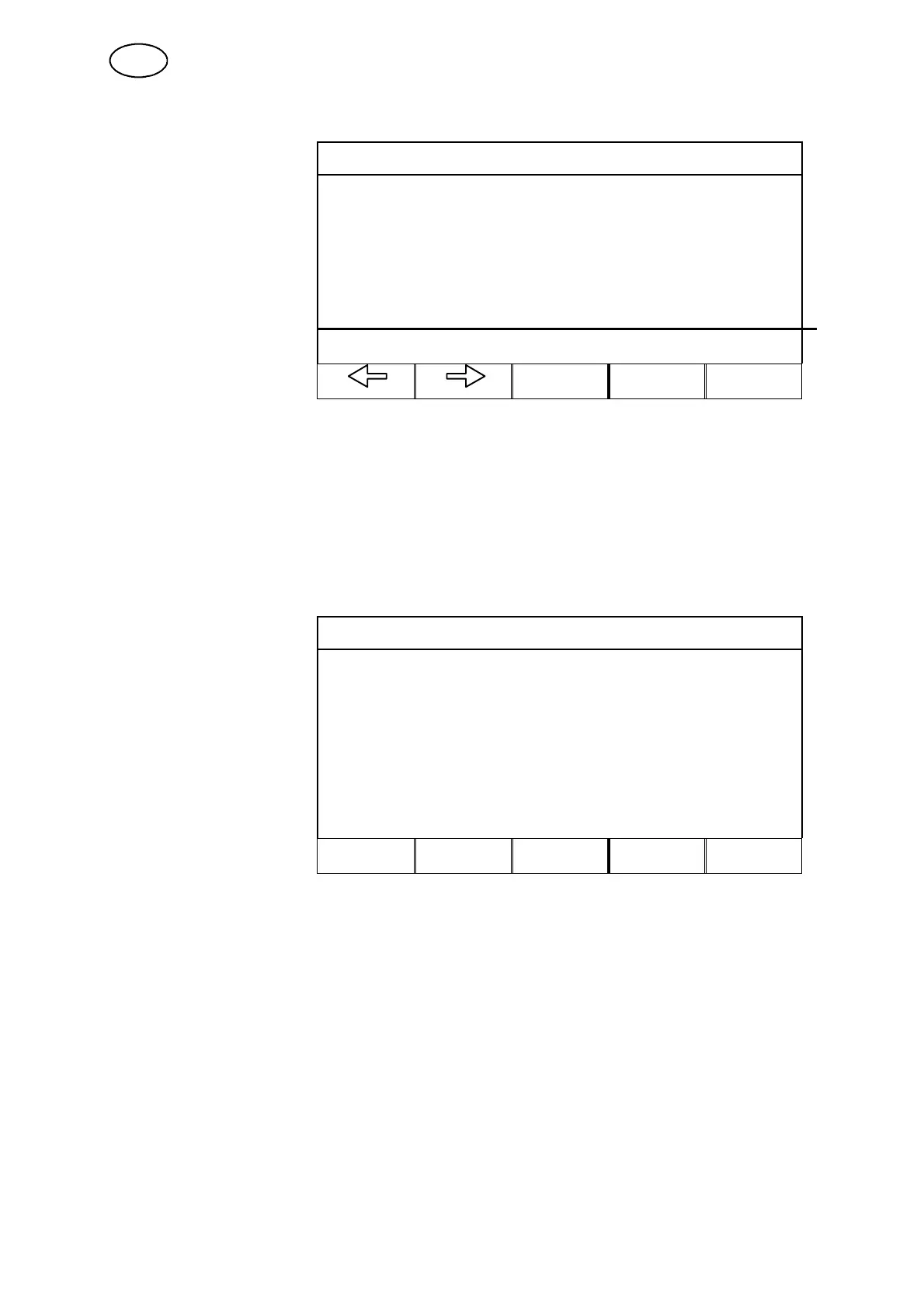
Press the DELETE key.
5
STORE DELETE RECALL COPY QUIT
The most recently saved data set is automatically selected. If more than one data set
is stored, you can move the cursor between them using the arrow left and arrow right
keys.
GB



 To Next Page