-- 6 6 --
bi09d1e2
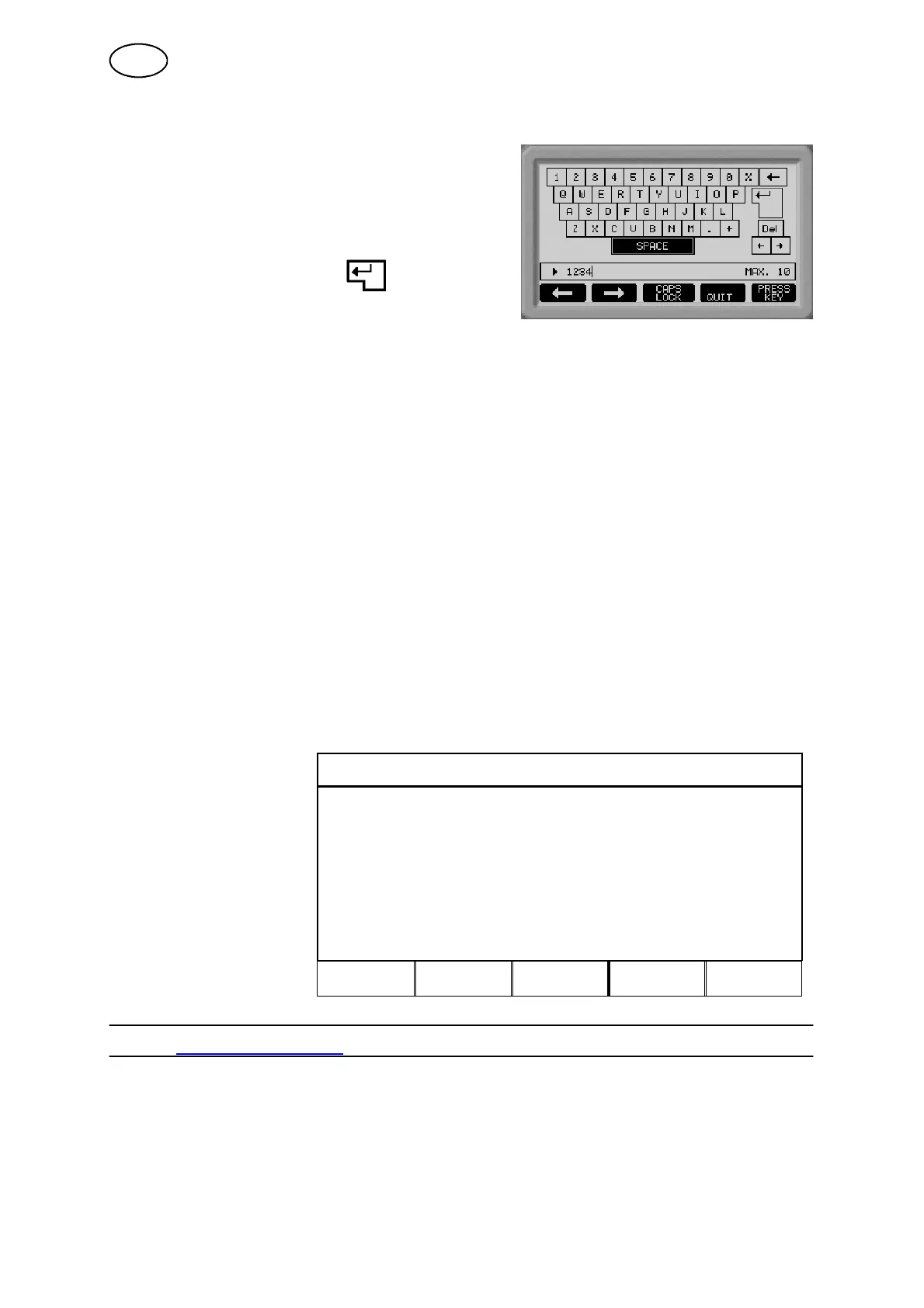
The controller’s ”keyboard” is used as follows:
S Position the cursor over the desired
keyboard character using the arrow keys.
Press the soft key ”PRESS KEY”. Type in a
full text string with a maximum 13 characters
in this way.
S Position the cur sor over and press the
soft key ”PRESS KEY”, after which the
user--defined, named option will appear in
the list.
How to delete a user --defined option:
S Select the user--defined wire/gas option in the current list.
S Press the soft key ”DELETE”.
Note! A user--defined wire/gas option cannot be deleted if it is part of the weld data
setting that is currently in the working memory.
16.4 Deleting a user--defined synergic line
A user--defined synergic line can be deleted if it is not enabled, i.e. if it is not part of
the weld data setting that is currently in the working memory.
S Move the cursor to the line for DELETE SYNERGIC LINE.
S Press the soft key ENTER.
A new screen appears in the display. Here you can use the NEXT soft key to scroll
through the user--defined synergic lines that have been saved.
MAKE CUSTOMISED SYNERGIC LINES
Scroll to the line to be
deleted and press the
DELETE key.
CHOOSE SYNERGIC LINE TO BE DELETED
" PULSE, Ss duplex, Ar, 1.4 mm
NEXT DELETE QUIT
17 LIMIT EDITOR
Main menu ----> Aux iliary function menu ----> Limit editor
Values for wire feed/current or voltage. You can enter 50 different limits.
This function does not apply for arc air gouging.
-- Limits are enabled in the weld data setting menu.
GB



 To Next Page