-- 5 4 --
bi09d1e2
12.6 Multiple wire feeders
Main menu ----> Auxiliary fuction menu ----> Configu ration menu----> Multiple
wire feed ers
When connecting multiple wire feed units (maximum 4), use wire feed units without
weld data unit, control panel M0.
All wire feeders are delivered with the ID number 0.
The first thing to do when connecting multiple wire feeders is to switch the ID number
(node address) of one wire feeder.
To switch ID number, do as follows:
S Connect the first wire feeder, then go to the ”MULT IPLE WIRE FEEDERS” menu.
S Press and release the trigger to enable the wire feeder.
S Then read the wire feeder’s ID number from the first line (should be 0 the first
time), and select a new ID number between 1--3.
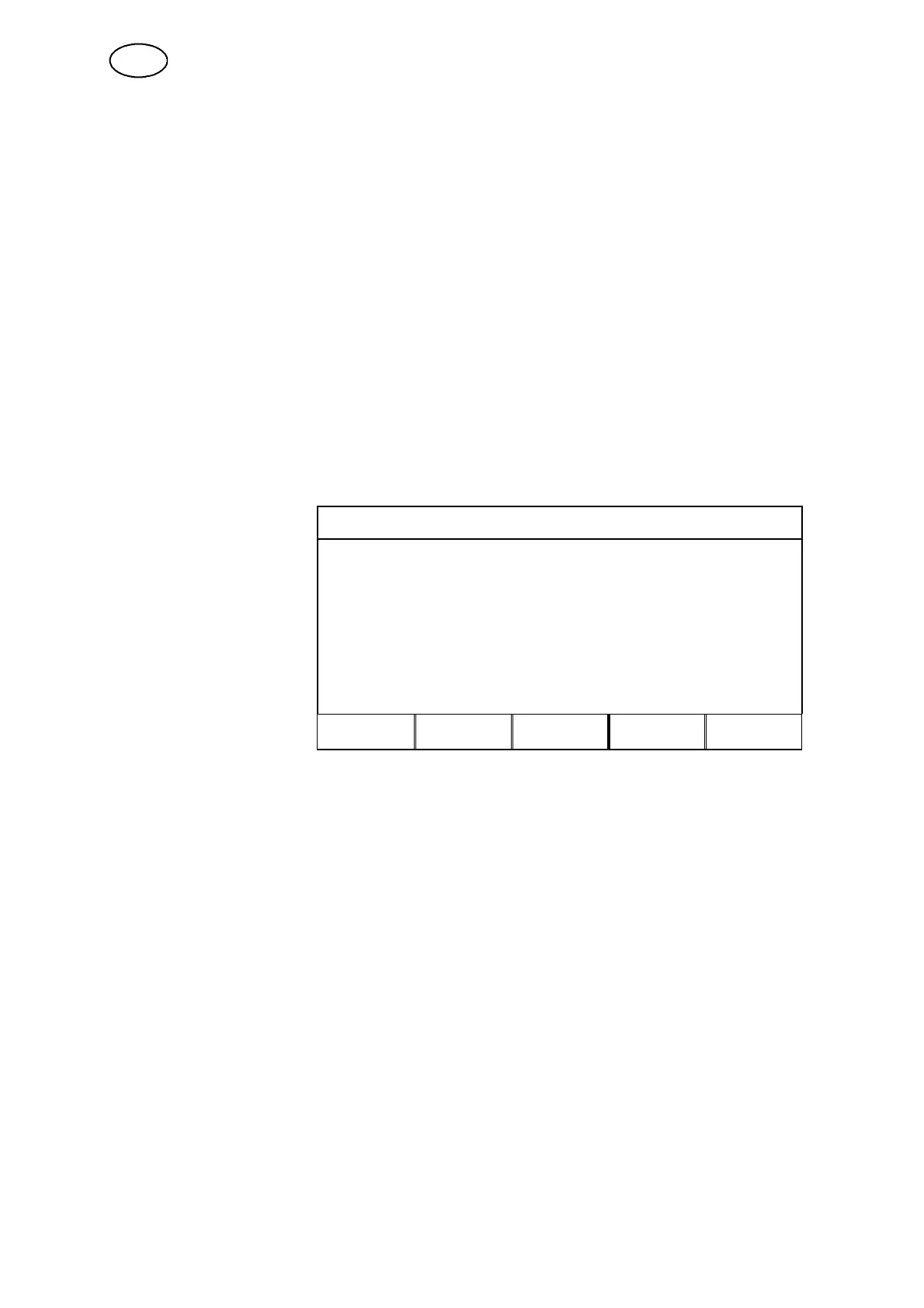
MULTIPLE WIRE FEEDERS
Move the cursor to the line
for SELECT A NEW ID
NUMBER. Set the desired
number between 0--3 by
scrolling using the
plus/minus keys.
Press ENTER.
CURRENT ID NUMBER
SELECT A NEW ID NUMBER: 0
CONNECTED WIRE FEEDERS ID
QUIT ENTER
In the top line the figure for the ID number will change to the desired number.
S Connect the next wire feeder.
S Press and release the trigger to enable this wire feeder, and now you will see
that the wire feeder’s ID number is 0.
Configuration is now complete, and you can start to use the equipment in the usual
way. You can use the same procedure to configure and run four wire feeders. The
important issue when using m ultiple wire feeders is not which ID numbers you
assign, but that you assign different numbers so that you can differentiate between
them.
If you accidentally assign the same ID number to two wire feeders, error message 15
will appear on the display continuously. Disconnect one wire feeder and restart the
above procedure. You can always call up the ”MULTIPLE WIRE FEEDERS” menu
and check the ID numbers of the connected wire feeders by pressing the trigger.
In the line for CONNECTED WIRE FEEDERS ID you can see the ID numbers of all
connected wire feeders.
GB



 To Next Page