-- 5 2 --
bi09d1e2
12.5.4 Auto save mode
When a weld data set has been recalled from a memory position in the weld data
memory and you change the settings, the changes will be automatically saved in the
memory position when you recall a new weld data set from memory.
Saving weld data manually in a memory position blocks the next automatic save.
The memory number in which the data is stored is displayed in the upper right corner
in the measure image.
12.5.5 Trigger weld data switch
This function enables the user to switch to various preset weld data options by
double--clicking the welding torch’s trigger.
Switching take place between choosen memory positions (maximum 5 memory
positions) ( see chapter 8 ”Memory management”).
OFF -- No weld data switching.
AT ARC OFF -- The user can not switch between memory positions during welding.
ON -- The user can switch between memory positions always.
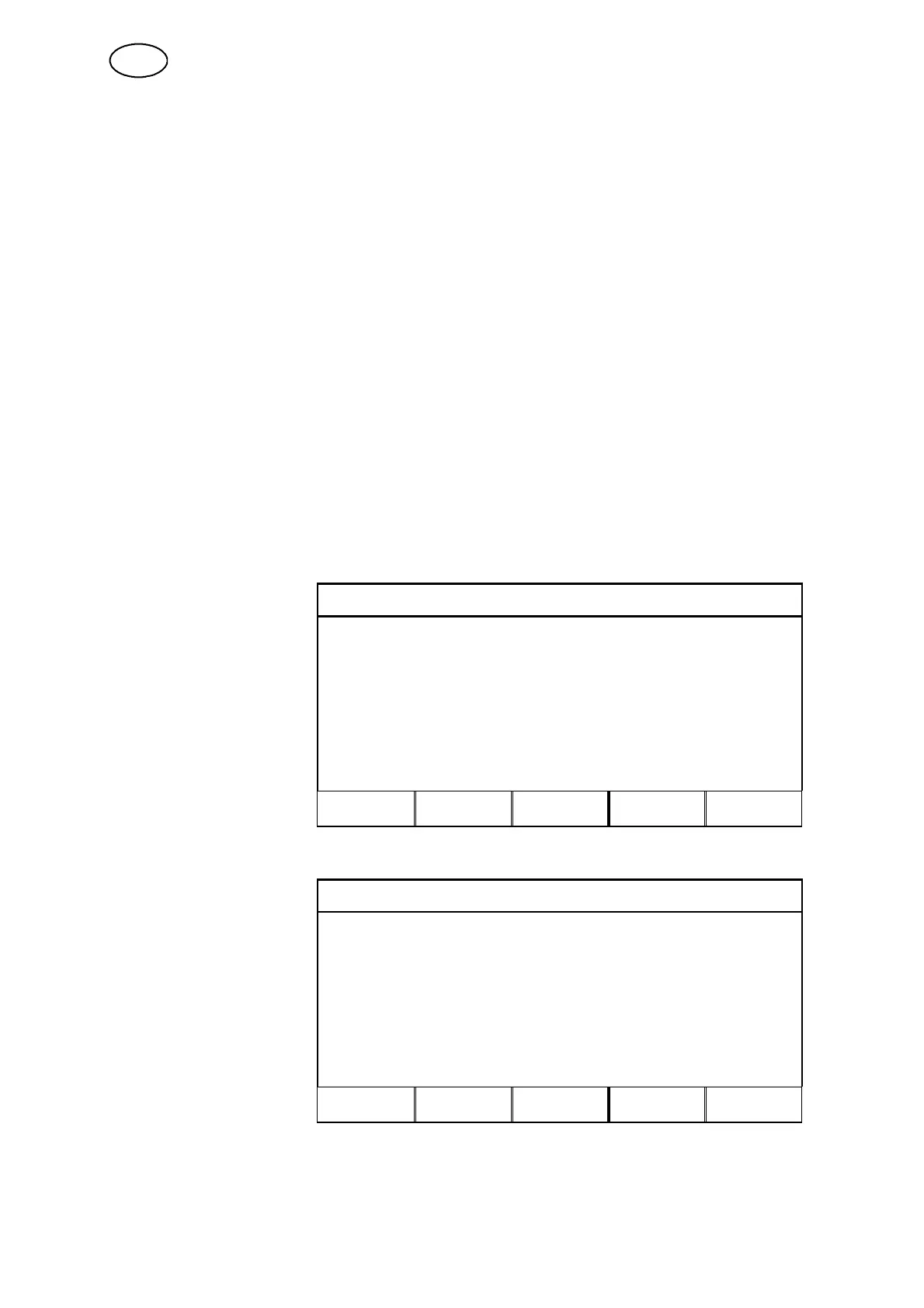
Enabling weld data switch
TRIGGER WELD DATA SWITCH
Move the cursor to the line
for TRIGGER WELD DATA
SWITCH and press
ENTER. Select OFF, AT
ARC OFF or O N. Press
ENTER.
TRIGGER WELD DATA SWITCH OFF
ADD/DELETE WELD DATA 1
SELECTED WELD DATA:
STORE DELETE QUIT ENTER
Selecting weld data from the memory
TRIGGER WELD DATA SWITCH
Move the cursor to the line
for ADD/DELETE WELD
DATA.
Select the numbers of the
memories where the
relevant weld data is stored
using the plus/minus keys,
and then press STORE.
TRIGGER WELD DATA SWITCH AT ARC OFF
ADD/DELETE WELD DATA 10
SELECTED WELD DATA: 52 4 10
STORE DELETE QUIT ENTER
The line for SELECTED WELD DATA shows which weld data has been selected and
in which order it comes, from left to right.
To remove weld data, repeat the above process but press the DELETE key.
GB



 To Next Page