-- 5 8 --
bi09d1e2
15 ERROR LOG
Main menu ----> Auxiliary function menu ----> Error log
Error m onitoring codes are used to indicate that an error has occurred in the welding
process. This is shown in the display with the aid of a pop--up menu, which appears
for 2.5 seconds. After this, an exclamation mark is displayed in the top right--hand
corner of the display.
Note! disappears from the display as soon as you call up the error log menu.
All errors that occur when the welding equipment is in use are documented as error
messages in the error log. Up to 99 error messages can be saved. If the error log is
full, i.e. if 99 error messages have been saved, the oldest message is automatically
deleted when the next error occurs.
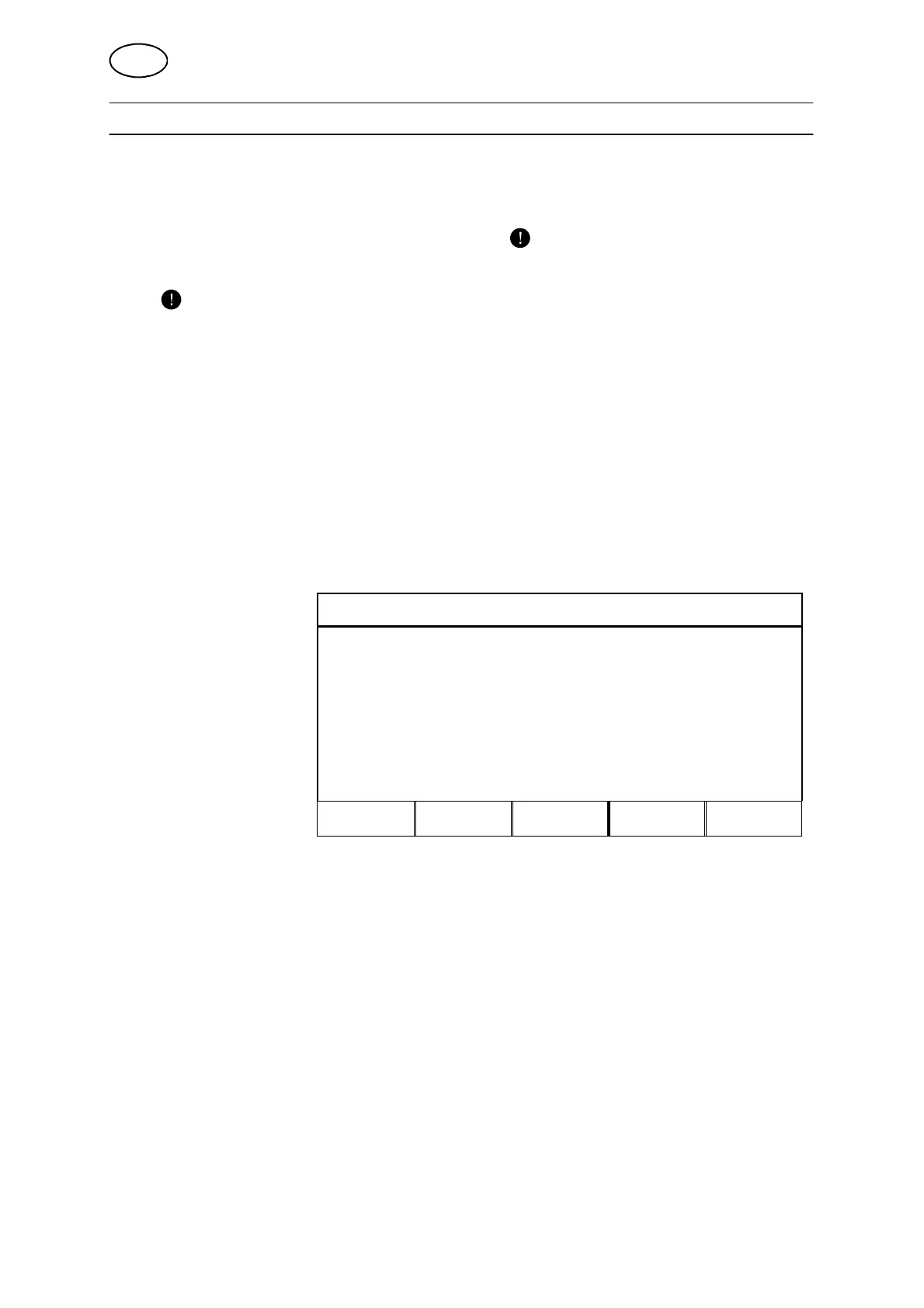
The following information can be seen in the error log menu:
S The error’s error number
S When the error occurred (date, time)
S Where the error occurred
S The error code
67 " Date Time Unit Error
030528 11:24,13 U8 19
Error in battery--driven memory
030528 11:24,18 U8 18
Lost contact with power source
030528 11:24,18 U8 17
Lost contact with wire feeder
DELETE
DELETE
ALL
VIEW
TOTAL
QUIT
15.1 Deleting error messages
If you want to delete error messages there are two options, each with its own soft
key.
S Delete selected messages
S Delete all messages
15.2 Reviewing error summary
By pressing the ”VIEW TOTAL” key you can call up a presentation of the number of
registered error m essages in the error log. Here you can also see the date and time
of the oldest and most recently registered error messages.
GB



 To Next Page