-- 4 3 --
bi09d1e2
-- Code lock is enabled in the configuration menu.
12.1.1 Lock code mode
In lock code mode you can enable/disable the lock function without deleting the
existing lock code in case you disable the function. If no lock code is stored and you
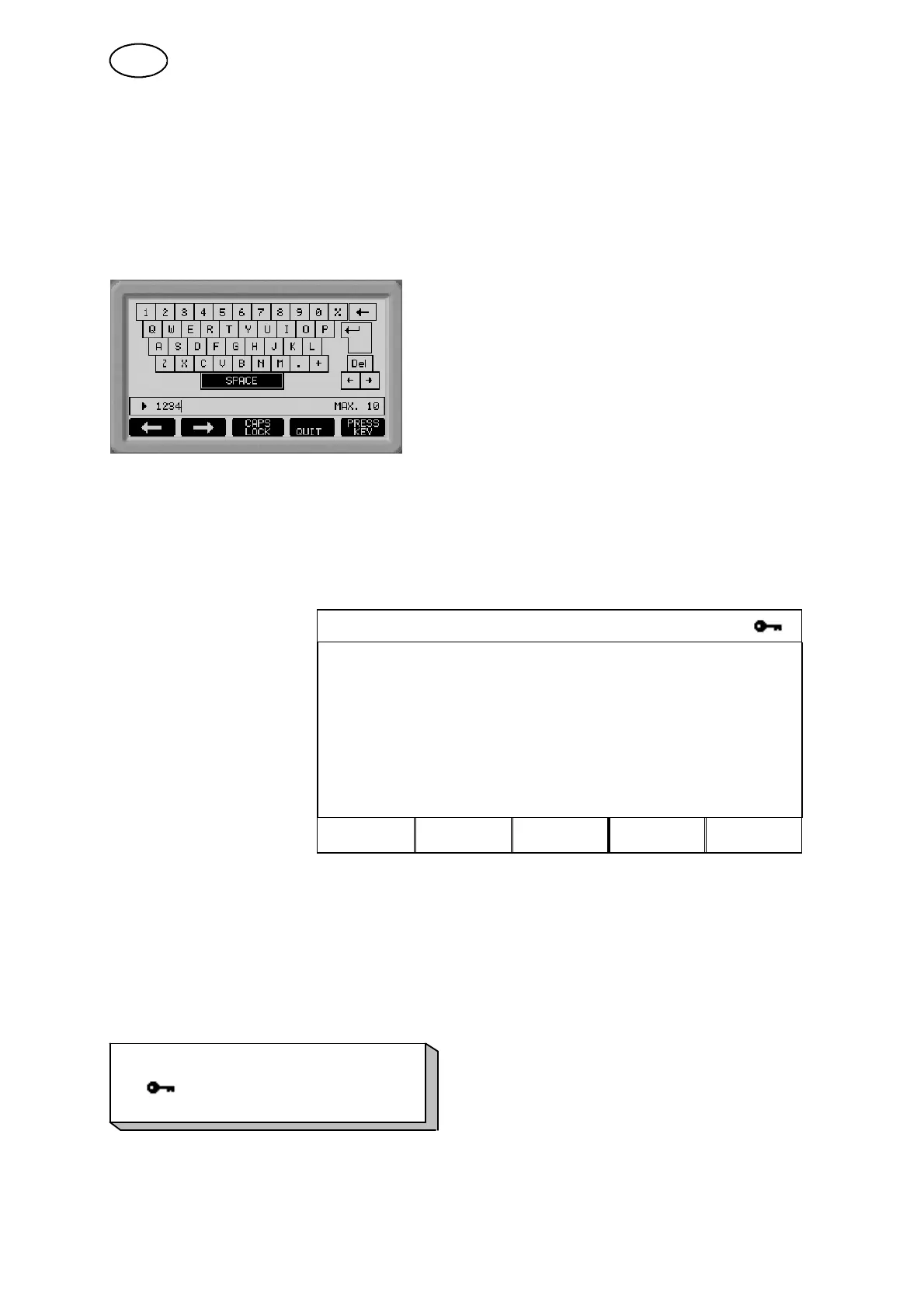
attempt to enable the code lock, the following screen appears, in which you can
enter a new lock code.
When you have enabled the code, a small icon with a key appears to indicate that
the lock code function is enabled. You can then move freely between all menus
without any restriction, until you come to the measure image, remote control or the
fast mode menu, when the code lock is triggered this prevents the user from exiting
these menus without first entering the lock code.
CODE LOCK
LOCK STATUS: OFF
SET / CHANGE LOCK CODE
QUIT ENTER
Exiting lock code mode
When you are in the measure image or the fast mode menu and the code lock is
disabled, you are free to exit these menus by pressing the QUIT or MENU key to
return to the main menu.
If it is enabled and you try to exit, the following message appears to warn the user
about the lock code protection.
PRESS ENTER TO
LOCK CODE...
Here you can select QUIT to change your mind and return to the previous menu, or
proceed by pressing ENTER and keying in the lock code.
GB



 To Next Page