EasyManua.ls Logo

EtherWAN EW50 - Page 176

Default Icon
320 pages
Print Icon
To Next Page IconTo Next Page
To Previous Page IconTo Previous Page
Loading...
EW50 Industrial LTE Cellular Gateway
176
Open VPN Setting
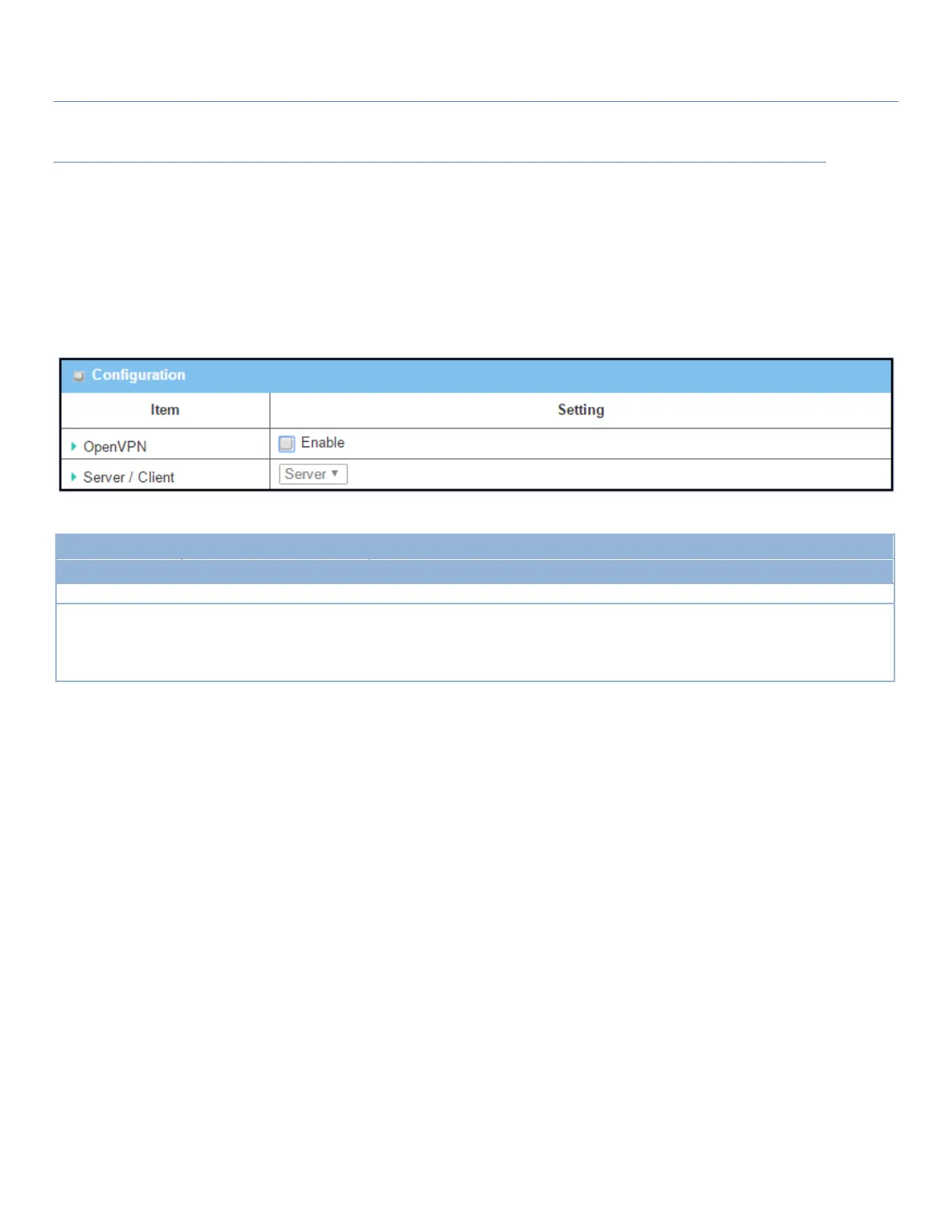
Go to Security > VPN > OpenVPN tab.
The OpenVPN setting allows user to create and configure OpenVPN tunnels.
Enable OpenVPN
Enable OpenVPN and select an expected configuration, either server or client, for the gateway to operate.
Configuration
Item
Value setting
Description
OpenVPN
Unchecked by default
Check the Enable box to activate the OpenVPN function.
Server/
Client
Server Configuration is
selected by default.
When Server is selected, server configuration will be displayed below for further
setup.
When Client is selected, you can specify the client settings in another client
configuration window.

Table of Contents