EW50 Industrial LTE Cellular Gateway
18
1.6.6 Connecting Serial Devices
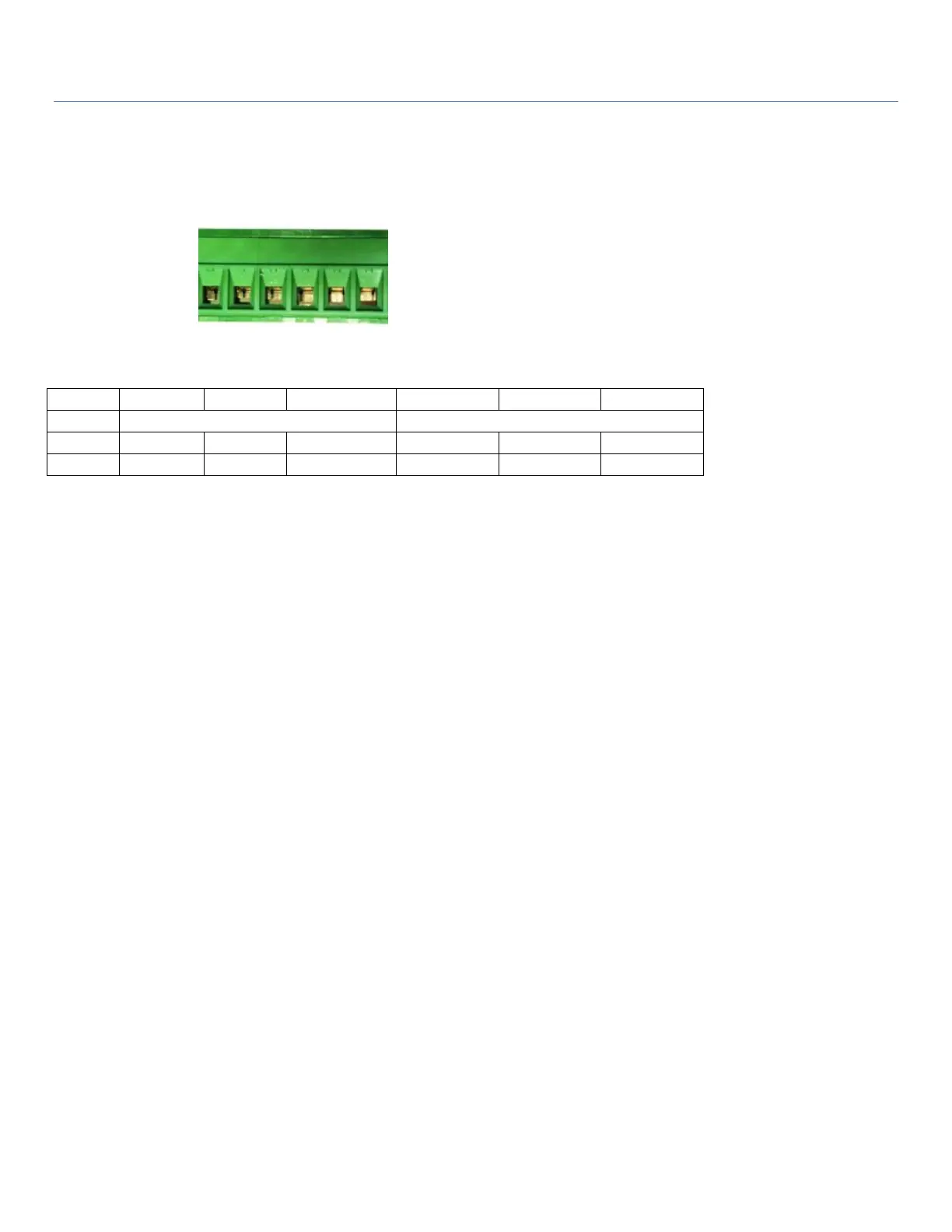
The EW50 has a 6-pin Terminal Block serial port for connecting to your serial device. Connect the serial device
to the terminal block with the right pin assignments of RS-232/485 (shown below).
Pin 1 2 3 4 5 6
1.6.7 Connecting to the Network or a Host
The EW50 series provides RJ45 ports to connect 10/100/1000Mbps Ethernet. It can auto detect the
transmission speed on the network and configure itself automatically. Connect one Ethernet cable to the RJ45
port (LAN) of the device and plug another end of the Ethernet cable into your computer’s network port. In this
way, you can use the RJ45 Ethernet cable to connect to the host PC’s Ethernet port for configuring the device.



 To Next Page