EW50 Industrial LTE Cellular Gateway
278
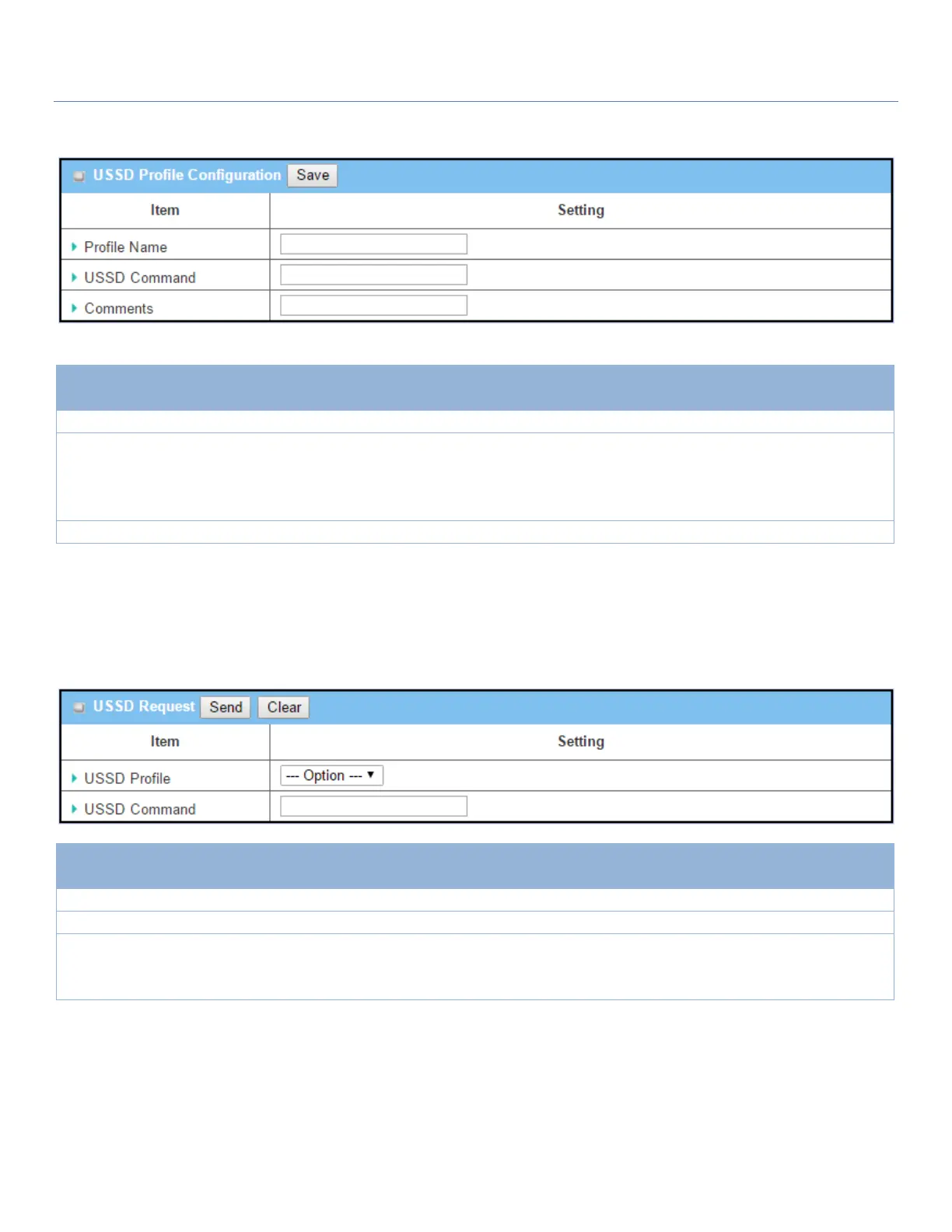
When the Add button is applied, the USSD Profile Configuration screen will appear.
USSD Profile Configuration
Enter a name for the USSD profile.
Enter the USSD command defined for the profile.
Normally, it is a command string composed with numeric keypad “0~9”, “*”,
and “#”. The USSD commands are highly related to the cellular service, please
check with your service provider for details.
Enter a brief comment for the profile.
Send USSD Request
When you send the USSD command, the USSD Response screen will appear.
When click the Clear button, the USSD Response will disappear.
Select a USSD profile name from the dropdown list.
The USSD Command string of the selected profile will be shown here.
Click the Send button to send the USSD command, and the USSD Response
screen will appear. You will see the response message of the corresponding
service, receive the service SMS.



 To Next Page