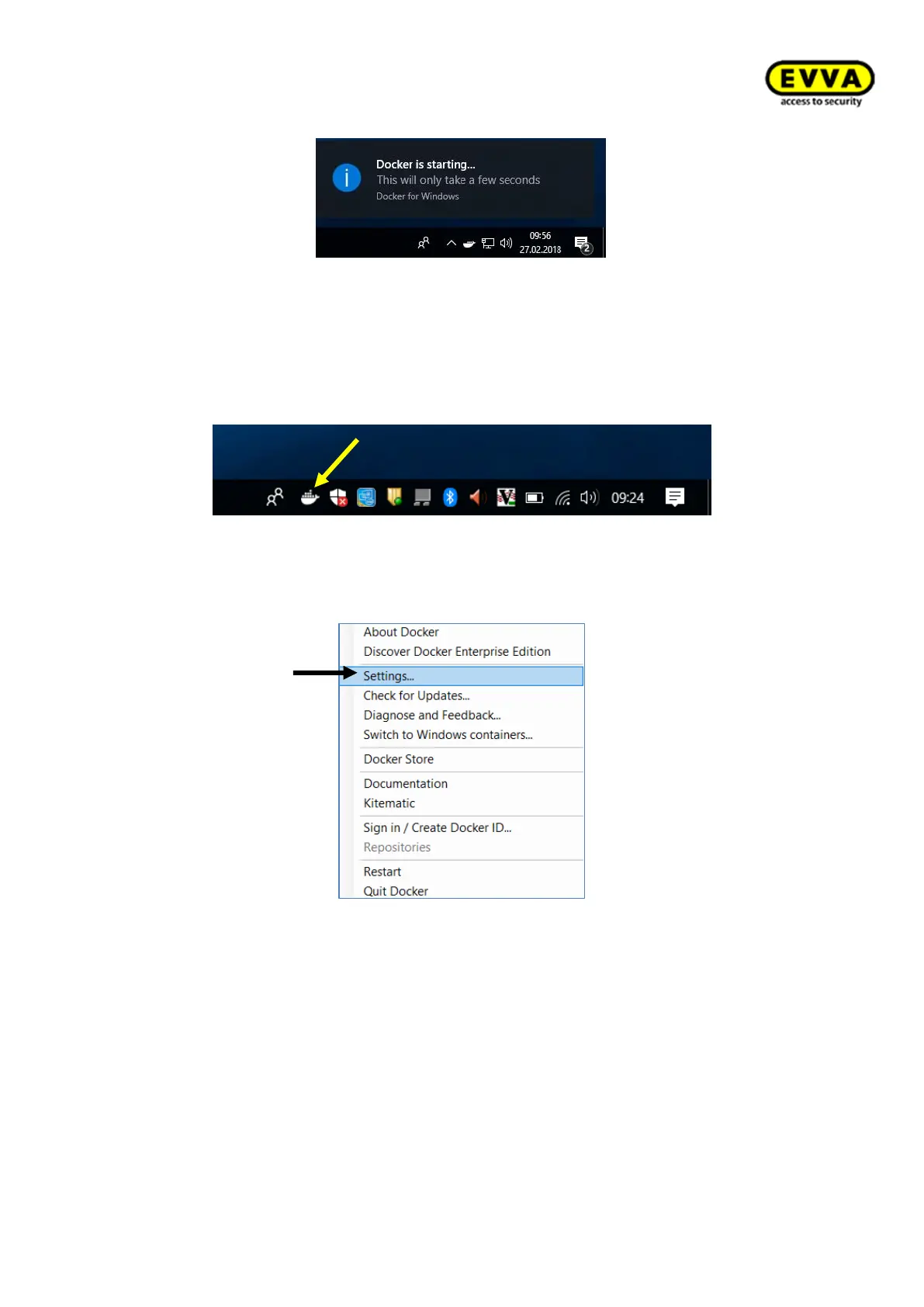
Figure 29 – Docker starting progress
3. Step: "Docker is now up and running!"
a. Once Docker has started a status window with the following message opens:
"Docker is now up and running!".
b. The status window closes automatically.
c. Right-click the Docker icon to open the settings.
Figure 30 - Docker status windowtime
4. Step: click "Settings…".
Figure 31 – Docker settings



 To Next Page