XTP CrossPoint Series • HTML Operation 123
Status Tab
System Status Page
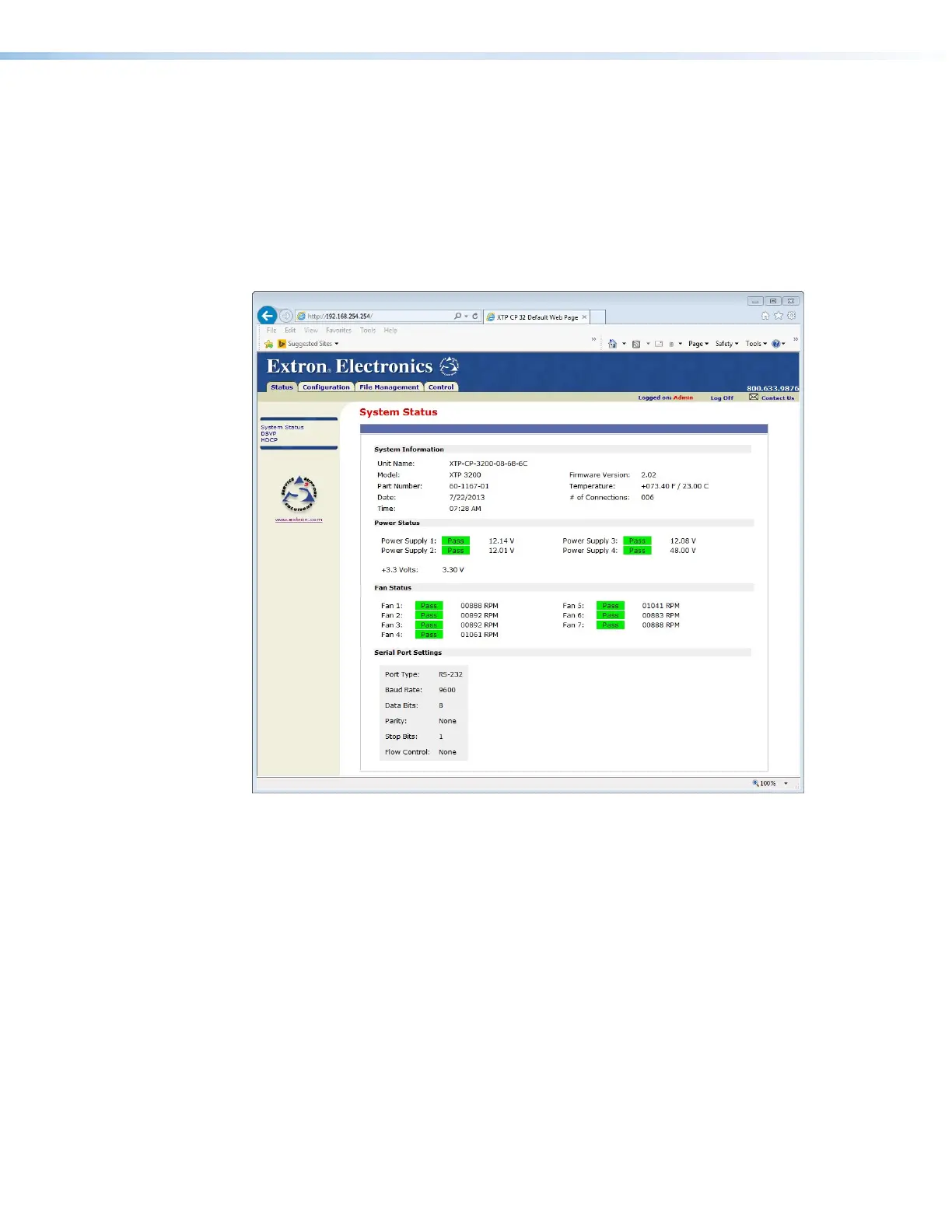
The System Status page (see figure 56) provides an overall view of the status of the matrix
switcher, including individual voltages, fan operation, and the serial port status. The System
Status page is the default page that the matrix switcher downloads when you connect
to the matrix switcher. Access the System Status page from other pages by clicking the
Status tab.
Figure 56. System Status Page
The System Status page periodically refreshes itself to reflect the latest status of the matrix
switcher components. If a value changes, the display shows the change in status the next
time it refreshes.



 To Next Page