XTP CrossPoint Series • Ethernet Connection 153
Pinging to Determine the Extron IP Address
The ping utility is available at the Command prompt. Ping tests the Ethernet interface
between the computer and the XTP CrossPoint Series matrix switcher. Ping can also be
used to determine the actual numeric IP address from an alias and to determine the Web
address.
Ping the matrix switcher as follows:
1. Search for cmd in the taskbar (Windows 10) or the Start menu (Windows 10-Vista).
2. Select cmd.
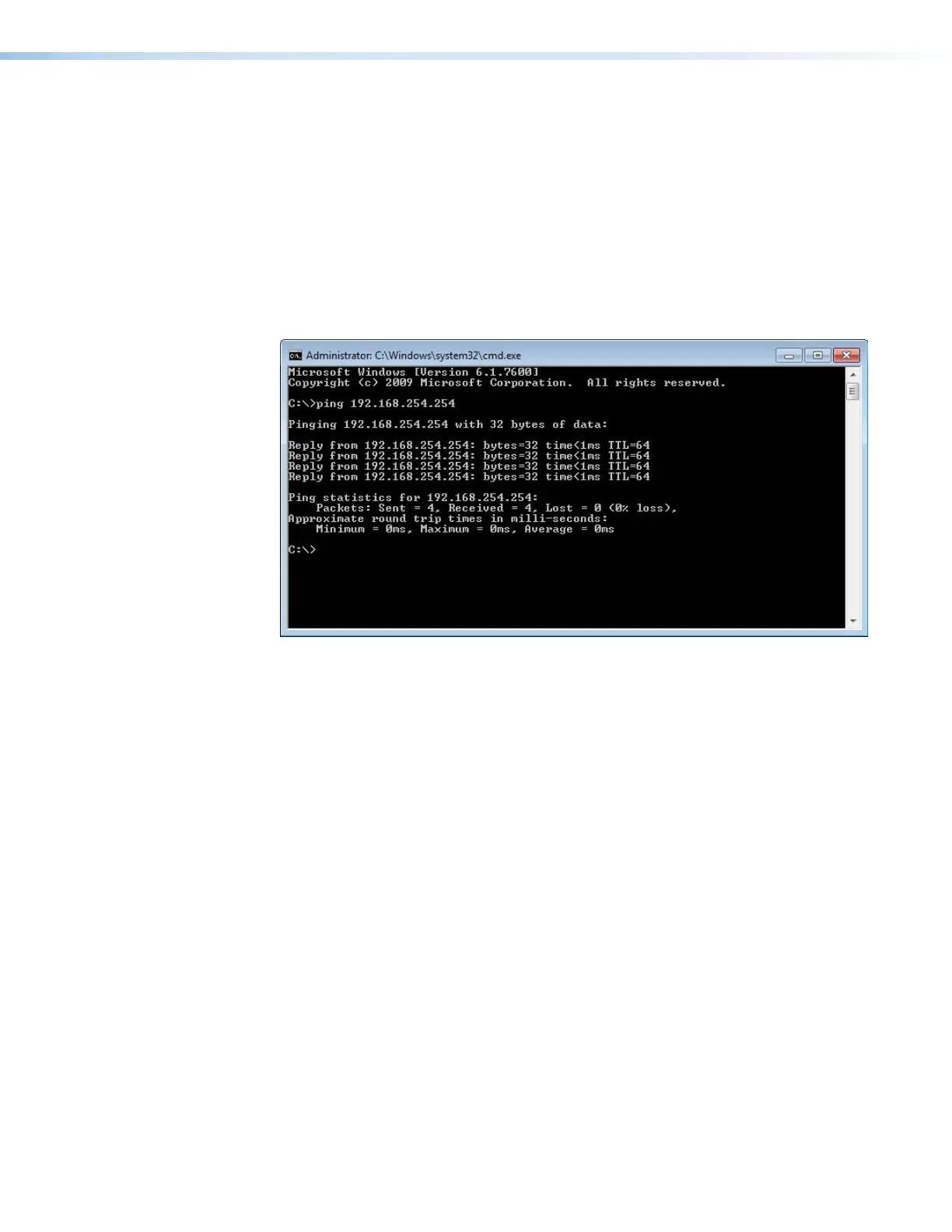
3. At the C:\ prompt, type ping <IP address> and then press <Enter>. The computer
returns a display similar to the one shown in figure 81.
Figure 81. Typical Ping Response
The line Pinging ... reports the actual numeric IP address, regardless of whether you
entered the actual numeric IP address or an alias name.
Pinging to Determine the Web IP Address
The ping utility has a modifier, -a, that directs the command to return the Web address
rather than the numeric IP address.
At the C:\ prompt, type ping -a <IP address> and then press <Enter>. The return
display is similar to the ping response shown in figure 81, except that when you specify the
-a modifier, the line Pinging mail... reports the Web IP address rather than the numeric
IP address, regardless of whether you entered the actual numeric IP address or an alias
name.



 To Next Page