XTP CrossPoint Series • HTML Operation 143
XTP Power Page
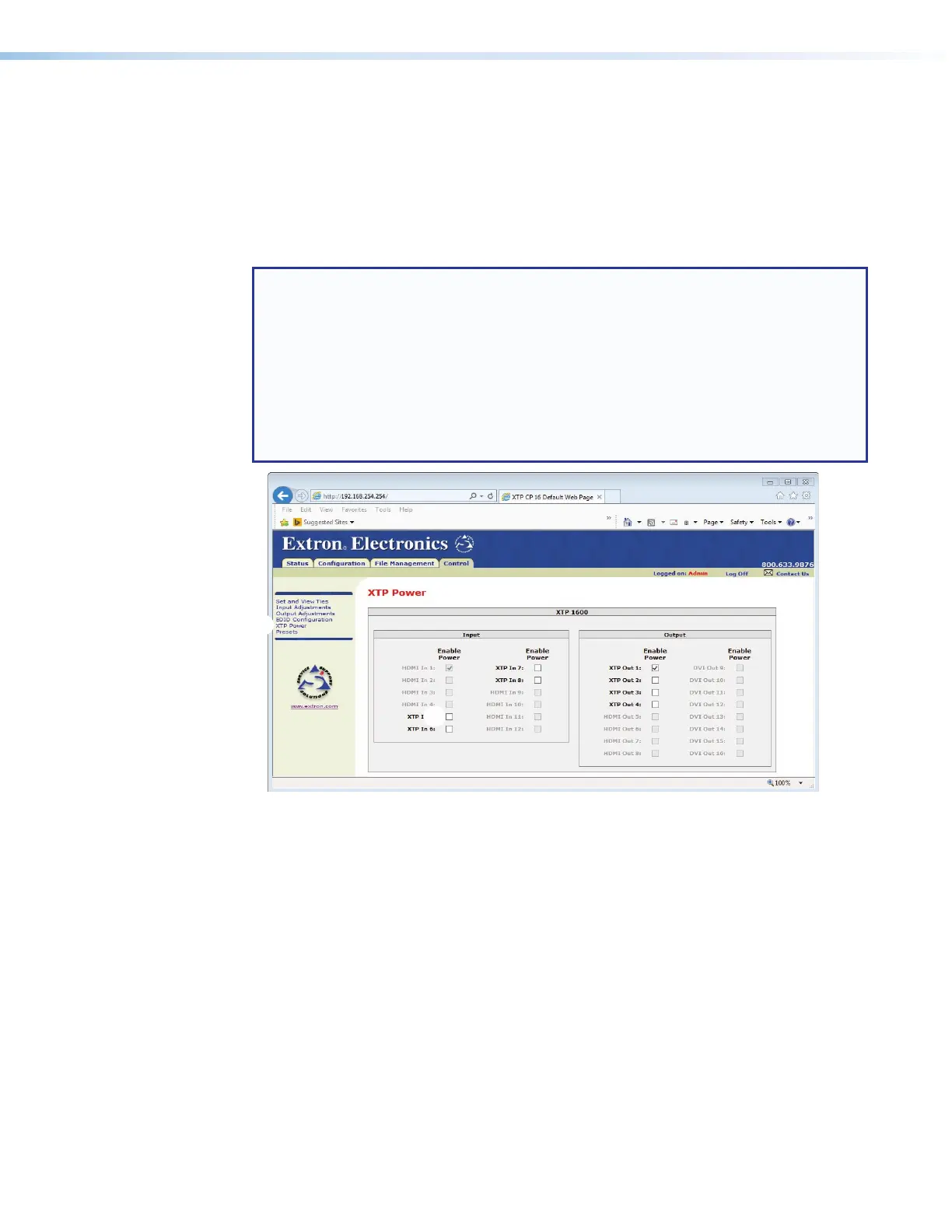
The XTP Power page provides a location to enable and disable PoX for all XTP inputs and
outputs. Access the XTP Power page by clicking the XTP Power link (see figure 72,
1
) on
the left of the Set and View Ties, Input Adjustments, Output Adjustments, EDID
Configuration, or Presets page.
Select (check) and deselect (uncheck) the Enable Power box (
2
) to enable and disable
PoX.
NOTES:
• PoX is supplied by the XTP CrossPoint 48 V power supply.
• XTP CrossPoint 1600:
• Can power up to 28 total (input and output) endpoints at up to 364 watts.
• Is available with optional 48 V power supply redundancy.
• XTP CrossPoint 3200:
• Can power up to 24 total (input and output) endpoints at up to 312 watts.
• No 48 V power supply redundancy is available.
Figure 72. XTP Power Page



 To Next Page