XTP CrossPoint Series • Installation 20
The cable used depends on your network speed. The matrix switcher LAN port supports
both 10 Mbps (10Base-T — Ethernet) and 100 Mbps (100Base-T — Fast Ethernet),
half-duplex and full-duplex Ethernet connections. Input and output boards support
100Base-T only.
• 10Base-T Ethernet requires CAT 3 UTP or STP cable at minimum.
• 100Base-T Fast Ethernet requires CAT 5e UTP or STP cable at minimum.
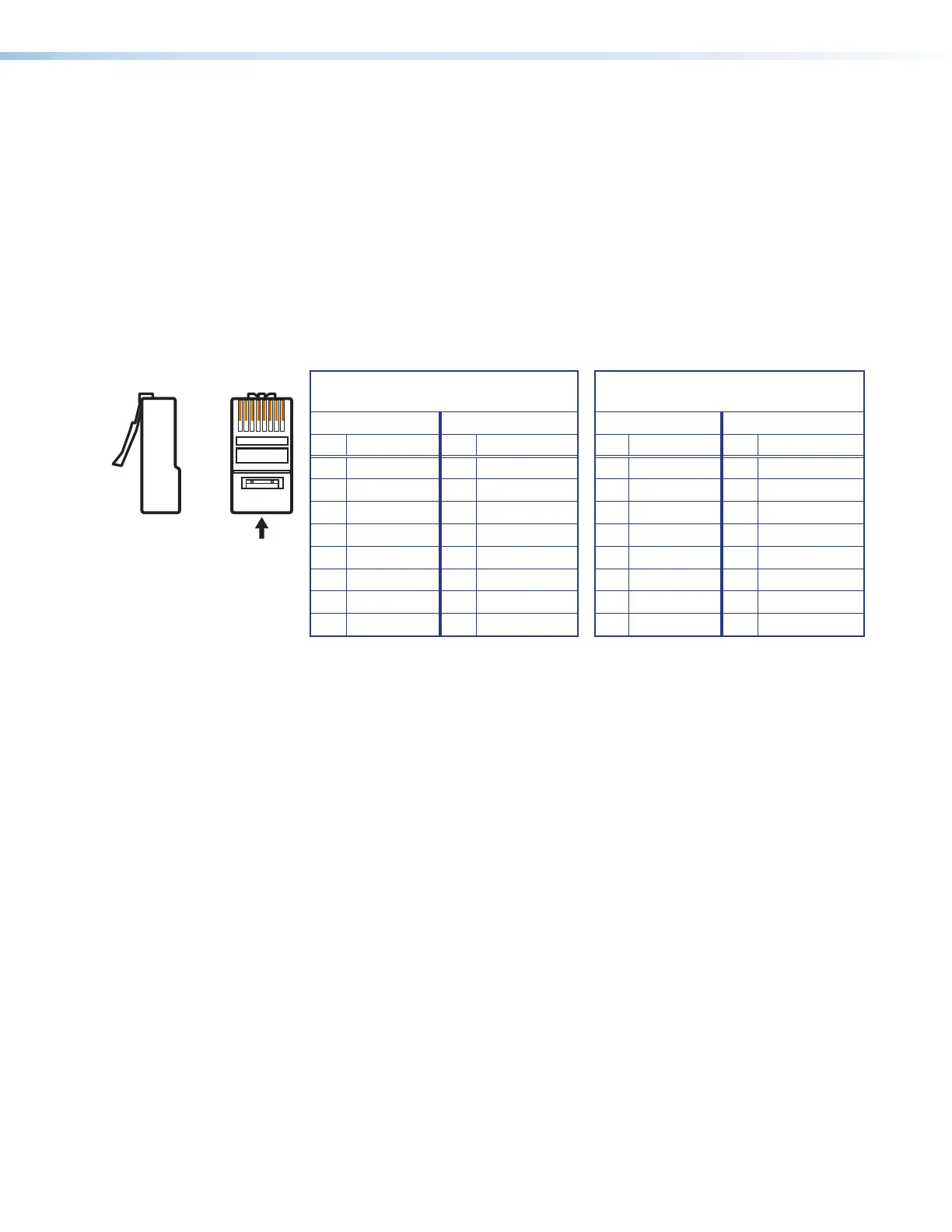
The TP cable can be terminated as a straight-through cable or a crossover cable and must
be properly terminated for your application.
• Crossover cable — Direct connection between the computer and the XTP CrossPoint
matrix switcher.
• Patch (straight) cable — Connection of the XTP CrossPoint matrix switcher to an
Ethernet LAN and connection to the input and output board XTP connectors.
12345678
RJ-45 Connector
Insert Twisted
Pair Wires
Side View
Straight-through Cable
(for connection to a switch, hub, or router)
End 1 End 2
Pin Wire Color Pin Wire Color
1 white-orange 1 white-orange
2 orange 2 orange
3 white-green 3 white-green
4 blue 4 blue
5 white-blue 5 white-blue
6 green 6 green
7 white-brown 7 white-brown
8 brown 8 brown
Crossover Cable
(for direct connection to a PC)
End 1 End 2
Pin Wire Color Pin Wire Color
1 white-orange 1 white-green
2 orange 2 green
3 white-green 3 white-orange
4 blue 4 blue
5 white-blue 5 white-blue
6 green 6 orange
7 white-brown 7 white-brown
8 brown 8 brown
Figure 17. RJ-45 Connector and Pinout Tables
Matrix switcher and XTP board LAN ports —
The LAN ports require CAT 3, CAT 5e, or CAT 6a, crossover or patch cables.



 To Next Page