XTP CrossPoint Series • Operation 65
Performing Soft System Resets (Resets 3, 4, and 5)
Perform a soft reset of the matrix switcher as follows:
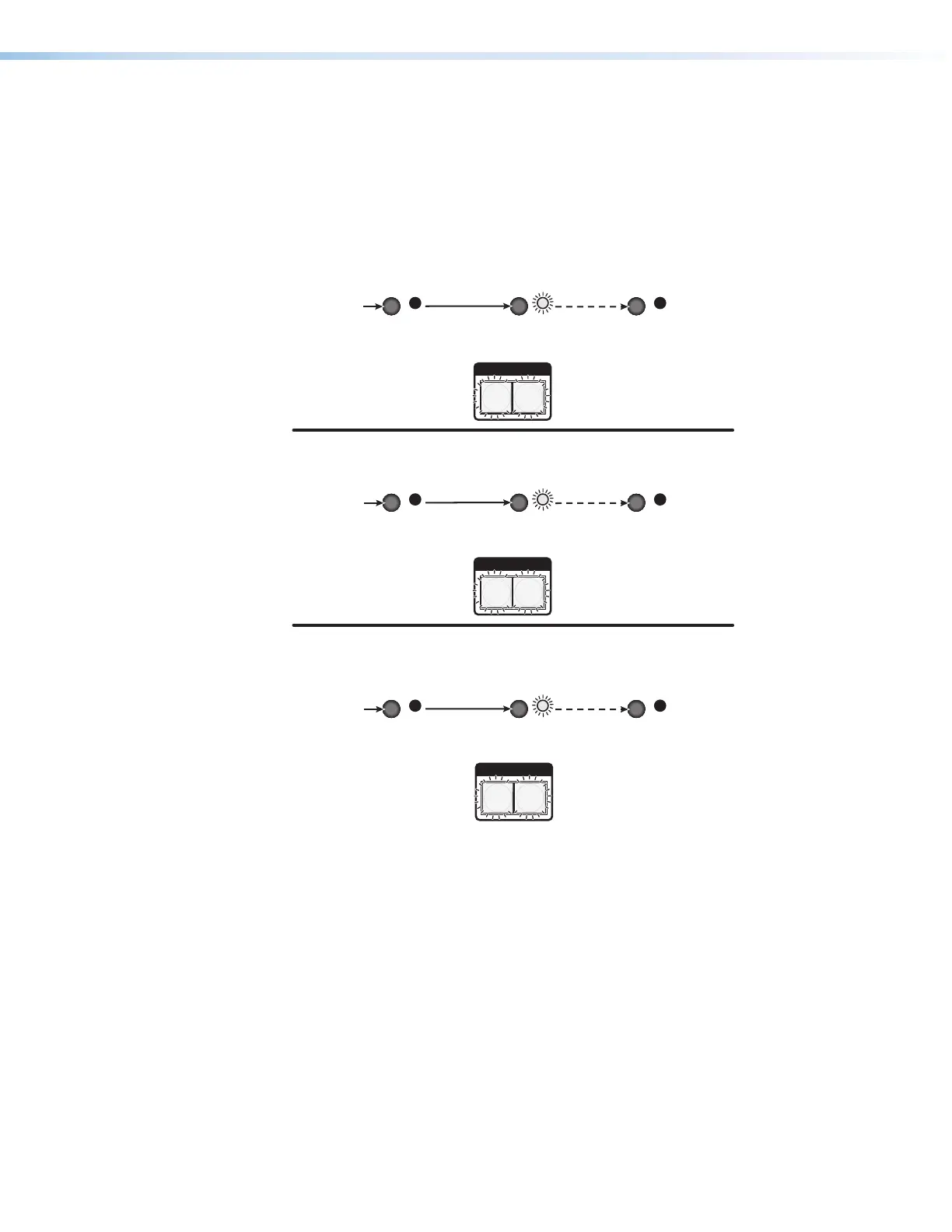
1. Use a small screwdriver to press and hold the rear panel Reset button until the Reset
LED and the front panel Video and Audio buttons blink the number of times for the
desired reset: once (events reset), twice (system reset), or three times (absolute reset)
(see figure 49).
I / O
VIDEO AUDIO
I / O
VIDEO AUDIO
I / O
VIDEO AUDIO
RESETRESET RESET
RESETRESET RESET
RESETRESET RESET
Release, then immediately
press and release again.
IP Settings
Reset
6 seconds
Absolute Reset
9 seconds
Press and hold
the Reset button.
Press and hold
the Reset button.
Press and hold
the Reset button.
3 seconds
Events Reset
(Mode 4)
(Mode 5)
(Mode 3)
Front panel I/O buttons flash once.
Reset LED flashes once.
Release, then immediately
press and release again.
Reset LED flashes twice.
Reset LED flashes
three times.
Front panel I/O buttons flash twice.
Front panel I/O buttons flash three times.
Release, then immediately
press and release again.
Figure 49. Soft System Resets
2. Release the Reset button and then immediately press and release the Reset button
again. Nothing happens if the second momentary press does not occur within 1 second.



 To Next Page