XTP CrossPoint Series • Operation 31
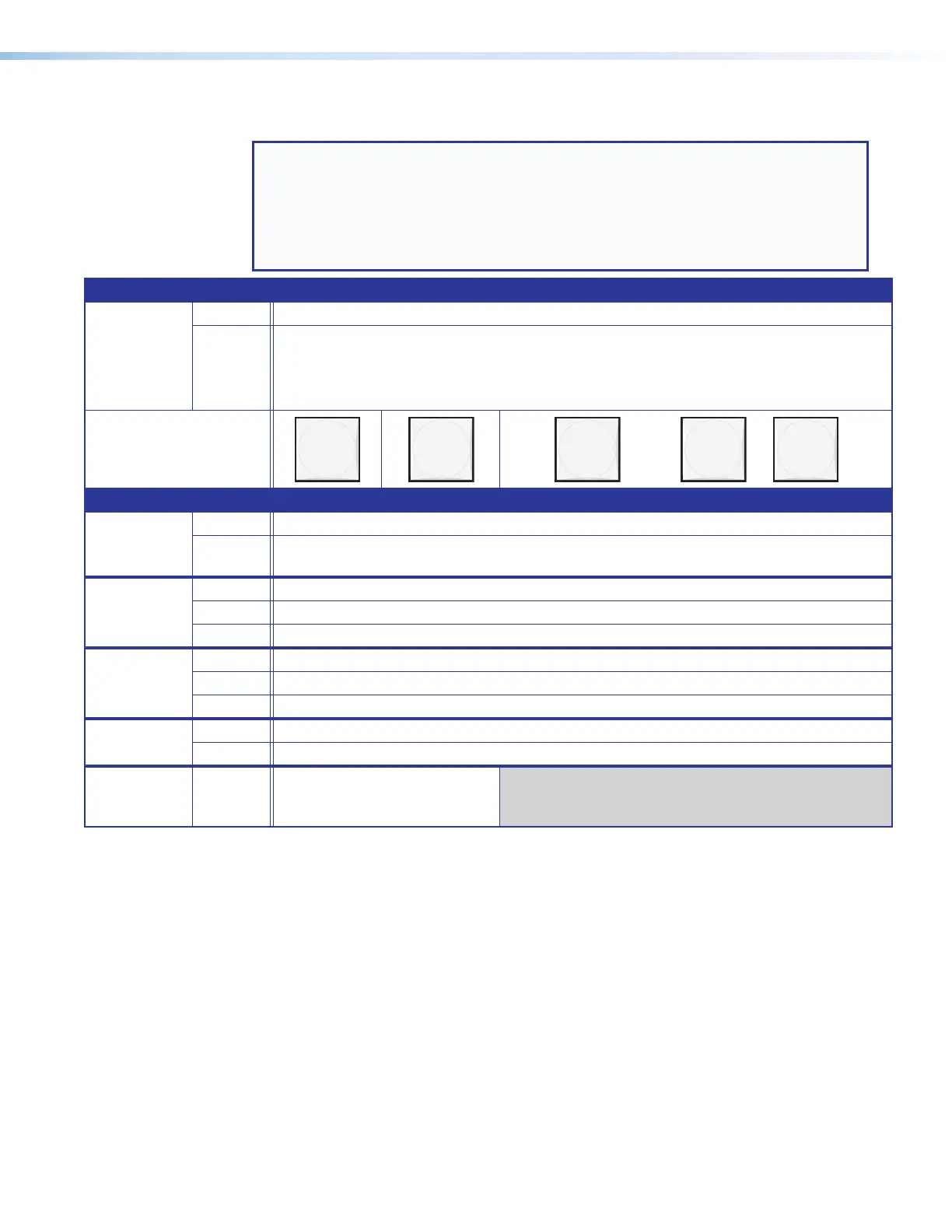
Input and Output Buttons
NOTES:
• Input and output buttons cannot select an input or output number that is higher
than your matrix size or if the board that supports it is not installed. Unselectable
buttons do have other functions as described in the following pages.
• See Front Panel Operations, beginning on page 35, for detailed descriptions of
the following operations.
Primary functions
Action Select input or output for tie being created.
Indication Color: LED appearance:
Amber: video and audio tie Blink: potential tie/untie.
Green: video only tie Lit: current tie
Red: audio only tie
1 2 3
through
16
or
32
Secondary functions
Presets Action Select a preset in Preset mode.
Indication Lit: A preset has already been saved to this location.
Blink: Preset location is selected to be saved.
Input audio
level
Action Input buttons: Select the input for audio gain or attenuation adjustment.
Indication Input buttons lit: Input audio selected for adjustment.
Indication Output buttons lit or blinking: Indicate the input gain or attenuation level.
Output
audio
volume
Action Output buttons: Select the output for audio volume adjustment.
Indication Output buttons lit: Output audio is selected for adjustment.
Indication Input buttons lit or blinking: Indicated the output volume level.
Output
mutes
Action Output buttons: Press and hold to mute or unmute the output.
Indication Output buttons blinking: Output is muted.
Background
illumination
Action Input 1 and Input 2 buttons:
Toggle between background
illumination or buttons unlit.
A
Input buttons (see figure 28 on page 29 or figure 29 on page 30) — The input
buttons have one primary () and three secondary functions (•):
Select and identify an input for creating ties or for audio level adjustment.
• Select a preset.
• Display the output volume level.
• (Input 1 and Input 2 only) Toggle background illumination of the buttons on and off.
B
Output buttons (see figure 28 or figure 29) — The output buttons have one primary
() and three secondary functions (•):
Select and identify an output for ties or for volume adjustment.
• Select a preset.
• Mute the output.
• Display the audio level of the selected input.



 To Next Page