XTP CrossPoint Series • Operation 35
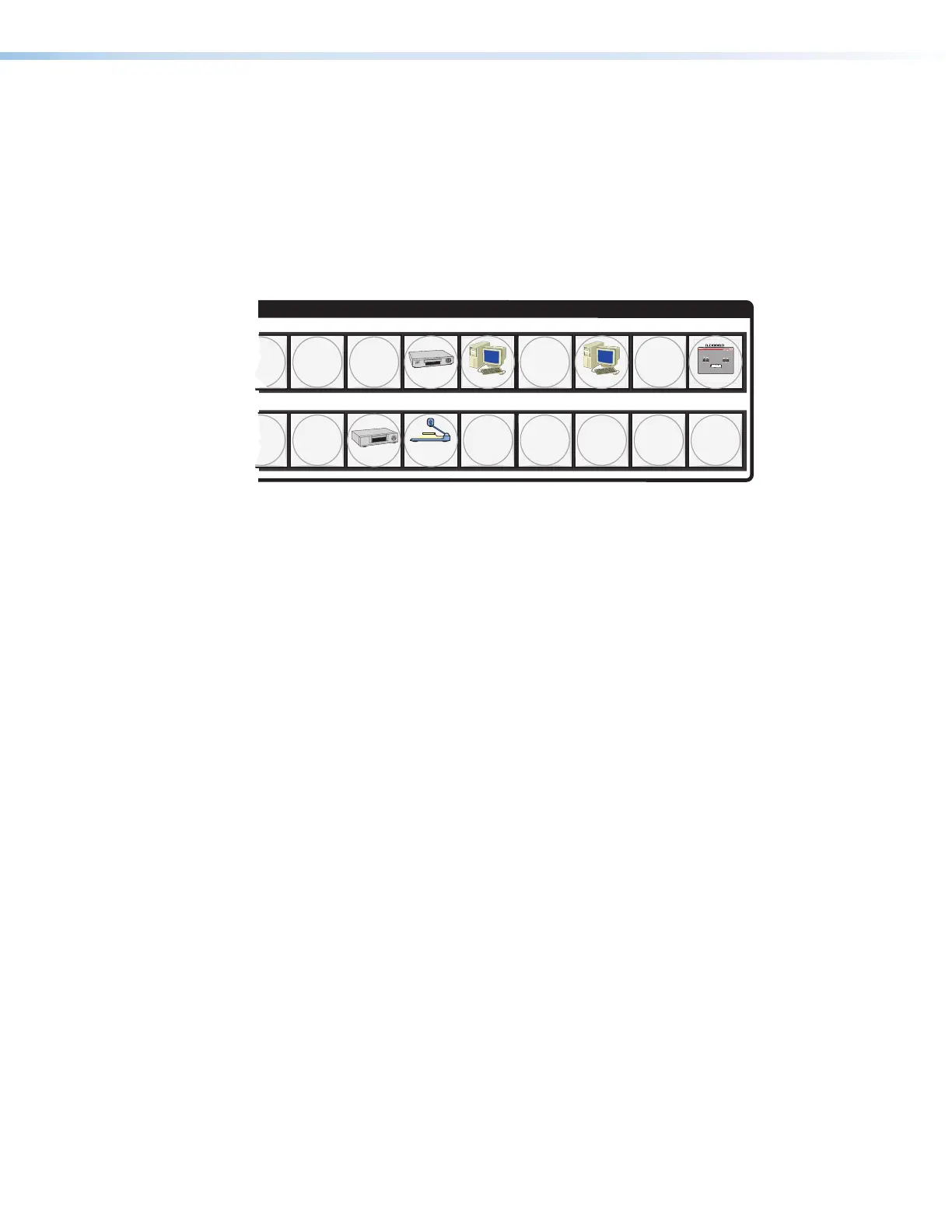
Button Icons
The numbered translucent covers on the input and output buttons can be removed and
replaced to insert labels behind the covers.
Input and output labels can be created easily with the Extron Button-Label Generator
software, which is shipped with every Extron matrix switcher. Each input and output can be
labeled with names, alphanumeric characters, or color bitmaps for easy and intuitive input
and output selection (see figure 30). See the Removing and Installing Button Labels on
page 148 for details on using the labeling software, blank labels you can fill in yourself, and
a procedure for removing and replacing the translucent covers.
INPUTS
DVD
VCR
Computer Computer
Document
Camera
VTG 200
10 13 15
2928 30
9
9
31 32
Figure 30. Sample Button Icons
Front Panel Operations
See figure 28 on page 29 or figure 29 on page 30 for front panel views.
The following sections detail the power-up process and then provide sample procedures for
the following actions:
• Creating ties, sets of ties, and configurations (see page 38)
• Changing a configuration (see page 39)
• Viewing ties, sets of ties, and configurations (see page 41)
• Saving a preset (see page 44)
• Recalling a preset (see page 45)
• Muting and unmuting outputs (see page 46)
• Viewing and adjusting the analog input audio level (see page 48)
• Viewing and adjusting the analog output volume (see page 54)
• Locking and unlocking the front panel (see page 59)
• Performing front panel resets (see page 60)
• Toggling background illumination on and off (see page 61)
• Reading and setting the Remote port settings (see page 61)



 To Next Page