XTP CrossPoint Series • HTML Operation 136
File Management Tab
File Management Page
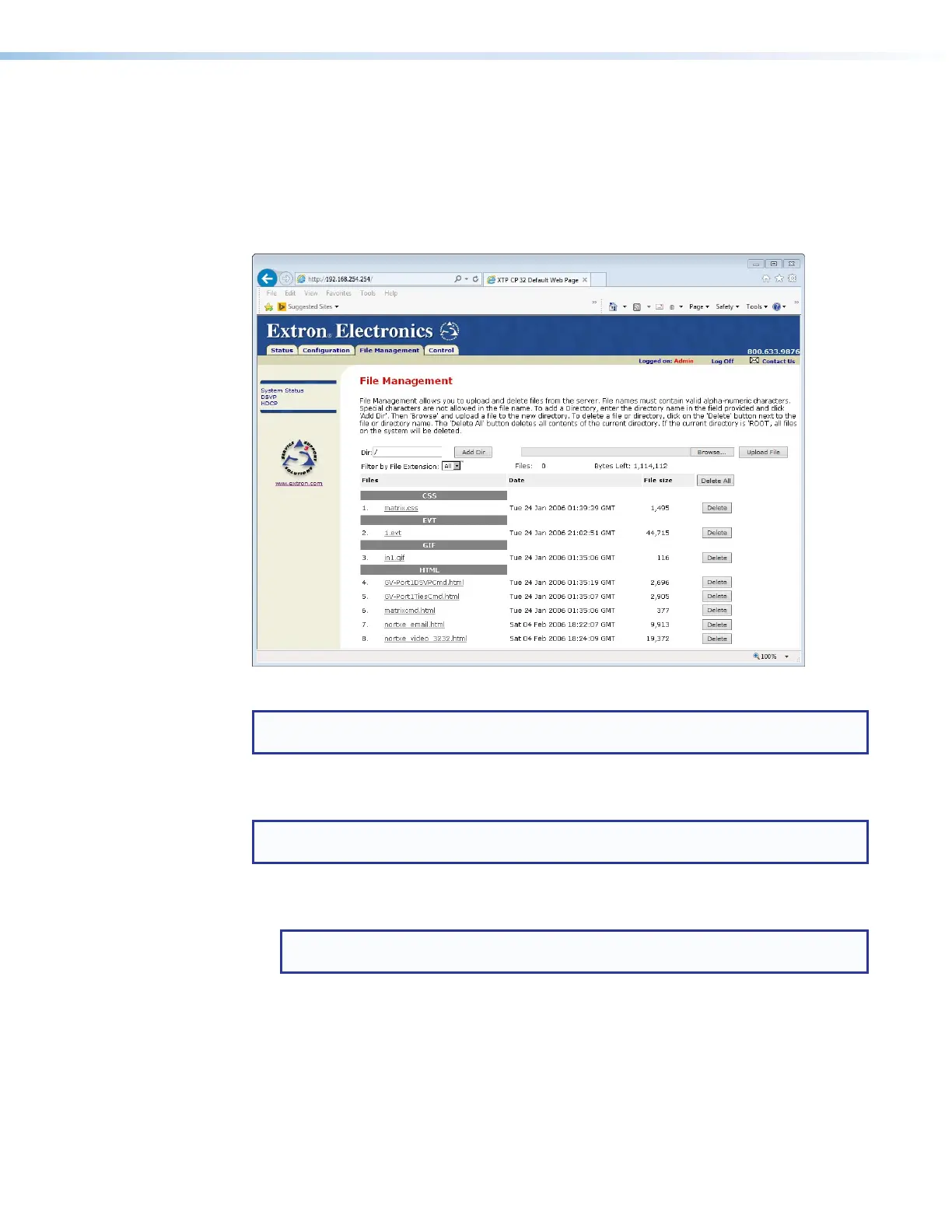
To delete files such as user-supplied HTML pages from the matrix switcher or to upload your
own files to the matrix switcher, click the File Management tab (see figure 67,
1
). The
matrix switcher downloads the File Management page.
Figure 67. File Management Page
NOTE: The files listed in figure 67 are shown for example only and may not be present
on your matrix switcher.
To delete a file, click the Delete button associated with that file (
2
).
Upload your own files as follows:
NOTE: The HTML language reserves certain characters for specific functions (see
Special Characters on page 120).
1. Click the Browse button (
3
).
2. Browse through your system and select the desired file of files.
NOTE: If you want one of the pages that you create and upload to be the default
startup page, name that file “index.html.”
3. Click the Upload File button (
4
). The file or files that you selected appear in the list.



 To Next Page