RESTRICTED USE ONLY Fargo Electronics, Inc.
DTC400 Card Printer/Encoder User Guide (Rev. 2.2)
3-25
Installing the Printer Driver (continued)
Step Procedure
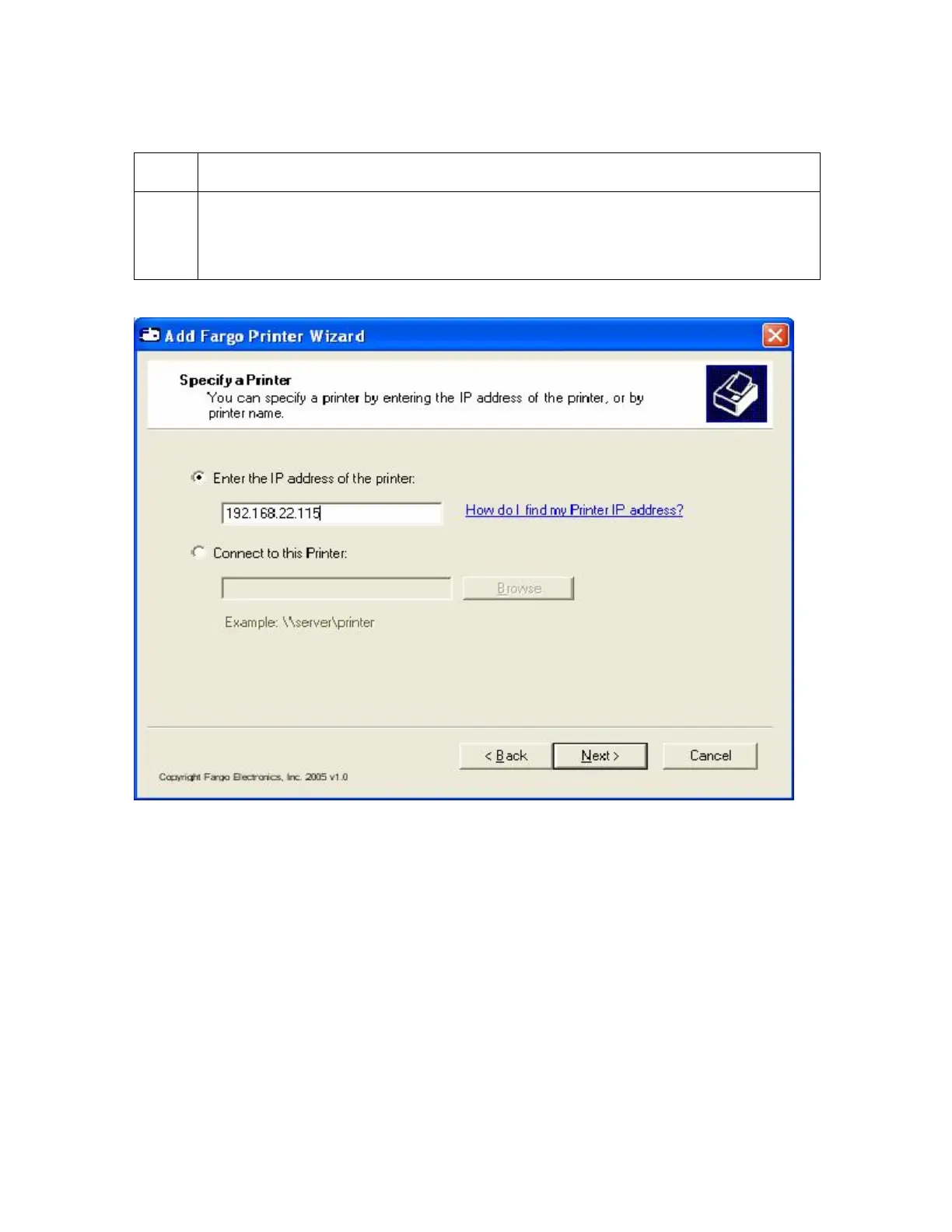
10 a. Enter the IP address of the printer. See Finding the IP Address of the
Printer for additional Information.
b. Click Next to continue.
Continued on the next page



 To Next Page