FARO
®
Laser Scanner Manual
101
Chapter 7: Controller Software
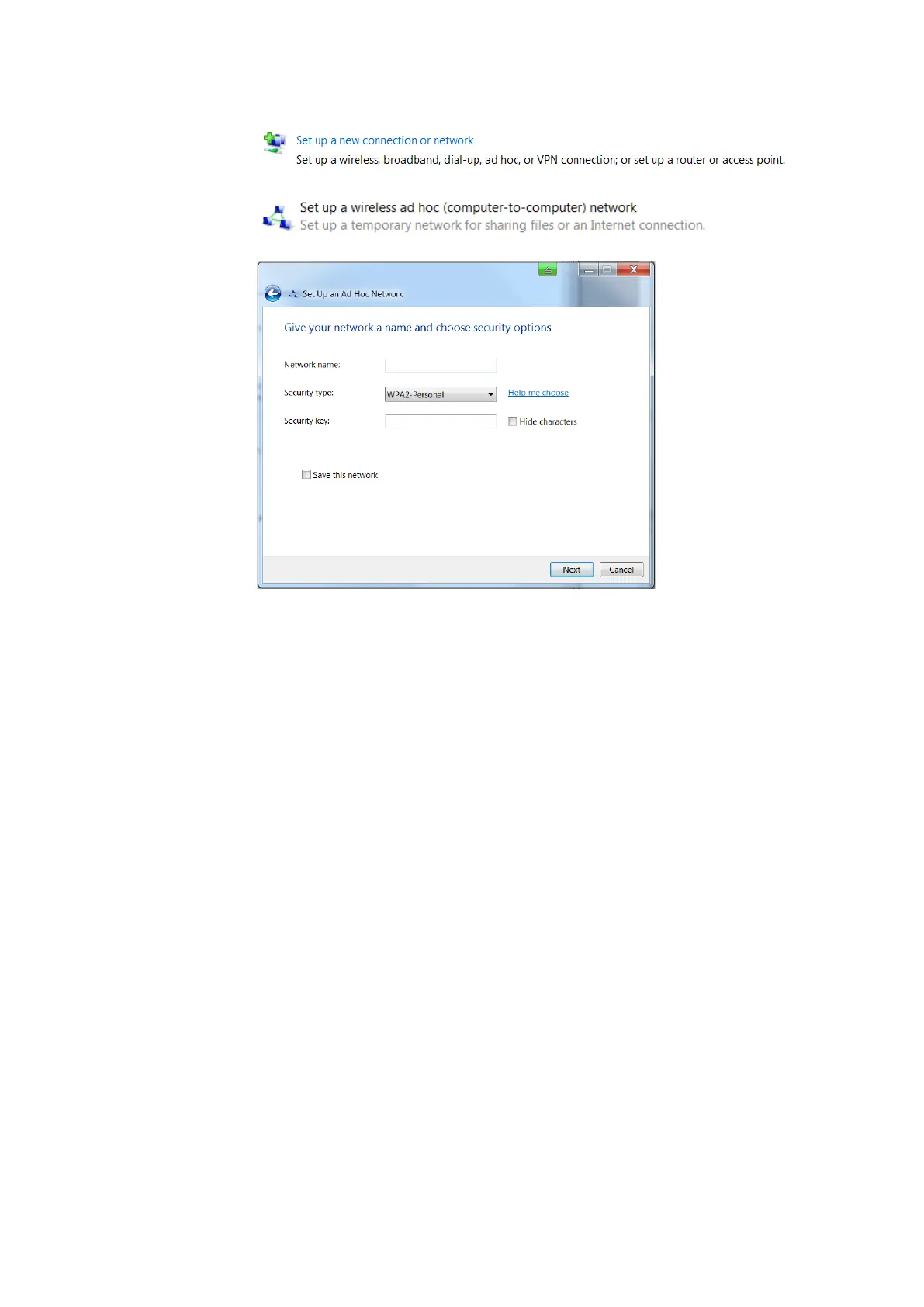
• Open Control Panel > Network and Internet > Network and Sharing Center.
• In the Internet Protocol dialog, use the option “Use the following IP
address” and provide a valid IP address and subnet mask. The IP address
and subnet mask of your notebook must be compatible with the scanner’s.
Take the IP address of the scanner and change the last number. For
example, if the scanner has 172.17.16.23, you can enter 172.17.16.100.
The subnet mask must be identical to the one of the scanner. You might
have to disconnect and connect again to get the connection working.
Open user interface
in the web browser
• When the notebook is connected to the scanner, open your web browser.
• In the address field of the web browser enter the WLAN IP address of the
scanner (for example, http://172.17.16.23 or https://172.17.16.23 for a
secure connection) to access the controller software.



 To Next Page