FARO
®
Laser Scanner Manual
112
Chapter 7: Controller Software
Pay attention to lower and uppercase when entering the folder name. Then
insert the SD card into the scanner, and tap the
Update from SD Card button.
After the update is complete the scanner might restart automatically,
depending on the nature of the updates.
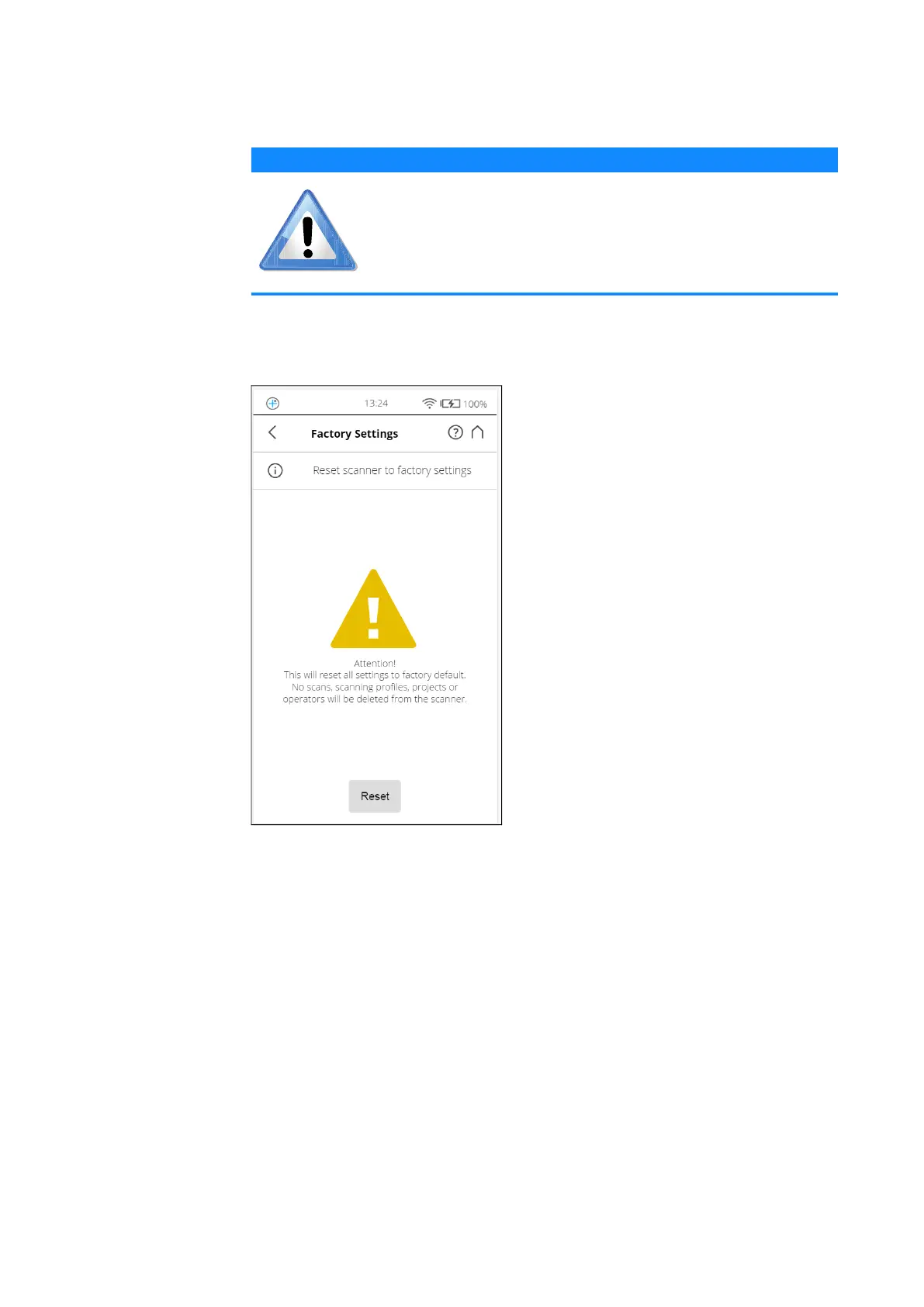
Factory Settings
Figure 7-49: Service, Reset to Factory Settings
This function will reset your scanner settings to factory default. Use this option
in exceptional cases only.
The scans, scan profiles, scan projects, and operators that are saved on the
scanner remain unaffected by this operation.
NOTICE
Risk of data loss!
Do not manually shut down or power off the scanner during
the update process!



 To Next Page