FARO
®
Laser Scanner Manual
47
Chapter 6: Getting Started
Setting Resolution and Quality
(
Home > Parameters > Resolution / Quality)
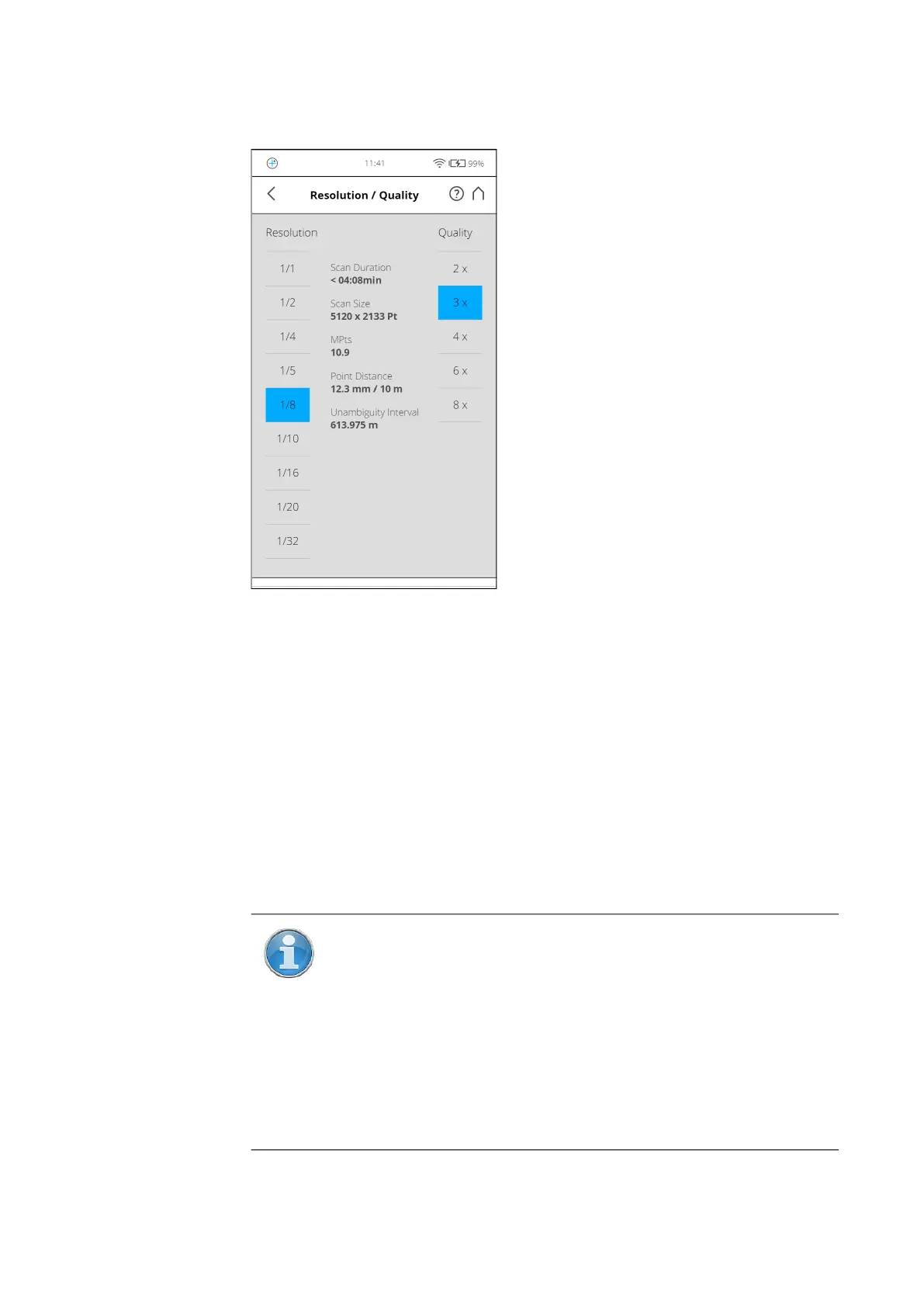
Figure 6-18: Change Scan Resolution and Quality
Resolution The resulting scan resolution. You can choose among 1/1, 1/2,
1/4, 1/5, 1/8, 1/10, 1/16, 1/20 and 1/32.
Quality Affects the quality of the scan and the scanning time at constant scan
resolutions. It allows you to balance the needs of quality and speed. If speed is
more important to you, choose a lower number. If the quality of the scan data
is more important, choose higher numbers.
The resulting Scan Duration, vertical, and horizontal scan points (Scan Size
[Pt]), as well as the resulting scan size in megapoints (MPts) will be displayed
in the middle of the view. Point Distance [mm/10 m] / [in/30 ft] is the distance
between the captured scan points in mm (in) in a scan distance of 10 meters
(30 ft).
NOTE: The unambiguity interval specifies the maximum distance
at which the scanner can accurately measure points with the
selected settings. For technical reasons, points created for objects
farther than this distance appear much closer to the scanner than
the objects actually are.
If this happens, you can remove the points later using SCENE
software, but this can be time-consuming. It’s better to choose a
combination of resolution and quality with an unambiguity interval
that is larger than the most distant object that you plan to scan.



 To Next Page