FARO
®
Laser Scanner Manual
46
Chapter 6: Getting Started
Advanced Settings - Enable or disable the Clear Contour and Clear Sky
filters. Enable or disable the Far Distance.
Scan Size [Pt] - Shows the size of the scan in points horizontally x vertically.
The vertical size may only be changed by setting a new resolution or by
changing the scan area angle.
Scan Duration, Scan File Size - Expected scan time and file size in
Megabytes according to the chosen settings including preprocessing and
postprocessing, resolution, selected exposure metering, scan area, quality
value, and scan range. Note that the values shown here are approximate
values.
Selecting a Scan Profile
(
Home > Parameters > Selected Profile)
Prior to capturing a scan, you can select a scan profile that fits the needs of
the scene and the desired scan quality.
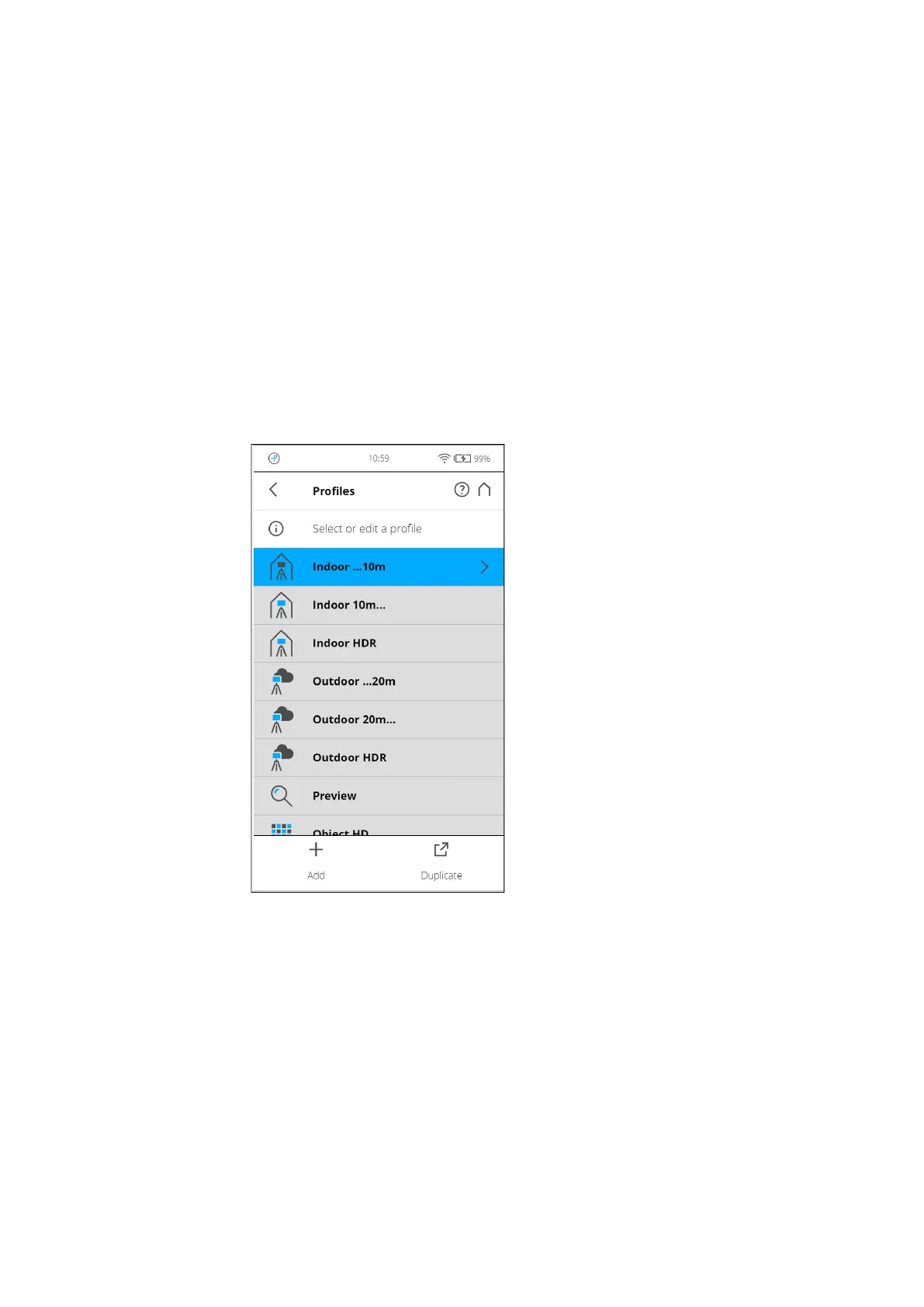
Figure 6-17: Select a Profile
This view shows a list of all available scan profiles. This list contains factory
predefined profiles that are read-only and custom profiles that can be created
and manipulated under Manage > Profiles.
See Factory Settings on page 112 for an overview of the available factory
predefined scan profiles. For more information, see Selected Profile on
page 65.
Select a profile by tapping the corresponding button. The selected profile will
be highlighted.



 To Next Page