FARO
®
Laser Scanner Manual
95
Chapter 7: Controller Software
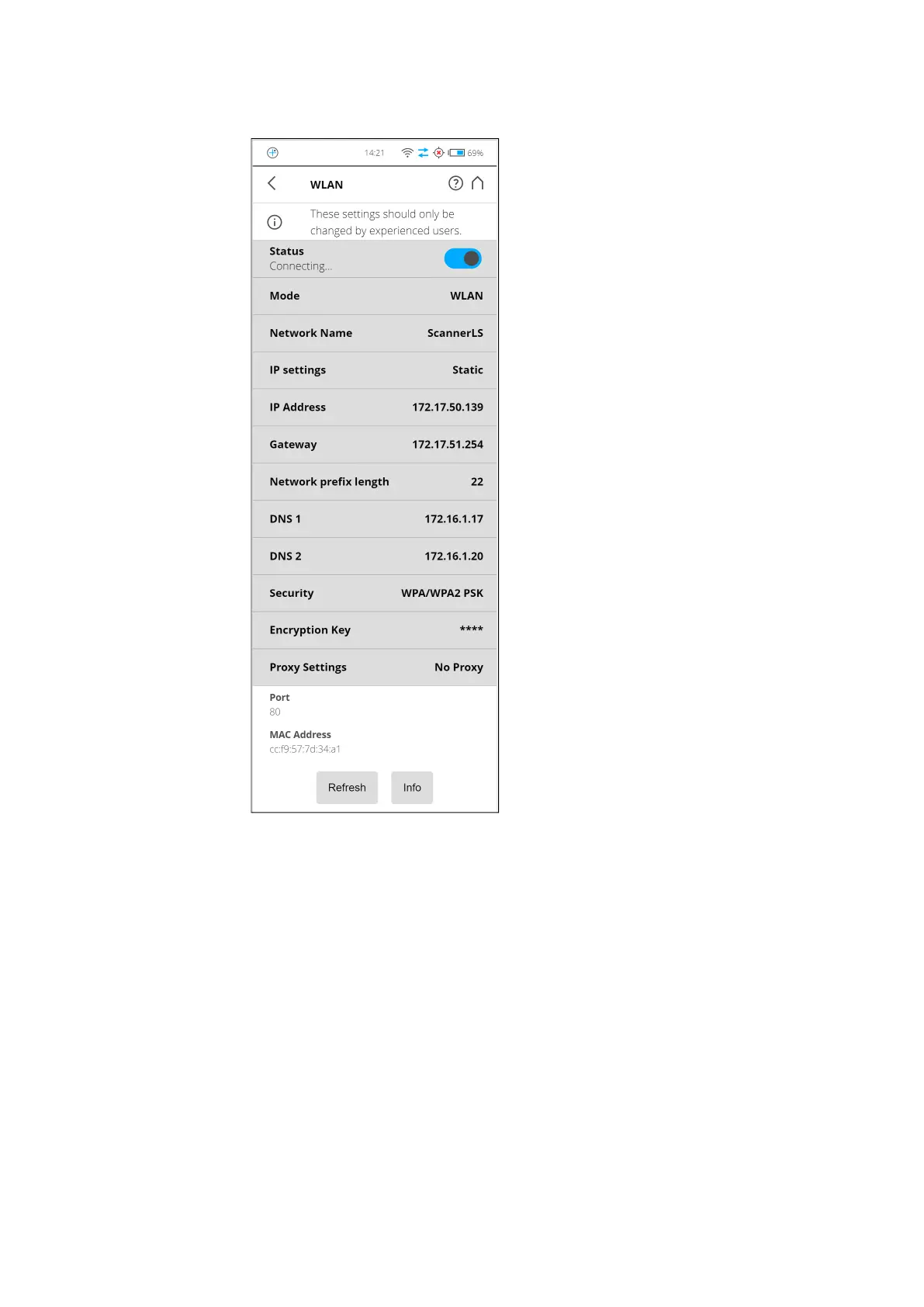
WLAN The WLAN interface can be used for remote connections, especially if your
scanner is not equipped with an automation interface connection.
Figure 7-35: WLAN Settings
The scanner has an integrated WLAN module that allows you to remotely
connect to the scanner with portable devices, such as notebooks, PDAs or
tablet computers. Connect your remote device to the scanner through WLAN,
and remotely access the scanner user interface with a standard web browser.
The WLAN option also provides remote access to the scan files on the
scanner SD memory card.



 To Next Page