FARO
®
Laser Scanner Manual
96
Chapter 7: Controller Software
It is possible to turn WLAN off from a remote interface. Since this might
disable the connection to the remote interface, a warning is displayed.
Status
Tap this button to turn ON or OFF. Indicates if WLAN is available. If WLAN is
not needed, it is recommended to turn it off.
Note that changes to the WLAN settings are only possible if WLAN is turned
off.
Two different WLAN operating modes are possible:
• WLAN: This setting is also known as infrastructure mode. The network is
configured such that the scanner can connect to an external access point.
Data transfer rates depend on the network and can reach 150 Mbit/s.
• Access Point: The scanner network is configured as an access point. The
data transfer rate is limited to 54 Mbit/s.
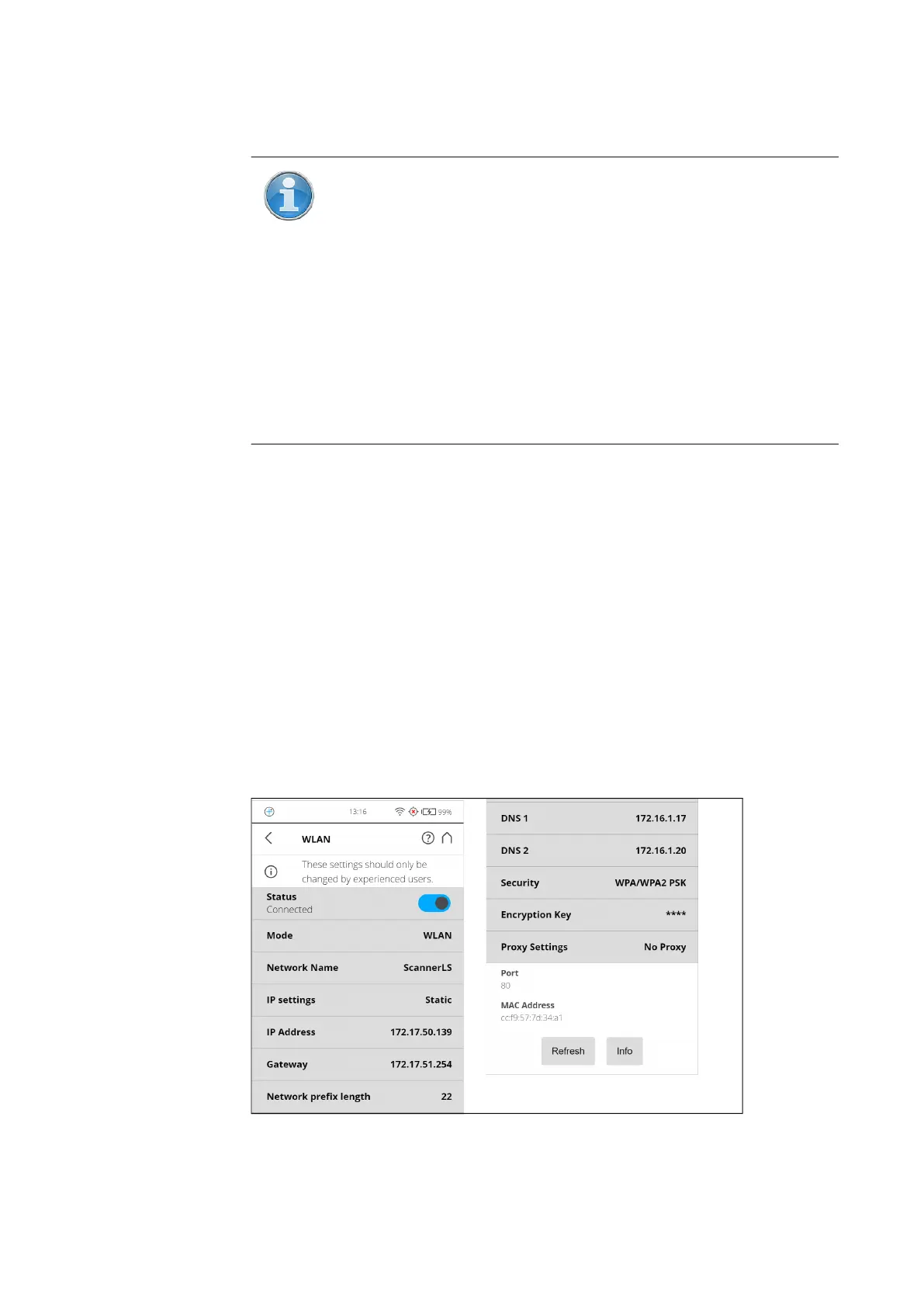
WLAN Mode
Scanner Settings
Figure 7-36: WLAN Mode
NOTE: The scanner user-interface can be accessed through the
following desktop browsers: Chrome, Mozilla Firefox, Safari,
Opera, Internet Explorer (Version 11). The WLAN option also
provides remote access to the scan files on the inserted SD card if
Remote Access to Scans is enabled on the “General Settings”
page.
Mobile browsers: Android Chrome, Android Browser, IOS
Safari.WLAN settings can only be modified on the scanner user
interface, and not with the remote interface.
Changes to the WLAN settings are only possible if WLAN is turned
off.



 To Next Page