FARO
®
Laser Scanner Manual
99
Chapter 7: Controller Software
• Manual: Use a manually configured proxy. Configuration includes:
• Host: The host name (or IP address) of the proxy server.
• Port: The port through which to connect to the proxy server.
• Exclusion List: A comma-separated list of hosts for which no proxy will
be used.
• User Name: The user name used to log in to the proxy server (if
required).
• Password: The password used to log in to the proxy server (if required).
Refresh
Tap this button to refresh the WLAN settings displayed in this screen.
Reset
Tap this button to reset the WLAN settings to default.
If a connection cannot be established, the status will turn off immediately after
the message “Enabling” is displayed. Check especially the Network Name and
the Encryption Key when a connection in WLAN mode must be established.
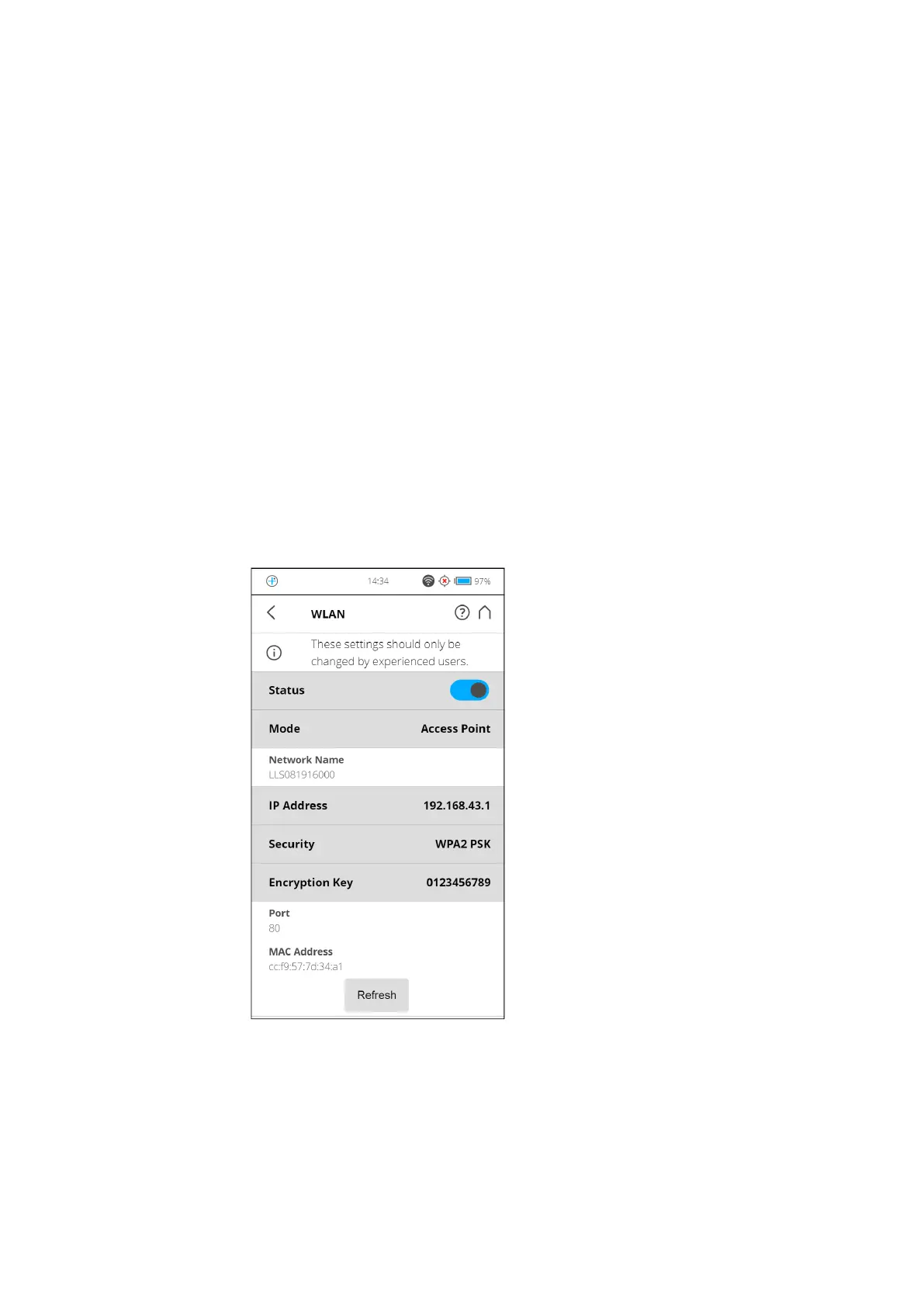
Access Point Mode
Settings
Figure 7-39: Access Point Mode Settings
The following section describes the additional or special settings for Access
Point Mode.



 To Next Page