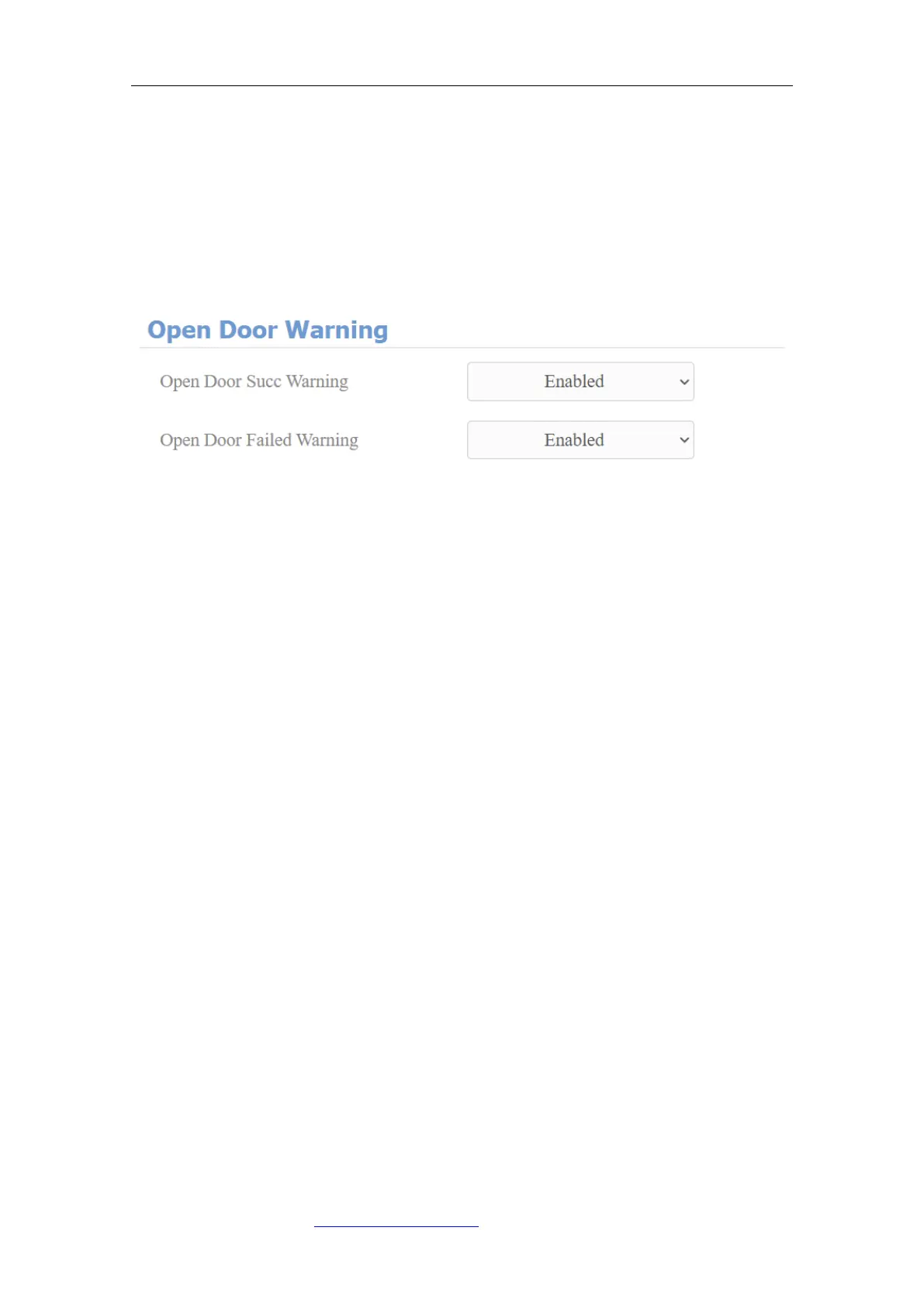
7.1.1. Open Door Tone Configuration
You can not only enable or disable the Open Door Tone but also controls the
prompt words that accompany the tone on the web Phone > Voice > Open Door
Warning interface.
Parameters Set-up:
⚫ Open Door Success Warning: click the field Enabled or Disabled depending
on if you want to hear the prompt words that accompany that Open Door
Success tone.
⚫ Open Door Failed Warning: click the field Enabled or Disabled depending
on if you want to hear the prompt words that accompany that Open Door
Failed tone.
7.1.2. Upload Tone Files
You can configure door phone ringback tone and other tones related to the door
opening.
7.1.2.1. Upload Ringback Tone
You can customize the ringback tone if you need. Please follow the prompt
about the file size and format. On the web, navigate to Phone > Voice >
Ringback Tone.



 To Next Page