19.3. AutoP Schedule
Fasttel provides you with different Autop methods that enable the door phone
to perform provisioning for itself at a specific time according to your schedule.
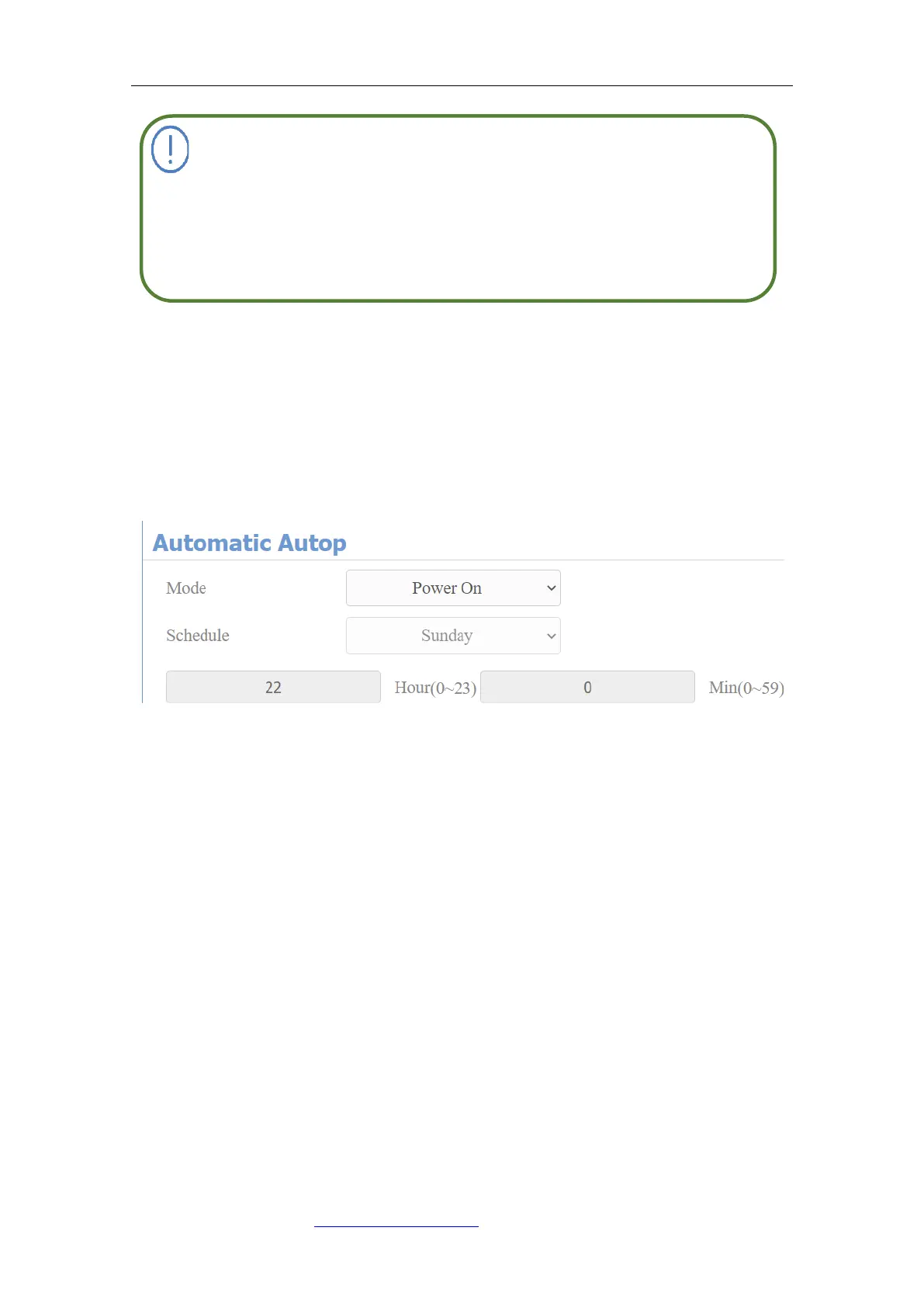
Parameter Set-up:
⚫ Mode: select “Power on”, “Repeatedly”, “Power On + Repeatedly”, “Hourly
Repeat” as your Autop schedule.
Select “Power on”, if you want the device to perform Autop every time it
boots up.
Select “Repeatedly”, if you want the device to perform Autop according to
the schedule you set up.
Select “Power On + Repeatedly”, if you want to combine Power On Mode
and Repeatedly mode that will enable the device to perform Autop every
time it boots up or according to the schedule you set up.
Select “Hourly Repeat”, if you want the device to perform Autop every hour.
19.4. PNP Configuration
Plug and Play (PNP) is a combination of hardware and software support that
If a server has these two types of configuration files, then IP devices
will first access the general configuration files before accessing the



 To Next Page