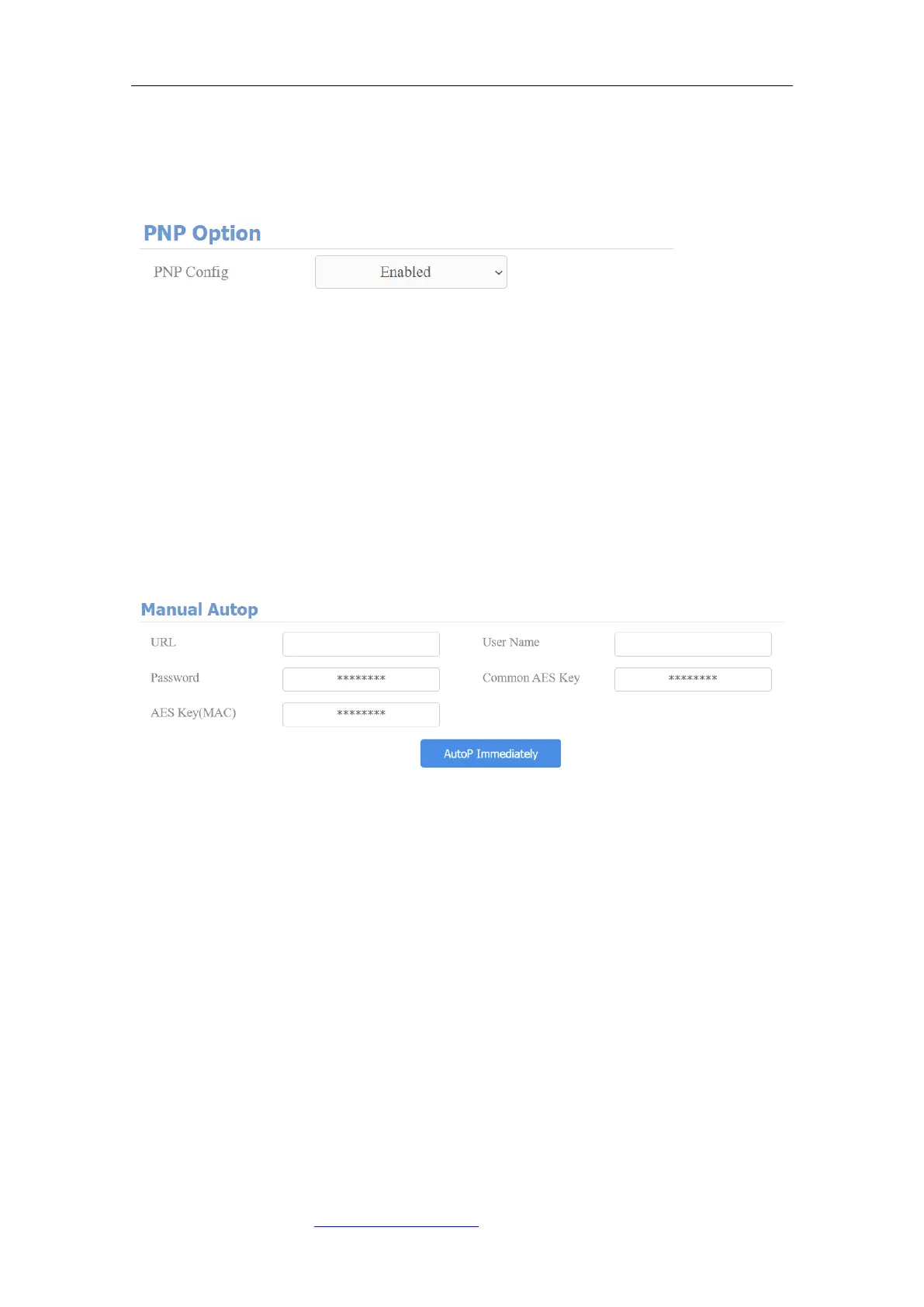
enables a computer system to recognize and adapt to hardware
configuration changes with little or no intervention by a user. To do this
configuration on web Upgrade > Advanced > PNP Option interface.
19.5. Static Provisioning Configuration
You can manually set up a specific server URL for downloading the firmware or
configuration file. If an autop schedule is set up, the door phone will perform
the auto provisioning on a specific timing according to Autop schedule you set
up. In addition,TFTP, FTP, HTTP, and HTTPS are the protocols that can be used
for upgrading the device firmware and configuration.
Parameter set-up:
⚫ URL: set up tftp,http,https,ftp server address for the provisioning
⚫ User Name: set up a user name if the server needs a user name be
accessed to otherwise leave it blank.
⚫ Password: set up a password if the server needs a password be accessed
to otherwise leave it blank.
⚫ Common AES Key: set up AES code for the intercom to decipher the general
Auto Provisioning configuration files.
⚫ AES Key (MAC): set up AES code for the intercom to decipher the MAC-
based auto provisioning configuration file.



 To Next Page