⚫ DTMF: set the 1-digt DTMF code within range from ( 0-9 and *,#).
⚫ Multiple DTMF: set the DTMF code according to the DMTP Option setting.
For example, you are required to set the 3-digits DTMF code if DTMF Mode
is set as 3-digits.
⚫ Relay Status: relay status is low by default which means normally
closed(NC) If the relay status is high, then it is in Normally Open status(NO).
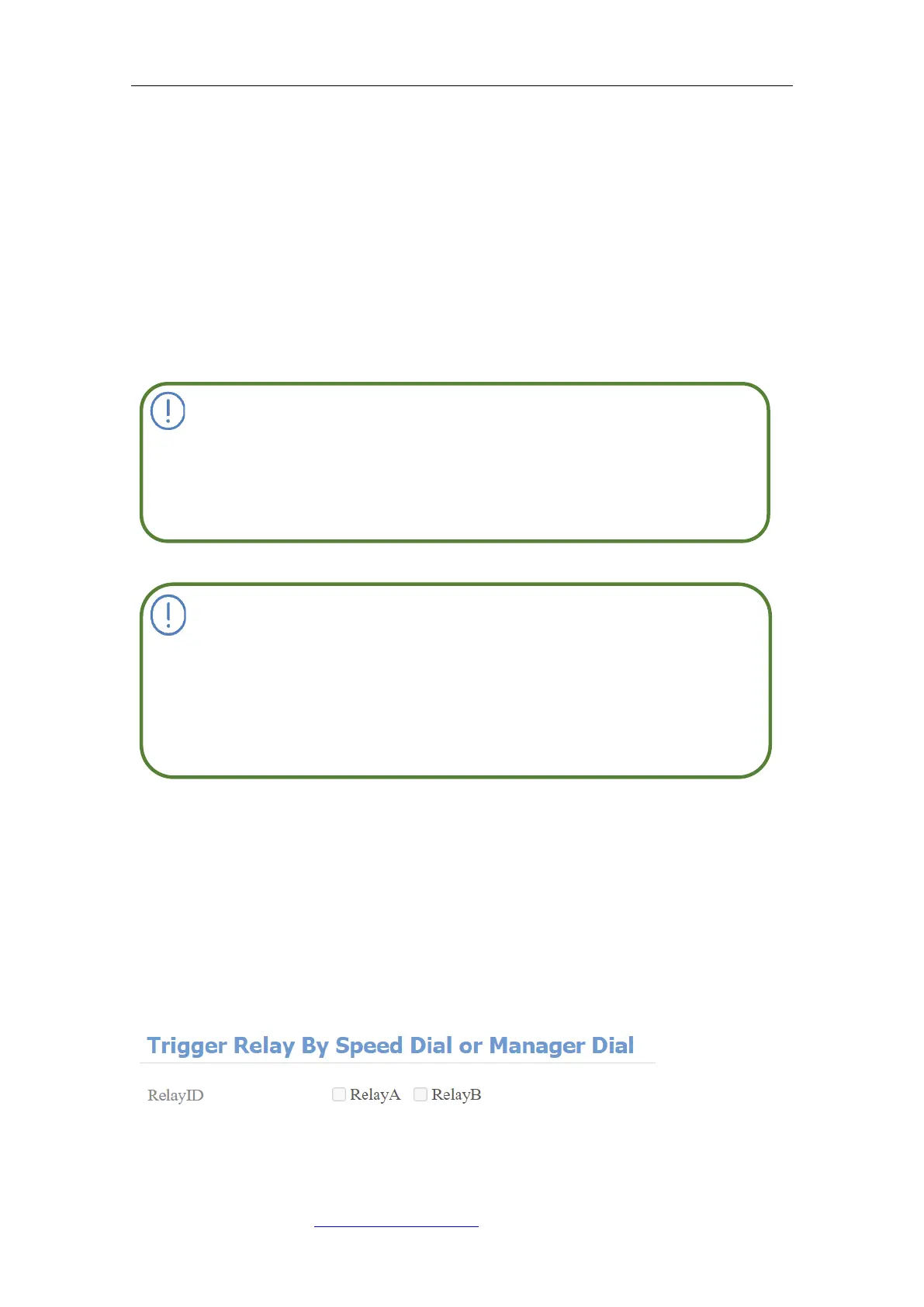
11.2. Select Speed Dial triggered Relay
This function is used to trigger a relay when you initiate the speed dial numbers.
To do this configuration on the web Intercom > Basic>Trigger Relay Of Speed
Dial interface.
Parameters Set-up:
Only the external devices connected to the relay switch need to be
powered by power adapters as the relay switch does not supply
power.
⚫
If DTMF mode is set as “1 Digit DTMF”, you cannot edit DTMF code
in 2~4 Digits DTMF field. And if you set DTMF mode from 2-4 in 2~4
Digits DTMF” field, you can not edit DTMF code in 1 Digit DTMF



 To Next Page