alternate server when the primary DNS server is unavailable.
8.3. Device Deployment in Network
Door phones should be deployed before they can be properly configured in the
network environment in terms of their location, operation mode, address and
extension numbers as opposed to other devices for device control and the
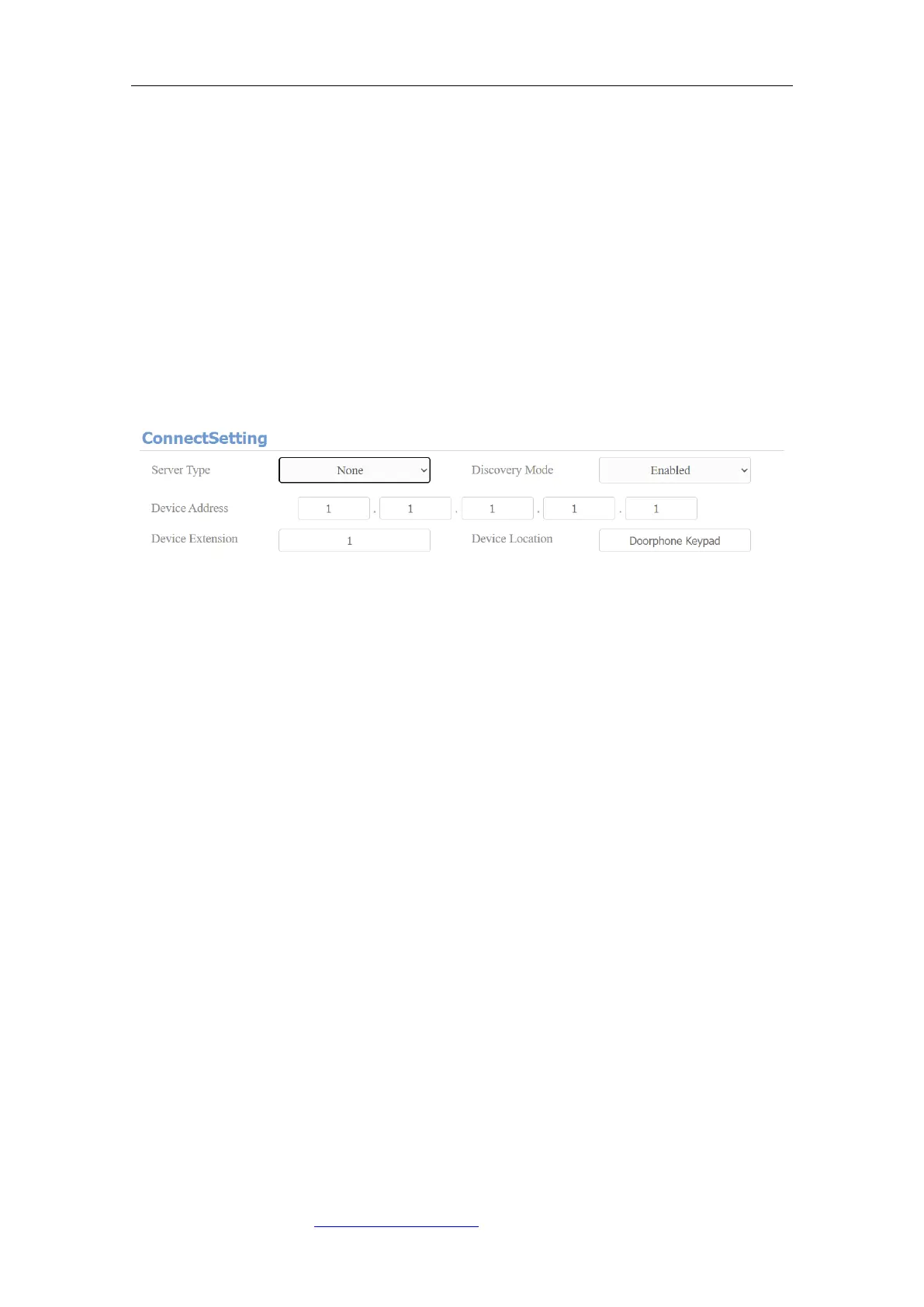
convenience of the management. So you can do it on web Network > Advanced >
Connect Setting interface.
Parameter Set-up:
⚫ Server Type: it is automatically set up according to the actual device
connection with a specific server in the network such as SDMC or Cloud
and None. None is the default factory setting indicating the device is not in
any server type, therefore you are allowed to choose Cloud, SMDC in
discovery mode.
⚫ Discovery Mode: click “Enable” to turn on the discovery mode of the device
so that it can be discovered by other devices in the network, and click
“Disable” if you want to conceal the device so as not to be discovered by
other devices.
⚫ Device Address: specify the device address by entering device location
information from the left to the right: Community, Unit, Stair, Floor, Room
in sequence. (not for FT600(K)SIP)
⚫ Device extension: enter the device extension number for the device you
installed. (not for FT600(K)SIP)
⚫ Device Location: enter the location in which the device is installed and used.



 To Next Page