⚫ Relay ID: choose the relay you need to set up.
⚫ Schedule Enable: it is disabled by default. Only choose to enable it, that you
can select the schedule. Not yet available for FT600K.For creating the
schedule please refer to chapter 13.1.2.
12.1.2. Create Door Access Schedule
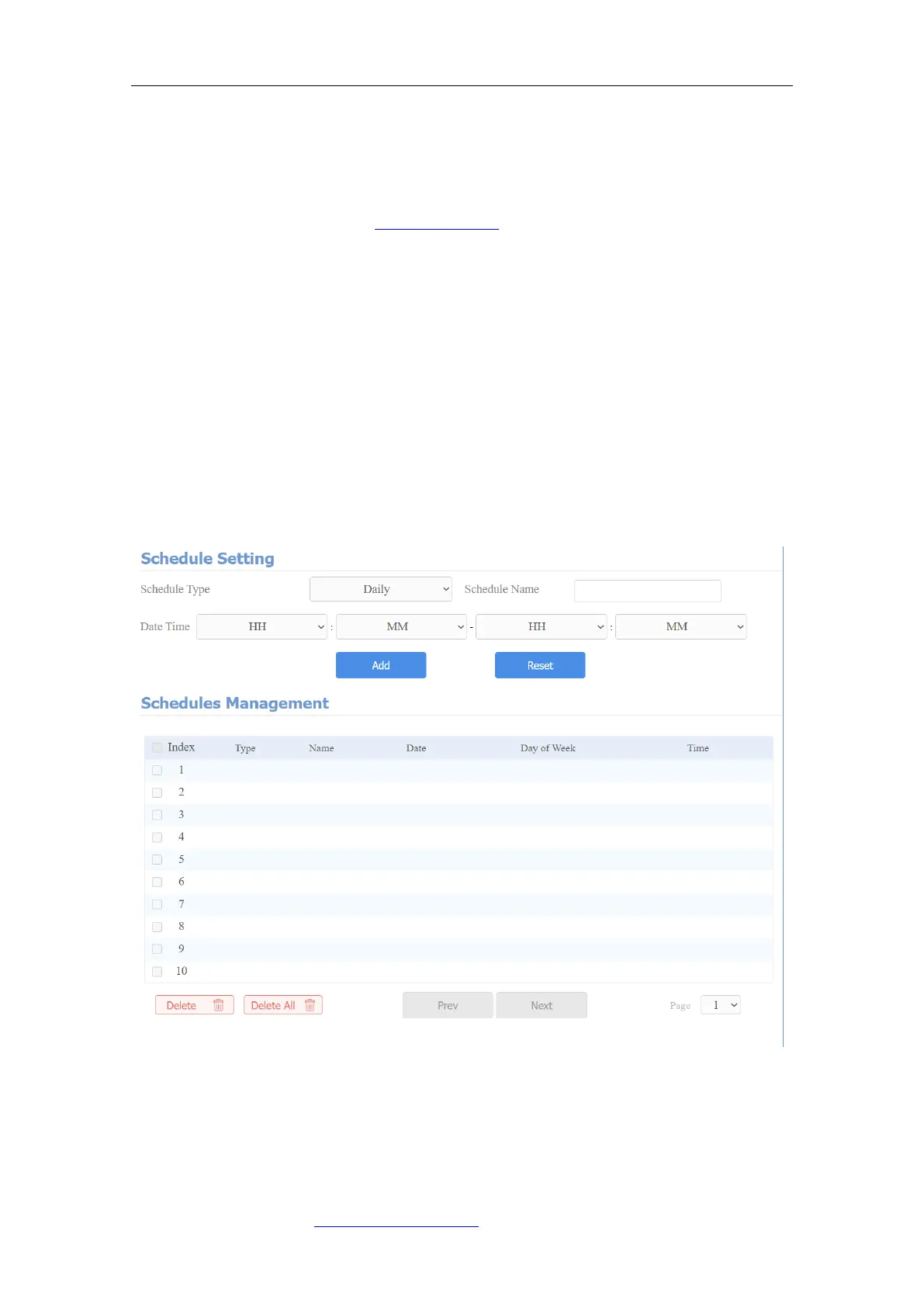
You can create the door access schedule on a daily, weekly, and monthly basis,
and you can also create a schedule that allows you to plan for a longer period
of time in addition to running the door access schedule on a daily or monthly
basis. To do this configuration on web Intercom > Schedules interface.
To create a daily schedule, you can do as follows:
Parameters Set-up:
⚫ Schedule Type: set the type of time period. There are three types to choose
from: Daily, Weekly, and Normal. The default is Daily.



 To Next Page