Parameter Set-up:
⚫ NACK Enabled: enable the NACK. It can be used to prevent loosing data
packet in the weak network environment when discontinued and mosaic
video image occurred.
14.3. ONVIF
Real-time video from the door phone camera can be searched and obtained by
the Fasttel indoor monitor or by third party devices such as NVR (Network
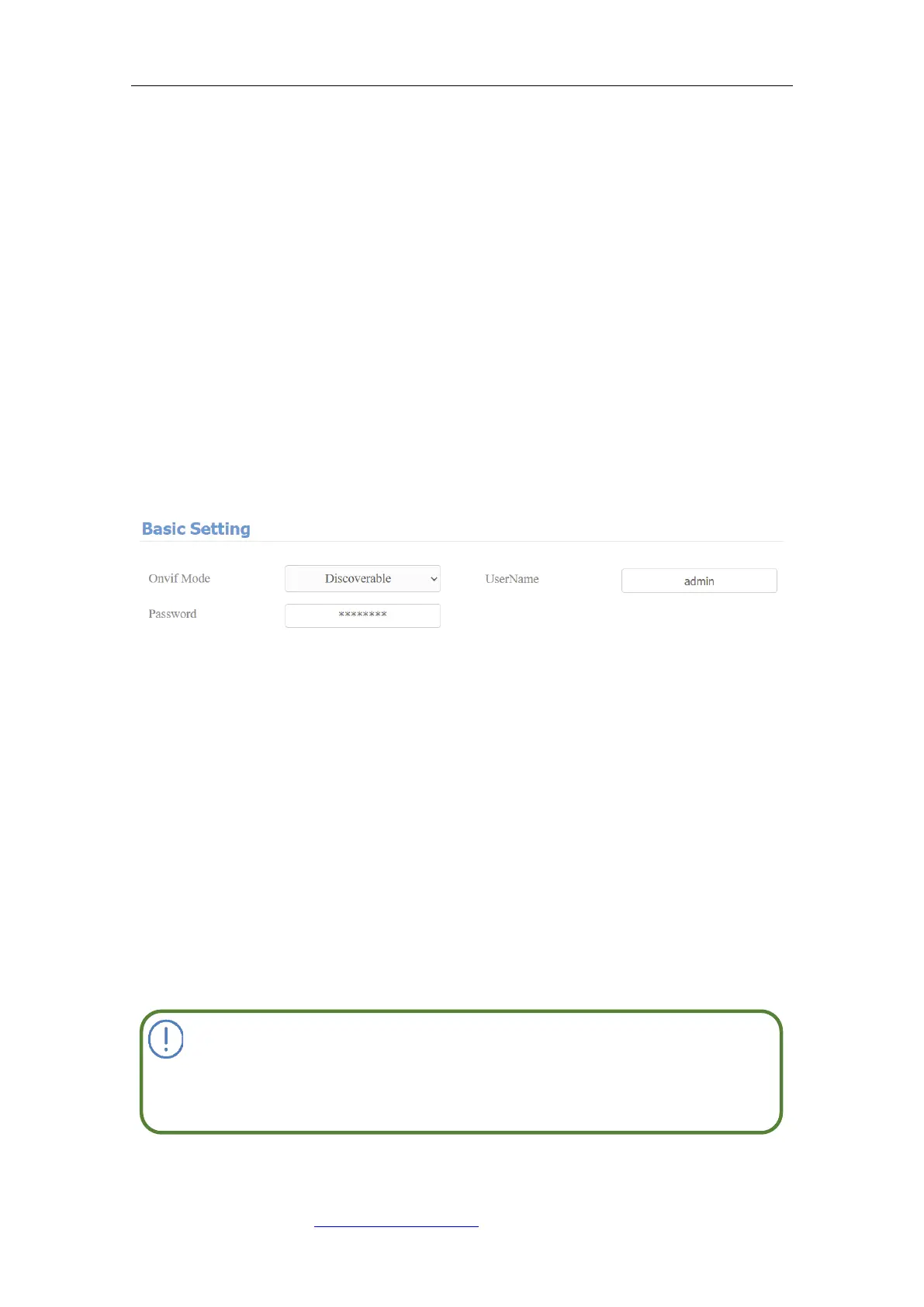
Video Recorder) you can configure the ONVIF function on the web Intercom >
ONVIF interface so that other devices will be able to see the video from the door
phone.
Parameter Set-up:
⚫ Discoverable: tick the check box to enable the Discoverable ONVIF mode.
If you select “Discoverable” then the video from the door phone camera can
be searched by other devices.
⚫ User Name: enter the user name. The user name is “admin” by default.
⚫ Password: enter the password. The password is “admin” by default.
After the setting is complete, you can enter the ONVIF URL on the third party
device to view the video stream.
For example: http://IP address:80/onvif/device_service



 To Next Page