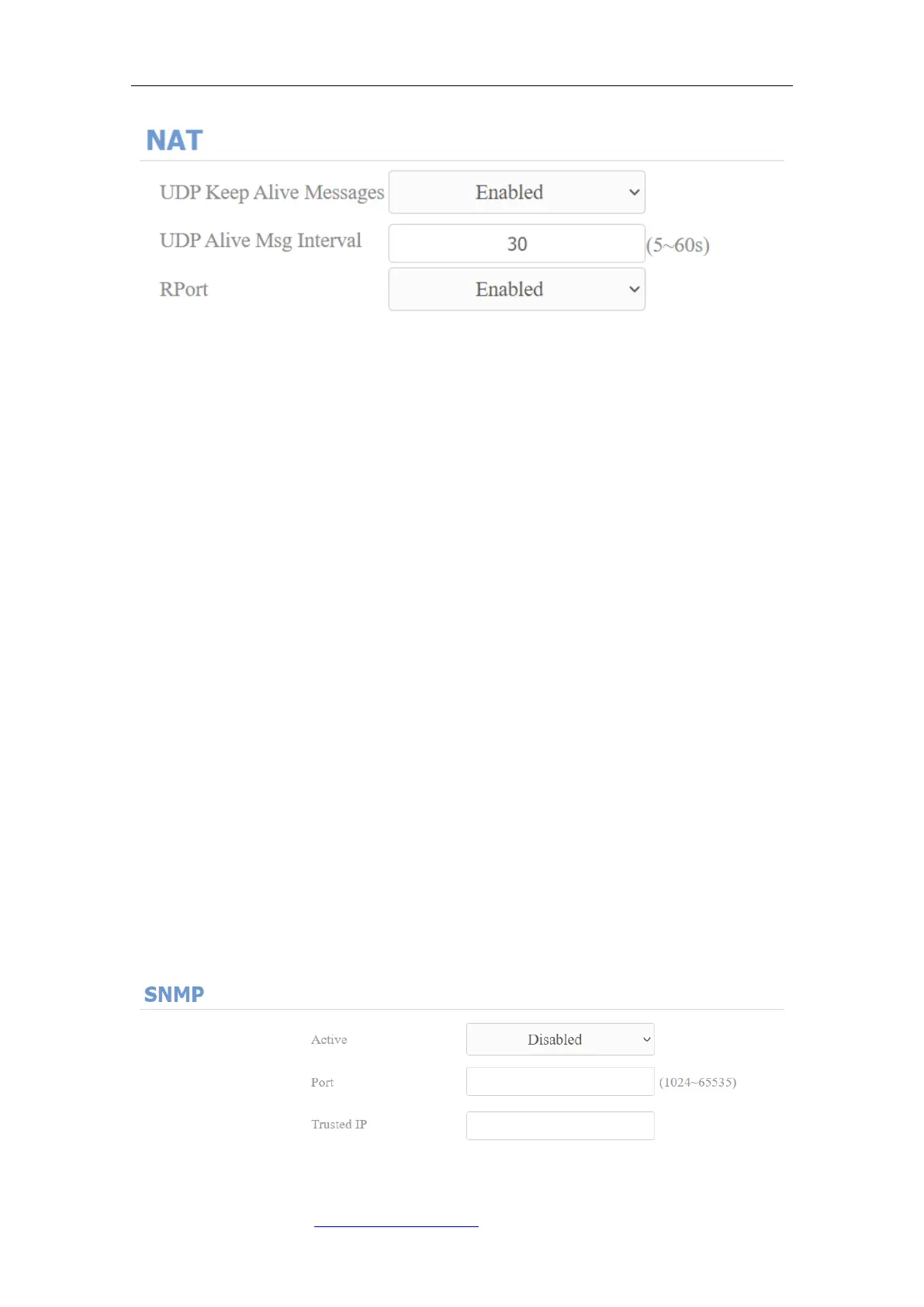
Parameter Set-up:
⚫ UDP Keep Alive Messages: if enabled, the device will send out the message
to the SIP server so that SIP server will recognize if the device is in online
status.
⚫ UDP Alive Msg Interval: set the message sending time interval from 5-60
seconds, the default is 30 seconds.
⚫ RPort: enable the RPort when the SIP server is in WAN (Wide Area Network).
8.6. SNMP Setting
SNMP (Simple Network Management Protocol) is an Internet-standard
protocol for managing devices on IP networks. SNMP is widely used in network
management system to monitor network-attached devices for conditions that
may draw network administrative attention. SNMP exposes management data
in the form of variables on the managed systems, which describe the system
configuration. These variables can then be queried by managing applications.
These variables accessible via SNMP are organized in hierarchies, which are
described by Management Information Bases (MIBs). To do the configuration
on the web Network > Advanced > SNMP interface.
Parameter Set-up:



 To Next Page