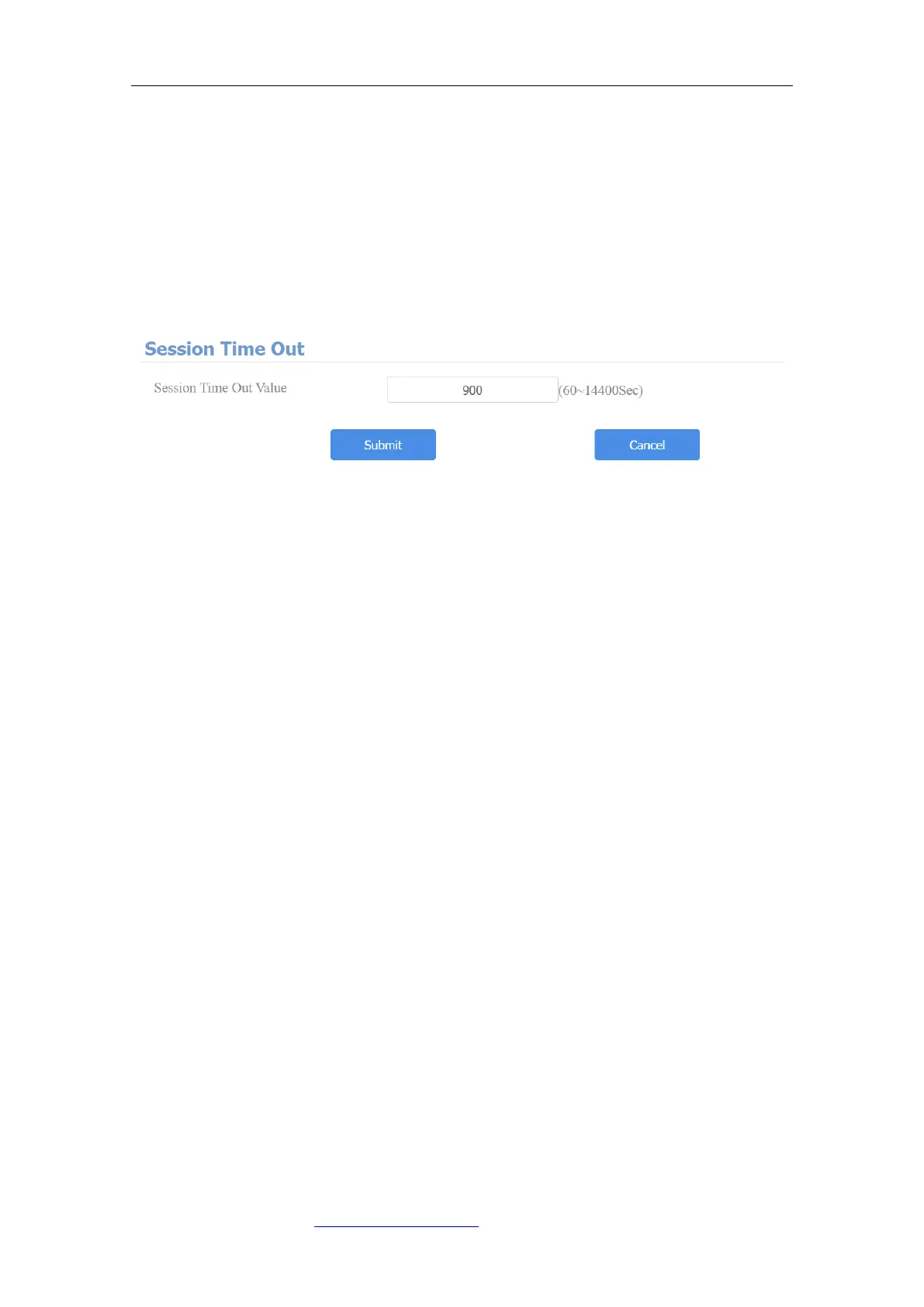
21.2. Configure Web Interface Automatic Logout
It is a protection design. When there is no operation on the website and when
the Session Time Out Value time is reached, the website will automatically log
out. To do the configuration on the web Security > Basic > Session Time Out
interface.
Parameters Set-up:
⚫ Session Time Out Value: the range from 60 to 14400 sec. If there is no
operation over time, you need to log in the website again.



 To Next Page